Error
Code
Details of Error code
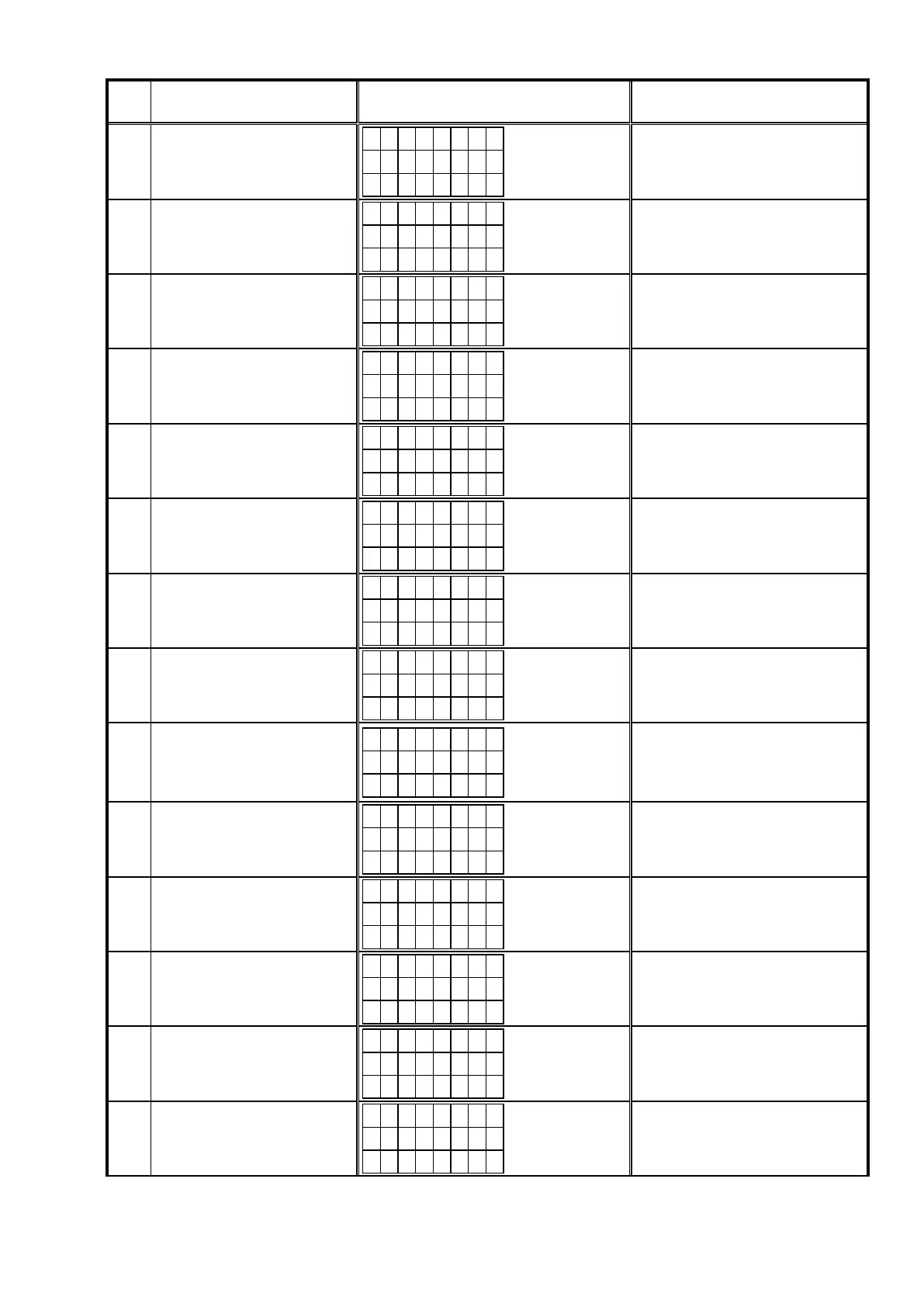
Display
(Eight digits or more are the scrolling displays.)
Coping strategies
85
Receiving
rmwareforrewriting
serialashsentbyDM860Afailed
(when invalid data was received).
G U I 8 5
U p d a t i n g
f a i l e d
Turn off and on the power.
Updating starts automatically.
86
Thedatavericationwasinvalid
afterserialashwasrewritten.
G U I 8 6
U p d a t i n g
f a i l e d
Turn off and on the power.
Updating starts automatically.
A0
Acquisition of (Application Mode) IP
address failed before DM860A was
rewritten (AutoIP).
E I M G A 0
C o n n e c t
f a i l e d
Check the network connection.
Carry out the update in an environment
that has little network load.
A1
Acquisition of (Application Mode) IP
address failed before DM860A was
rewritten (when timed out).
E I M G A 1
C o n n e c t
f a i l e d
Check the network connection.
Carry out the update in an environment
that has little network load.
A2
Invalid login via DPMS access
wasnotiedwhenDM860Arelated
rmwarewasrewritten(Application
Mode).
E I M G A 2
L o g i n
f a i l e d
Check the network connection.
Carry out the update in an environment
that has little network load.
A3
Line congestion via DPMS access
wasnotiedwhenDM860Arelated
rmwarewasrewritten(Application
Mode).
E I M G A 3
S e r v e r
i s b u s y
Check the network connection.
Carry out the update in an environment
that has little network load.
A4
Connection failure via DPMS
accesswasnotiedwhenDM860A
relatedrmwarewasrewritten
(Application Mode).
E I M G A 4
C o n n e c t
f a i l e d
Check the network connection.
Carry out the update in an environment
that has little network load.
A6
Firmware data error message was
received after DPMS login when
DM860Arelatedrmwarewas
rewritten (Application Mode).
E I M G A 6
U p d a t i n g
f a i l e d
Turn off and on the power.
Updating starts automatically.
Carry out the update in an environment
that has little network load.
A7
WhenDM860Arelatedrmware
was rewritten (Application Mode),
requestwasmadeforrmwaredata
after DPMS login but it timed out.
E I M G A 7
U p d a t i n g
f a i l e d
Turn off and on the power.
Updating starts automatically.
Carry out the update in an environment
that has little network load.
AE
Firmware download error message
received (when download fails)
whenDM860Arelatedrmwarewas
rewritten (Boot Loader Mode).
E I M G A E
D o w n l o a d
f a i l e d
Turn off and on the power.
Updating starts automatically.
Carry out the update in an environment
that has little network load.
AF
Firmware download error message
received (line congestion) when
DM860Arelatedrmwarewas
rewritten (Boot Loader Mode).
E I M G A F
D o w n l o a d
f a i l e d
Turn off and on the power.
Updating starts automatically.
Carry out the update in an environment
that has little network load.
B0
Firmware download error message
received (connection failure) when
DM860Arelatedrmwarewas
rewritten (Boot Loader Mode).
E I M G B 0
D o w n l o a d
f a i l e d
Turn off and on the power.
Updating starts automatically.
Carry out the update in an environment
that has little network load.
B1
DM860Arelatedrmwaredownload
error message. (Timeout failure)
E I M G B 1
D o w n l o a d
f a i l e d
Turn off and on the power.
Updating starts automatically.
Carry out the update in an environment
that has little network load.
B2
Error message received when
DM860Arelatedrmwarewas
rewritten.
E I M G B 2
U p d a t i n g
f a i l e d
Turn off and on the power.
Updating starts automatically.
Carry out the update in an environment
that has little network load.
65



 To Next Page