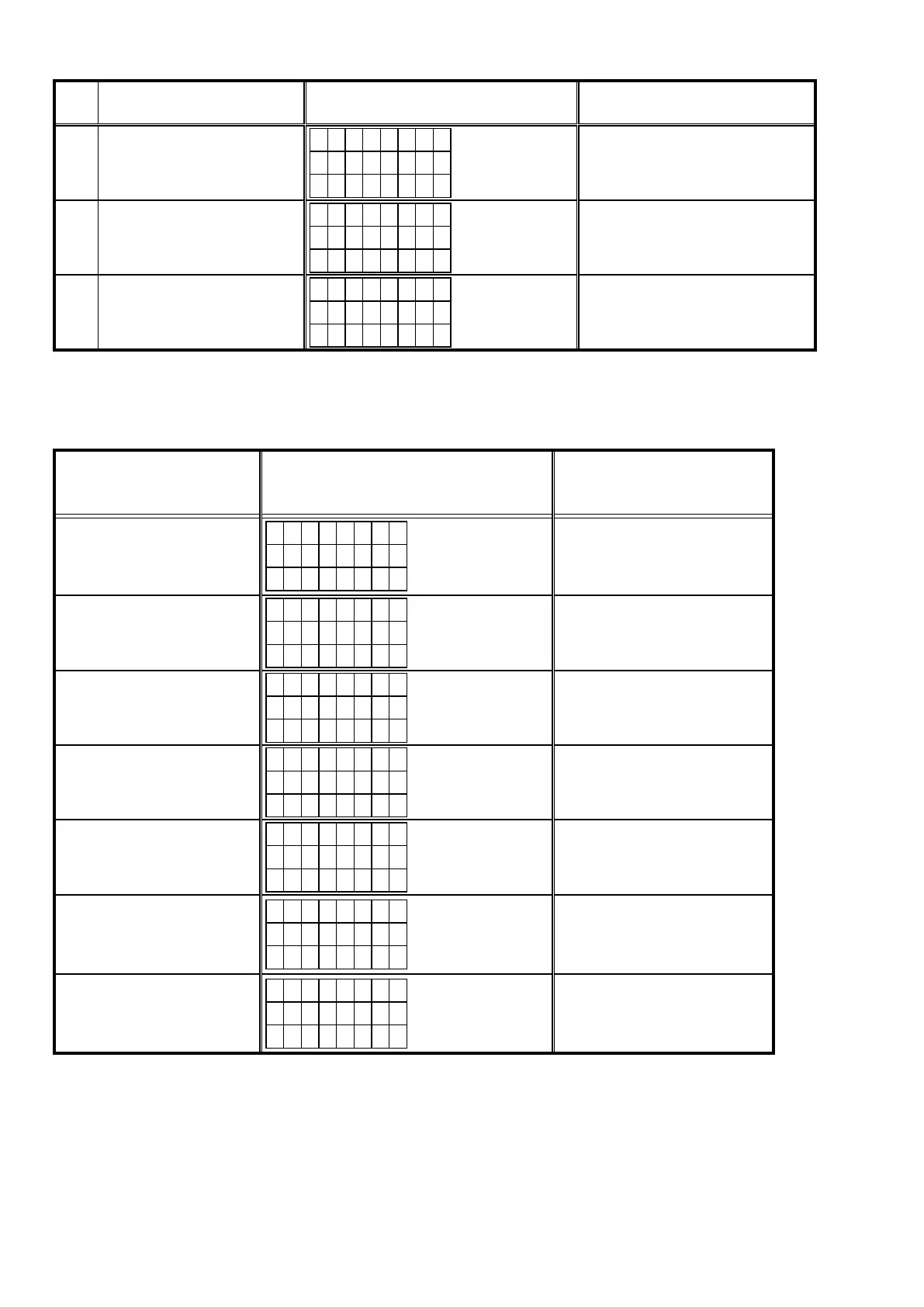
Error
Code
Details of Error code
Display
(Eight digits or more are the scrolling displays.)
Coping strategies
B3
Firmware writing error message.
(Timeout failure )
E I M G B 3
U p d a t i n g
f a i l e d
Turn off and on the power.
Updating starts automatically.
Carry out the update in an environment
that has little network load.
B4
Mode change failure of DM860A.
(Boot Loader Mode)
E I M G B 4
U p d a t i n g
f a i l e d
Reset and update again.
B5
Mode change failure of DM860A.
(Application Mode)
E I M G B 5
U p d a t i n g
f a i l e d
Reset and update again.
Device display during rmware update
Displayoftargetdeviceduringrmwareupdate.
Target device Display Error code when an error occurs
Main
M a i n
* * * m i n
* * %
08 - 0C
10 - 15
22 - 24
36 - 3E
Audio PLD
A P L D
* * * m i n
* * %
50 - 52
54 - 58
5A - 61
DSP
D S P
* * * m i n
* * %
50 - 52
54 - 58
5A - 61
GUI Serial Flash
G U I
* * * m i n
* * %
50 - 52
54 - 58
5A - 61
80 - 86
DM860A Boot Loader
E S B L
* * * m i n
* * *
A0 - A4
A6 - A7
AE - B5
DM860A Image
E I M G
* * * m i n
* * *
A0 - A4
A6 - A7
AE - B5
DM860A Image (Emergency Mode)
U p d a t e
R e t r y
–
Conrmingthermware’snumberafterupgraded
Afterupdatingthermware,checktheversion.Referto"1. μcom/DSP Version display mode" (24 page).
66



 To Next Page