6
7
Introduce your Marantz to a whole new world of music. With Spotify, you
can enjoy instant access to millions of songs.
A Spotify Premium subscription is required.
For details, see the Spotify homepage.
http://www.spotify.com
Listening to Spotify
1
Prepare for playback.
q Check the network environment, then turn on this unit’s power
(vpage53 “Connecting to a home network (LAN)”).
w Complete step 5 and obtain a Spotify account.
•If you already have a Spotify account, you do not need to obtain
a new account. Use your existing Spotify account.
2
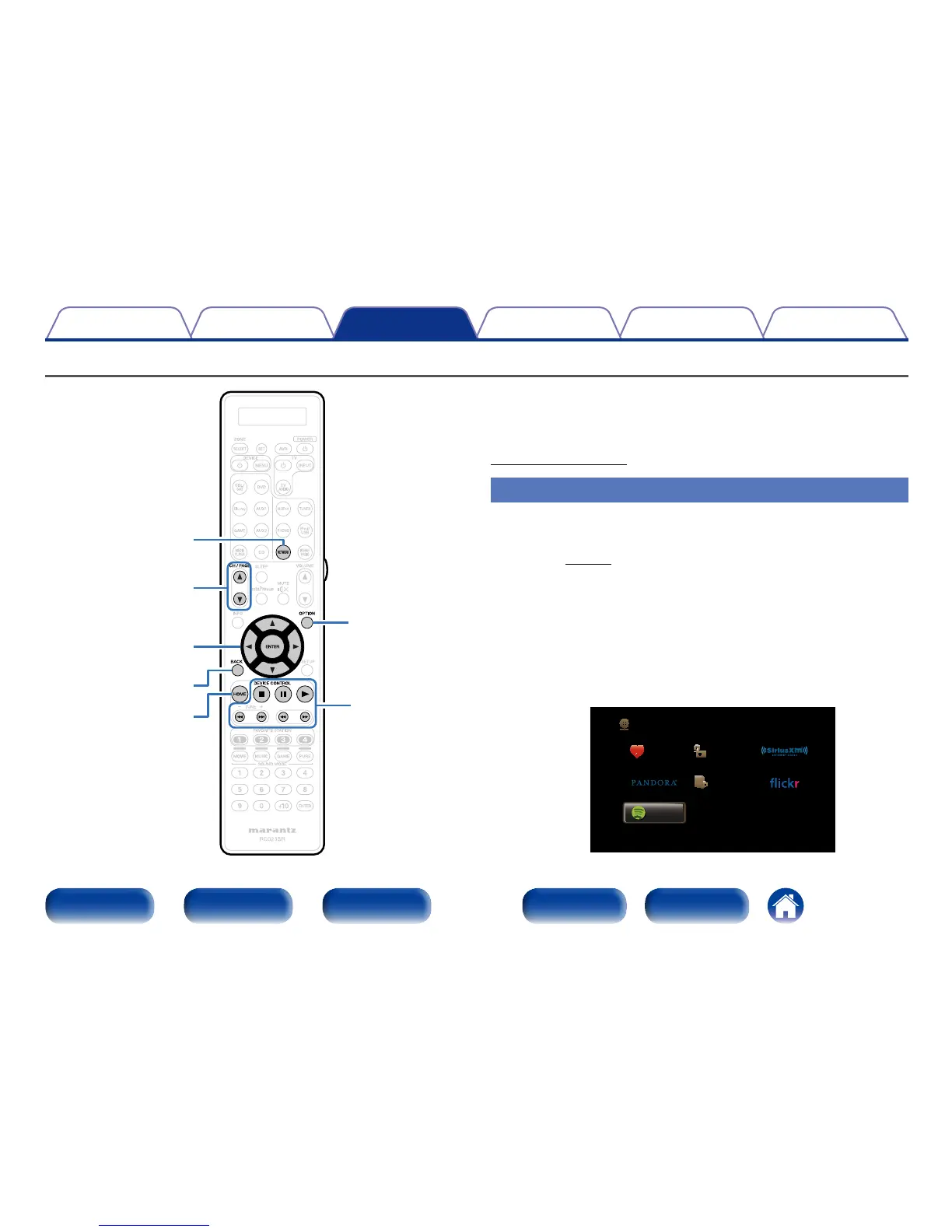
Press NETWORK.
3
Use uio p to select “Spotify”, then press ENTER.
Favorites Internet Radio
Media Server
Spotify
Network



 To Next Page