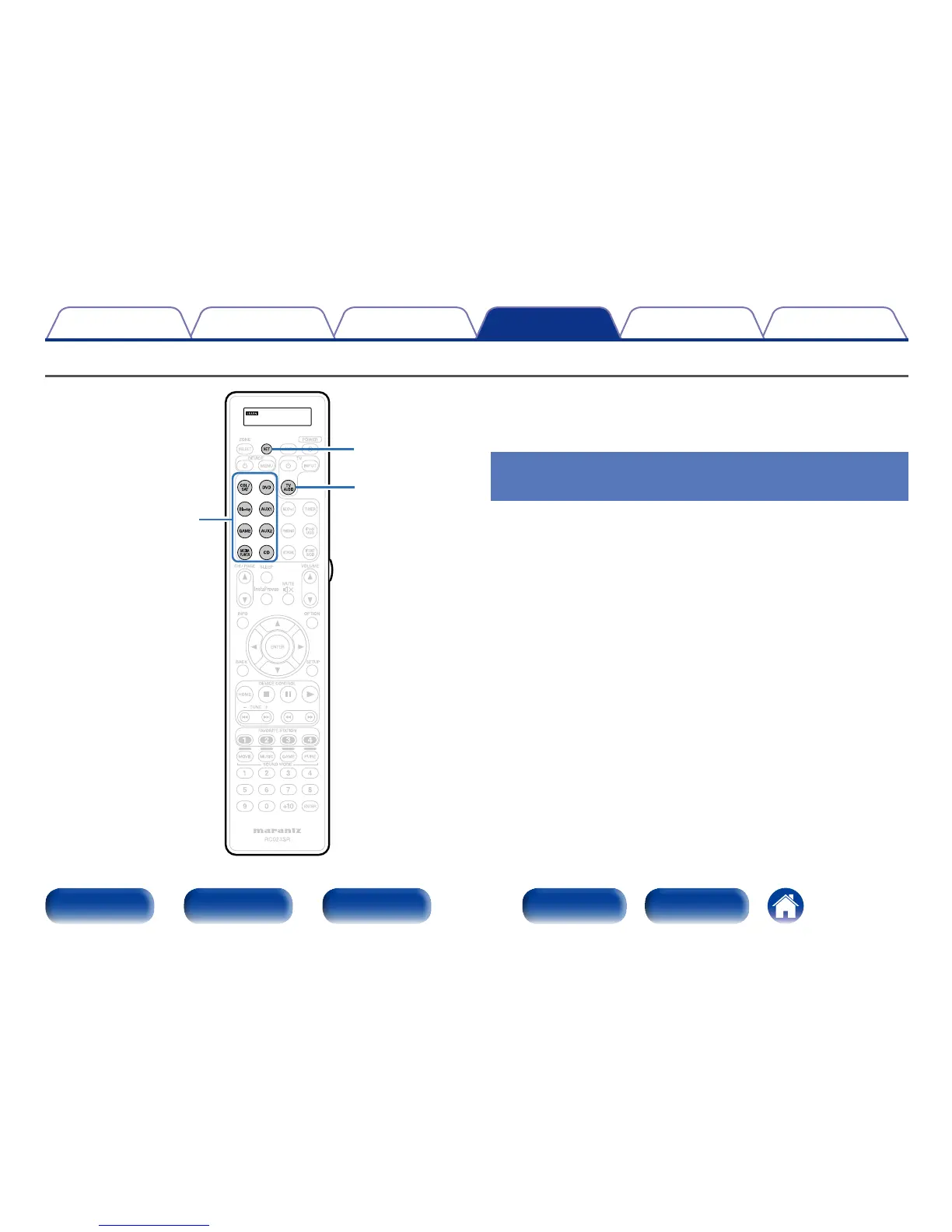
Operating learn function
TV AUDIO
CBL/SAT
DVD
Blu-ray
AUX1
GAME
AUX2
MEDIA PLAYER
CD
SET
If the device does not operate even when the preset code is registered,
use the learning function. Remote codes for dierent devices can be
remembered for use by the Marantz remote control included with this
device.
Remembering remote control codes
from other devices
1
Place the Marantz remote control and remote control
from the other device approximately 5 cm apart, with
the remote control signal transmission sections facing
each other.
2
Press and hold SET until the LEARN indicator blinks.
3
Press input source select buttons to select the input
source.
The input source is shown in the remote control display.
4
Select the button to be learned.
LEARN indicator lights up.



 To Next Page