InstaPrevue function
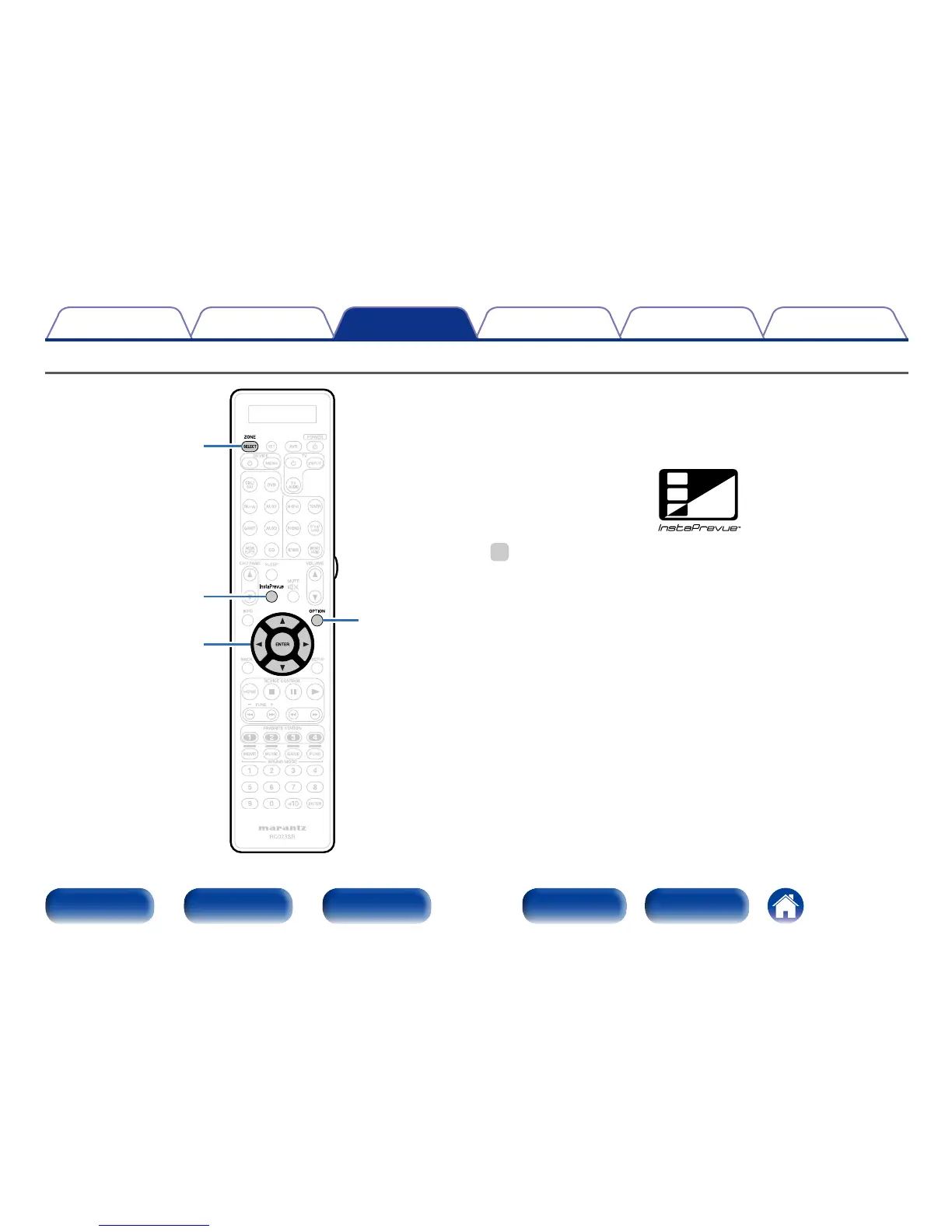
InstaPrevue
ZONE SELECT
OPTION
uio
p
ENTER
You can display sub screens on the main screen to preview playback video
of the HDMI input connected to this unit. You can also display various
video inputs in a single screen to switch input sources such as Blu-ray,
DVD, and GAME while viewing them on sub screens.
%
•The InstaPrevue function is compatible with the HDMI 1 – 6 connectors. It is not
supported for the HDMI 7 (AUX 1) connector on the front panel.



 To Next Page