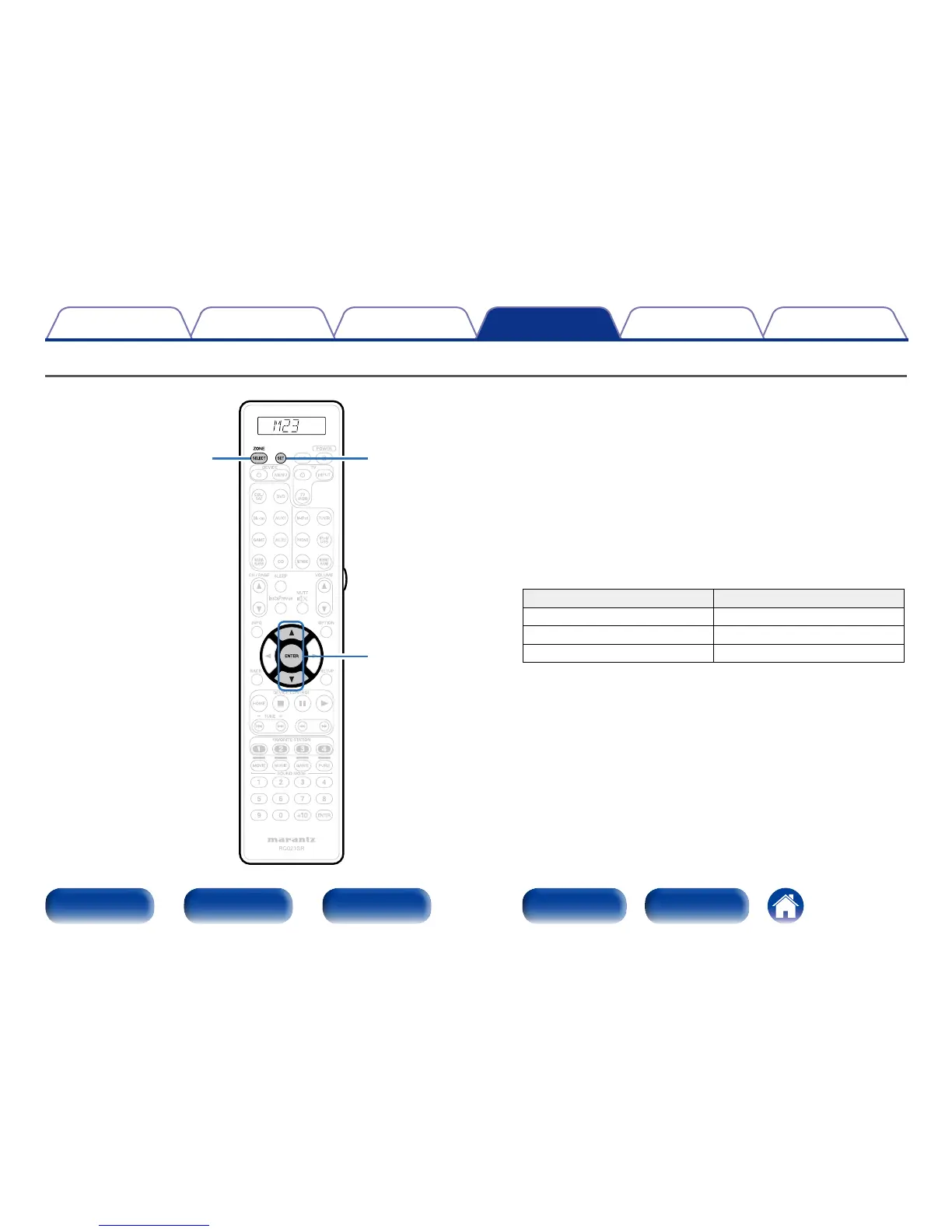
Specifying the zone used with the remote control unit
SET
ZONE SELECT
ui
ENTER
When the ZONE SELECT is pressed, only the set zone can be operated
with the remote control unit.
This is useful for preventing mistaken operation.
•The factory setting is “M23”.
1
Press and hold ZONE SELECT and SET for at least 3
seconds.
2
Use ui to set the zone to be used and press ENTER.
“SET” flashes four times on the remote control unit and the normal
operation mode is restored.
Remote control unit display Zone to be used
M MAIN ZONE only
M2 MAIN ZONE / ZONE2
M23 MAIN ZONE / ZONE2 / ZONE3



 To Next Page