Operating devices
To operate an external device, press the input source button registered
with the preset code, followed by one of the buttons in the following
tables.
%
•When operating an external device, the display on the remote control unit shows
the input source name.
•When operating TV, the display on the remote control unit shows “TV”.
•The “TV” indicator lights when the TV is being operated.
•To operate the menu of this unit, press AVR before operating the unit. The “AVR”
operation mode indicator lights when this unit is being operated.
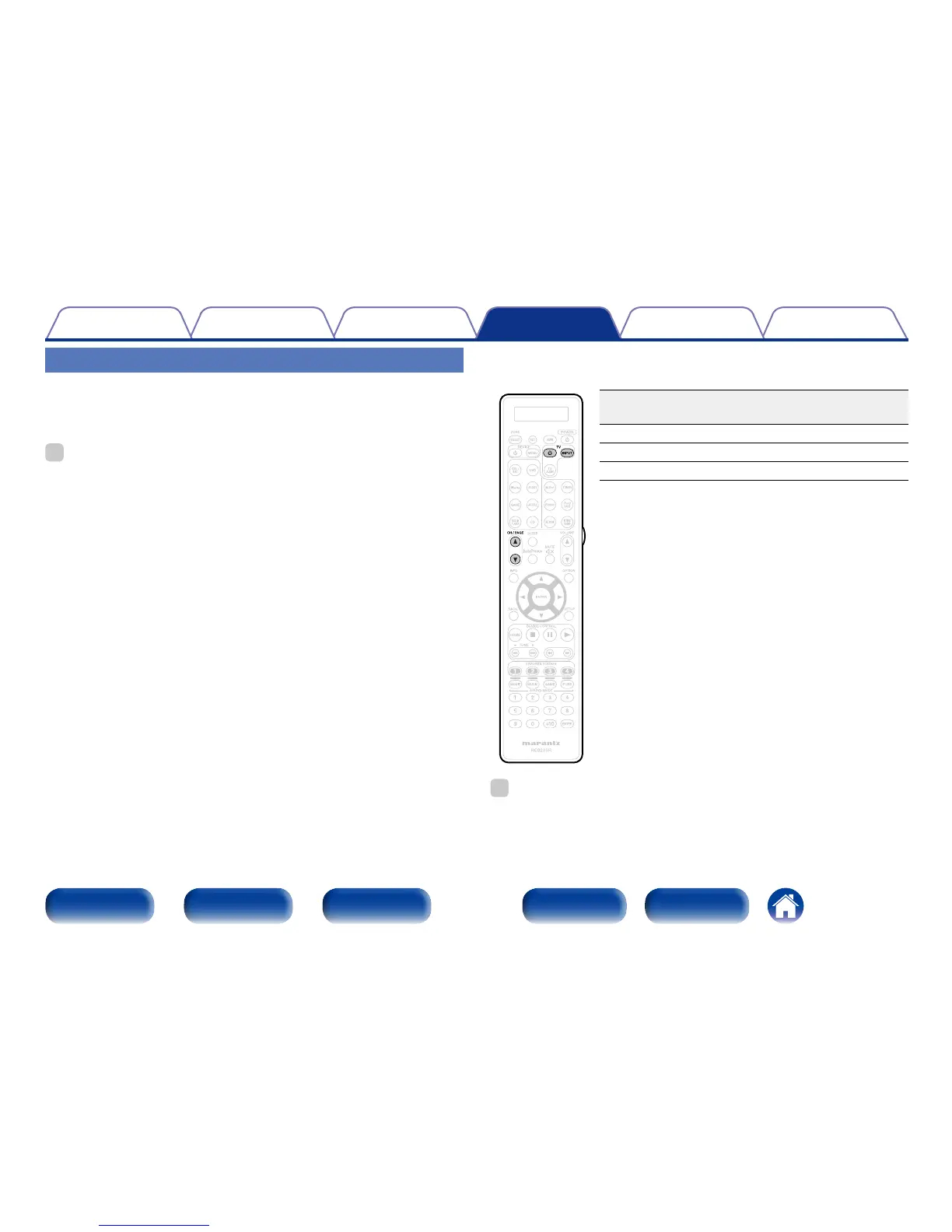
n TV group
(TV) operation
Operation
buttons
Function
TV X
TV power on/o
TV INPUT Switch TV input
CH/PAGE df
Switch channels (up/down)
%
•TV X and TV INPUT buttons can be operated at any time without pressing the TV
button.



 To Next Page