X
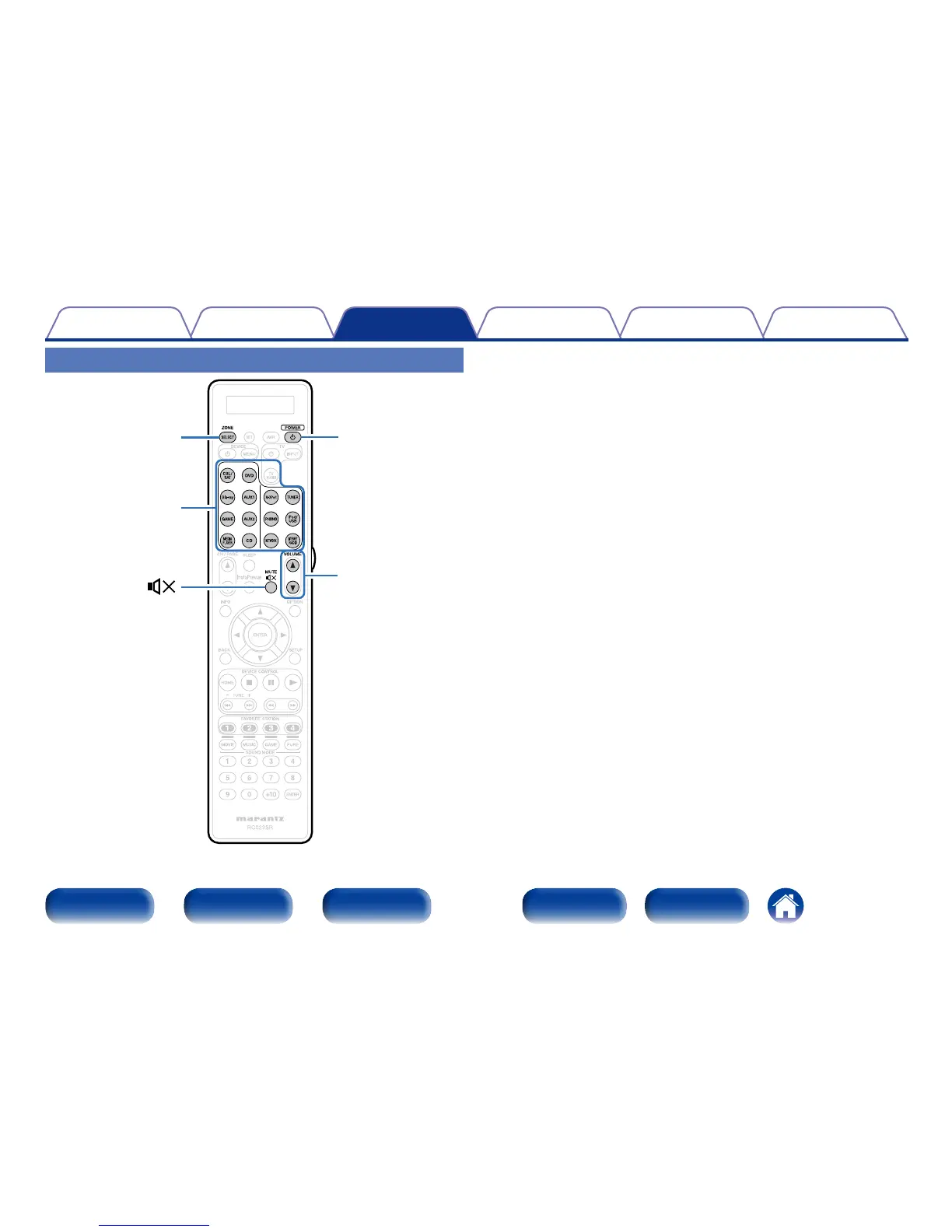
Input source
select buttons
1
Press ZONE SELECT to switch “ZONE2” or “ZONE3”.
2
Press POWER X to turn on the ZONE2 or ZONE3 power.
•Also press input source select button when in standby mode, the
power turns on.
•When POWER X is pressed, ZONE2 or ZONE3 turns o.
•Power in ZONE2 or ZONE3 can be turned on or o by pressing
ZONE2 ON/OFF or ZONE3 ON/OFF on the main unit.
3
Press the input source select button to select the input
source to be played.
The audio signal of the selected source is output to ZONE2 or
ZONE3.
•To perform an operation with the main unit.
Press ZONE SELECT to select the zone to operate and then turn
INPUT SELECTOR to select an input source.



 To Next Page