EN
11
As standard, the overtime timer will switch the OptiTherm to the day temperature The maxi-
mum time duration is 3:00 hrs. The settings can be changed in the settings menu: §5.7 overtime
timer
5.0 Change settings
5.1 Call user menu
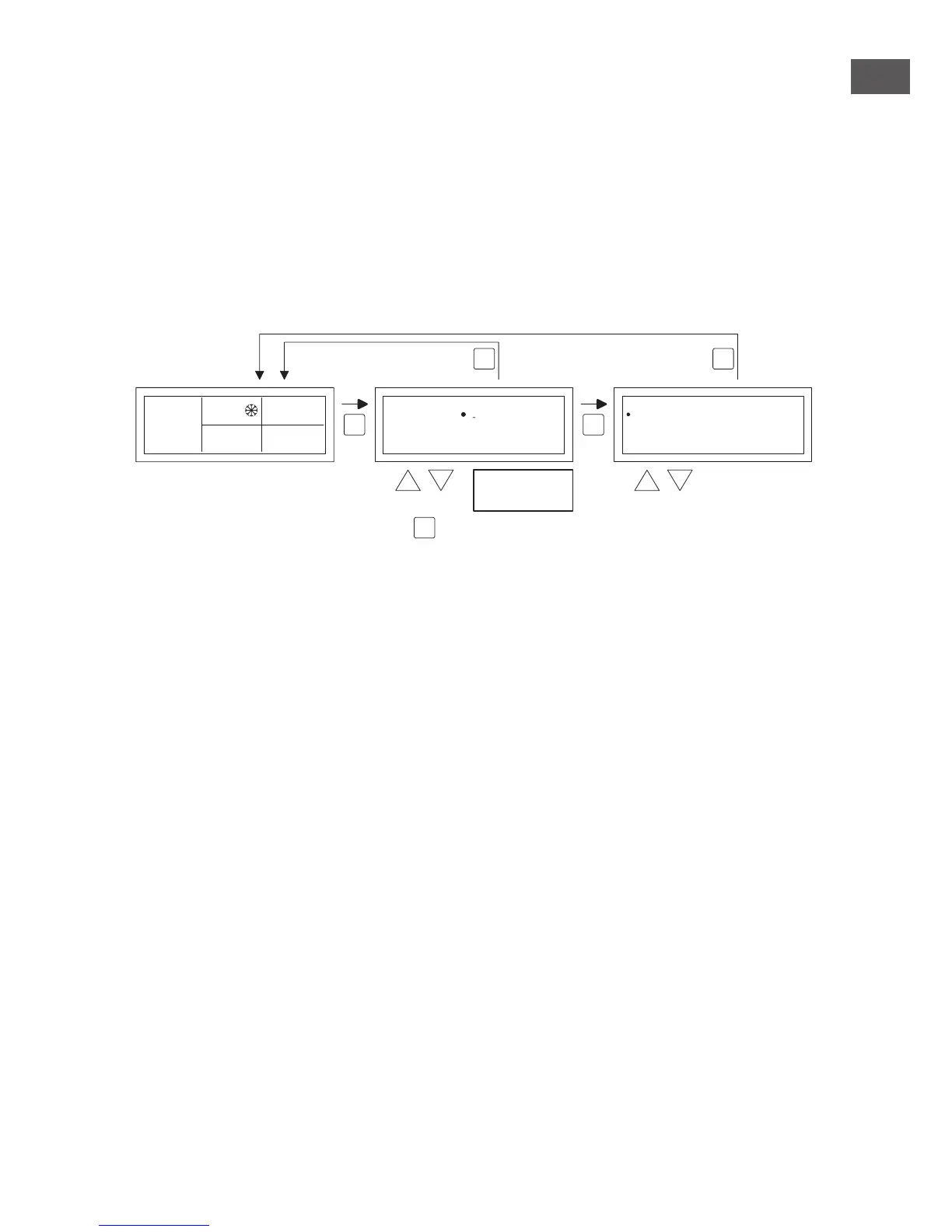
To activate the users menu:
•
You push the OK button.
•
After which you enter the correct Pin code according to the image below
(standard factory setting is 1000).
•
with the and button you change the ashing gure.
•
you conrm this with the OK button and you jump to the next gure. After you push on the
OK button at the 4th gure and you enter the correct pin code, you enter the user menu and
you can change the temperature setting, the switch times, the exception days and all the other
settings.
When an incorrect pin code is entered the screen image pin code input remains visible and the
code jumps back to 0000.
Note!
When no button is pressed for the duration of 1 minute the OptiTherm display will automatically
leave the menu and go back to the main display.
selectmodify
User Menu
Clock Program
Special day
Settings
Temperature
OK
ES


 To Next Page
 Loading...