EN
17
•
With the and button, select Burner high/low and then push the OK button.
•
To change the standard setting push the OK button again.
•
Now with the button setting, change from to automatic and then push the OK button.
•
Now with the and button, select the differential and then push the OK button.
•
With the and button, now change the differential setting and conrm this with the OK
button.
•
When you have nished with the changes you leave the menu item by pressing the ESC button
and you go back to the settings menu.
•
Now select another item to change or to go back to the user menu by pushing the ESC but-
ton. Push the ESC button again to go back to the main display.
5.10 Settings menu: Selection temperature sensor
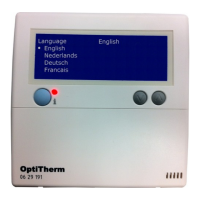
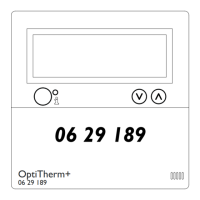
With the OptiTherm you have the possibility to measure the room temperature by:
1. Thermostat: sensor built-in to OptiTherm itself
2. External zone: an external sensor connected to each air heater.
3. External average: an external sensor connected on one or more air heaters. Where the average
value is automatically calculated based on the number of connected sensors.
As standard, the temperature sensor on the OptiTherm is used.
When use is made of 1 or more external sensors, you must indicate this in the settings menu
Change selection temperature sensor.
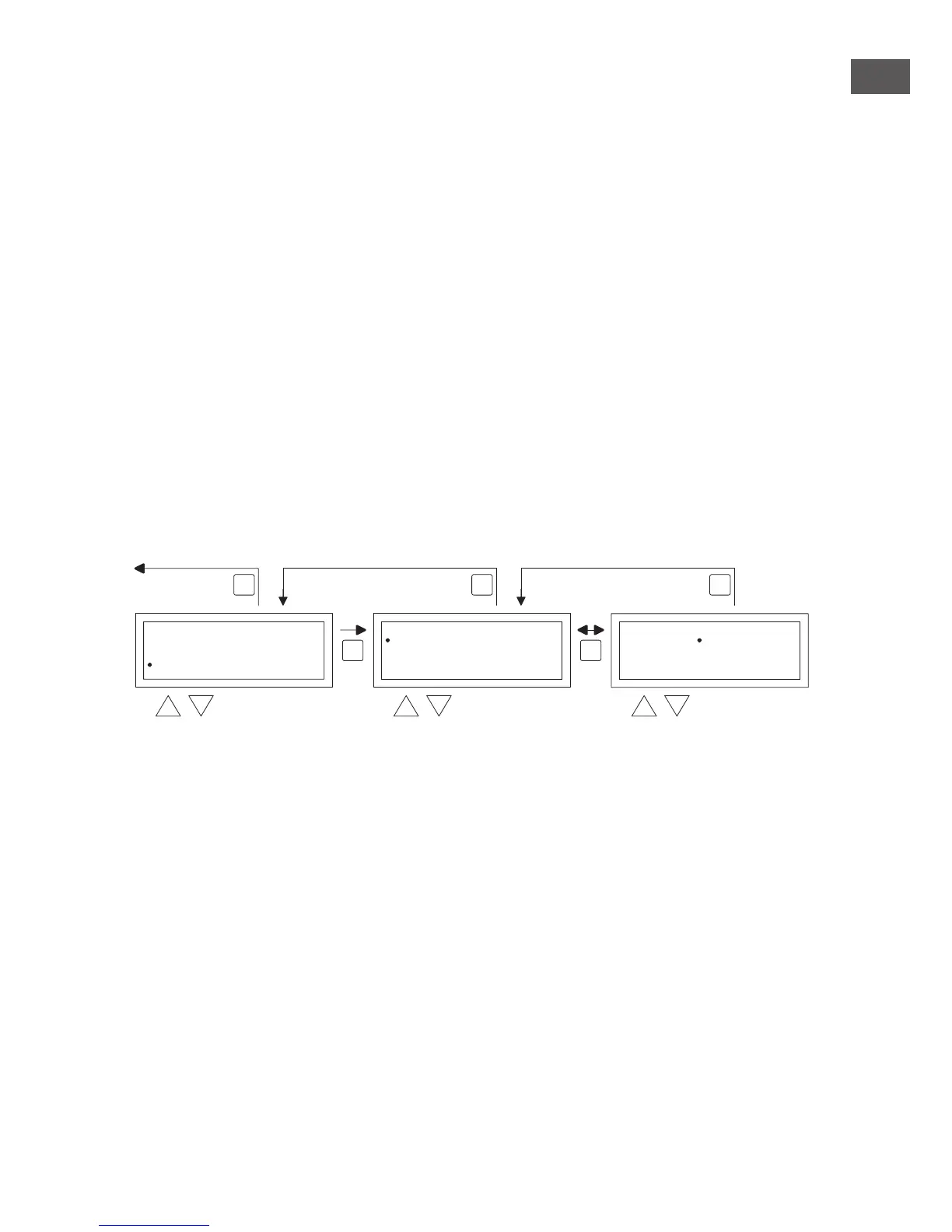
See the image below:
To adjust this:
•
Select the menu-item Selection temperature sensor and then push the OK button.
•
Select the sensor by pushing the OK button.
•
Change the setting and then push the OK button.
You can choose from the thermostat (OptiTherm sensor), external zone (each air heater one
own external sensor) or external average (1 or more sensors).
•
When you have nished with the changes you leave the menu item by pressing the ESC button
and you go back to the settings menu.
•
Now select another item to change or to go back to the user menu by pushing the ESC but-
ton. Push the ESC button again to go back to the main display.
5.11 Settings menu: Calibrate thermostat/external sensor
When because of unfavourable circumstances there is a deviation in the displayed measured room
temperature and the actual room temperature, you can adjust this deviation by calibrating the
OptiTherm. Always ensure that the thermostat or external sensor is properly mounted and con-
nected.
OK OK
ESC ESCESC
select select modify
Settings
Calibrate
2x
Select Temperature sensor
Sensor Room Control
Select Temperature sensor
Sensor Room ControlOvertime setting
Fan high/low
Burner high/low
Select Temperature sensor
back to main screen


 To Next Page
 Loading...