20
•
In the settings menu select Info and then push the OK button. The info data is now shown on
the screen.
•
Quit Info by pushing the ESC button. The display now goes back to the settings menu.
•
Now select another item to change or go back to the user menu by pushing the ESC button.
Push the ESC button again to go back to the main display.
5.15 Settings menu: Change pin code
The OptiTherm is provisioned with a security pin code as standard. This is set as 1000. If desired,
you can change this to another Pin code.
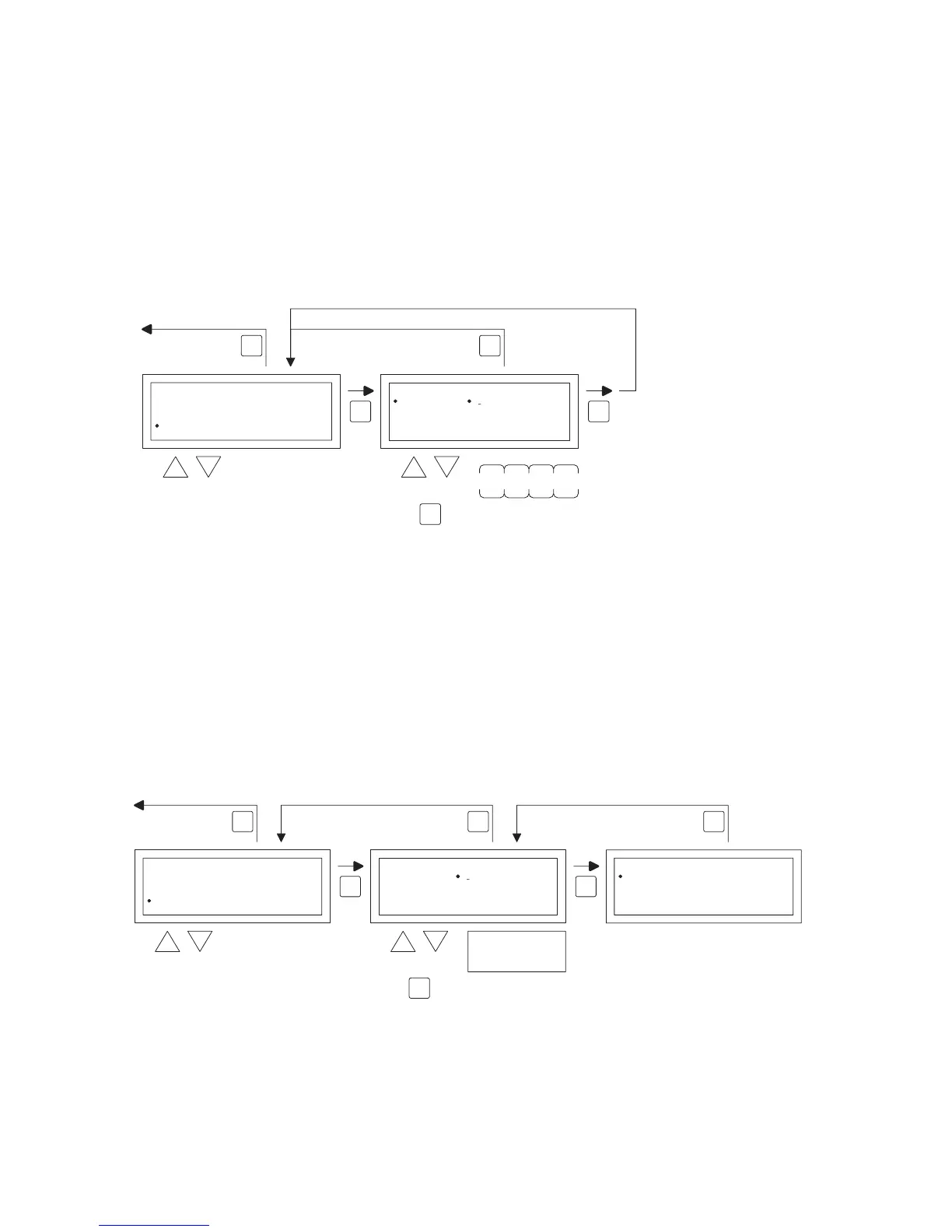
Follow the image below to change the Pin code.
•
In the settings menu select Pin code and then push the OK button.
•
With the and button, change the rst gure and conrm this by pushing the OK button,
the display automatically jumps to the next gure. Change all desired gures in that way. After
the 4th gure the display automatically goes back to the settings menu.
•
Now select another item to change or go back to the user menu by pushing the ESC button.
Push the ESC button again to go back to the main display.
5.16 Settings menu: Call service menu
To call the service menu you follow the image below.
OK OK
ESCESC
back to main screen
select modify
Settings
Summer/wintertime
Information
PiIN
Language
Service menu
2x
PIN
Code
New PIN
0000
OK
to next digit
4x
OK OK
ESCESC
back to main screen
select select
Settings
Information
PIN
Service menu
Summer/wintertime
2x
Service menu
Code 0000 Control On/Off
Service menu
to next digit
OK
ESC
factory default
Service menu code
5 0 5 0


 To Next Page
 Loading...