16
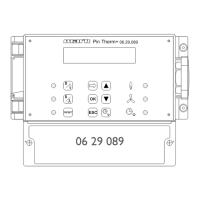
All operation modes (DAY, NIGHT, ECO) are set standard at high, see the image below to
change this.
•
With the and button, select the Ventilator high/low in the settings menu and then push
the OK button.
•
with the and button select the desire mode of operation (DAY, NIGHT, ECO) that
you wish to change and then push the OK button.
•
With the and button, change the setting (high or low) and conrm this by pushing the
OK button.
•
push the ESC button to go back to the settings menu when you have nished the changes and
have conrmed this with the OK button.
•
Now select another item to change or to go back to the user menu by pushing the ESC but-
ton. Push the ESC button again to go back to the main display.
5.9 Settings menu: Burner high/low setting
This menu-item determines, with an air heater in high/low operation, when the burner may switch
to low or high while in heating mode. The ventilator will then automatically switch to the high or
low mode.
Note!
– During the start up the burner will always operate in high mode.
– The time that the burner may operate at low or high may be determined by the differential.
The ventilator setting high/low will also be determined in this way.
– When the differential is the same or higher than the set value, the burner will be switched to
low.
– When the differential falls 0.5K under the set value the burner switches back to high.
– The burner will not switch high or low when with Ventilator high/low the ventilator is set on
low in a mode of operation.
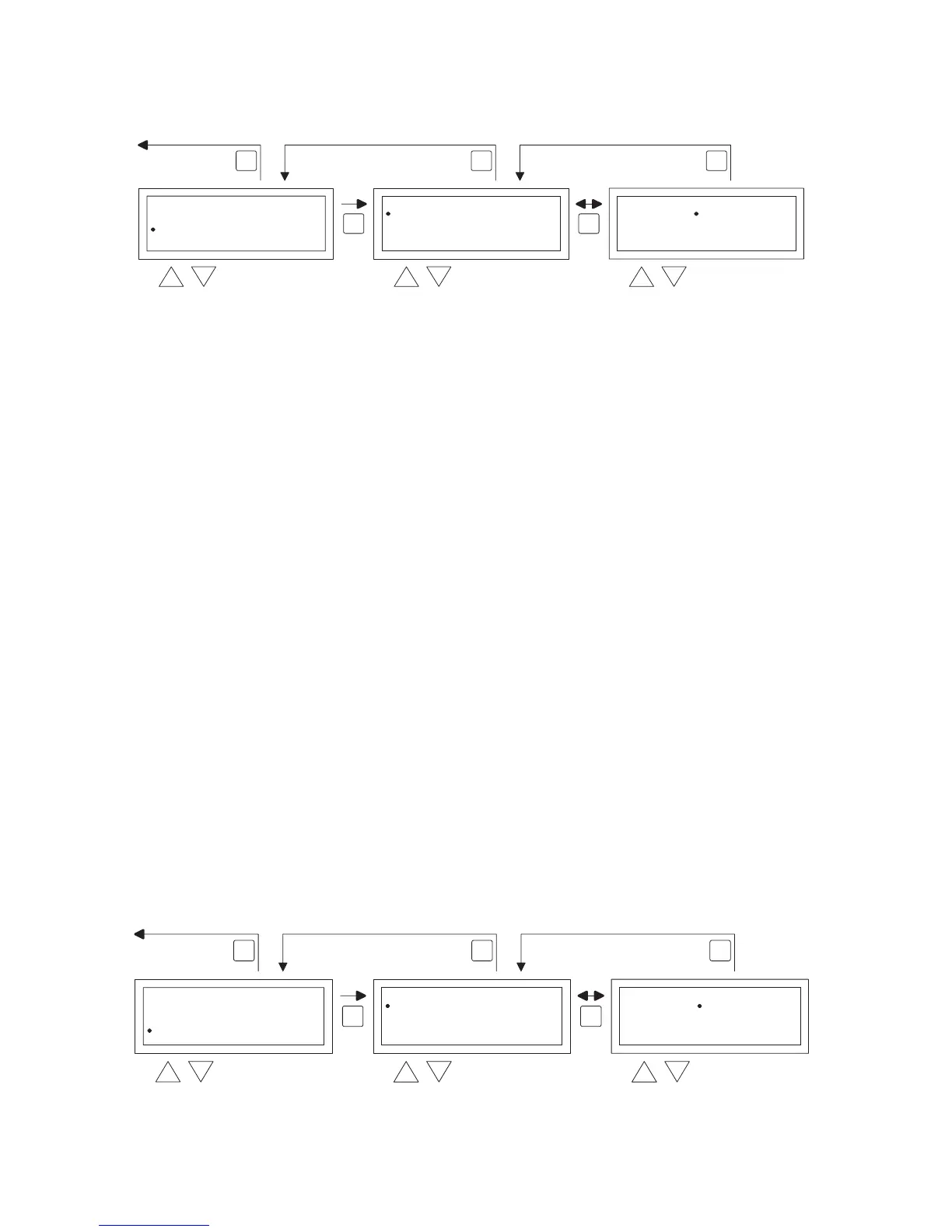
The image below shows how you can change that:
OK OK
ESC ESCESC
select selec


 To Next Page
 Loading...