18
For example:
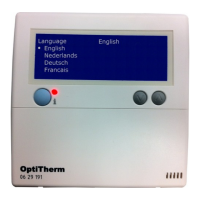
The measured temperature is 18°C, the screen display on the OptiTherm shows 20°C. The diffe-
rence in this example is therefore 2°C too high the correction value must then be set at -2°C.
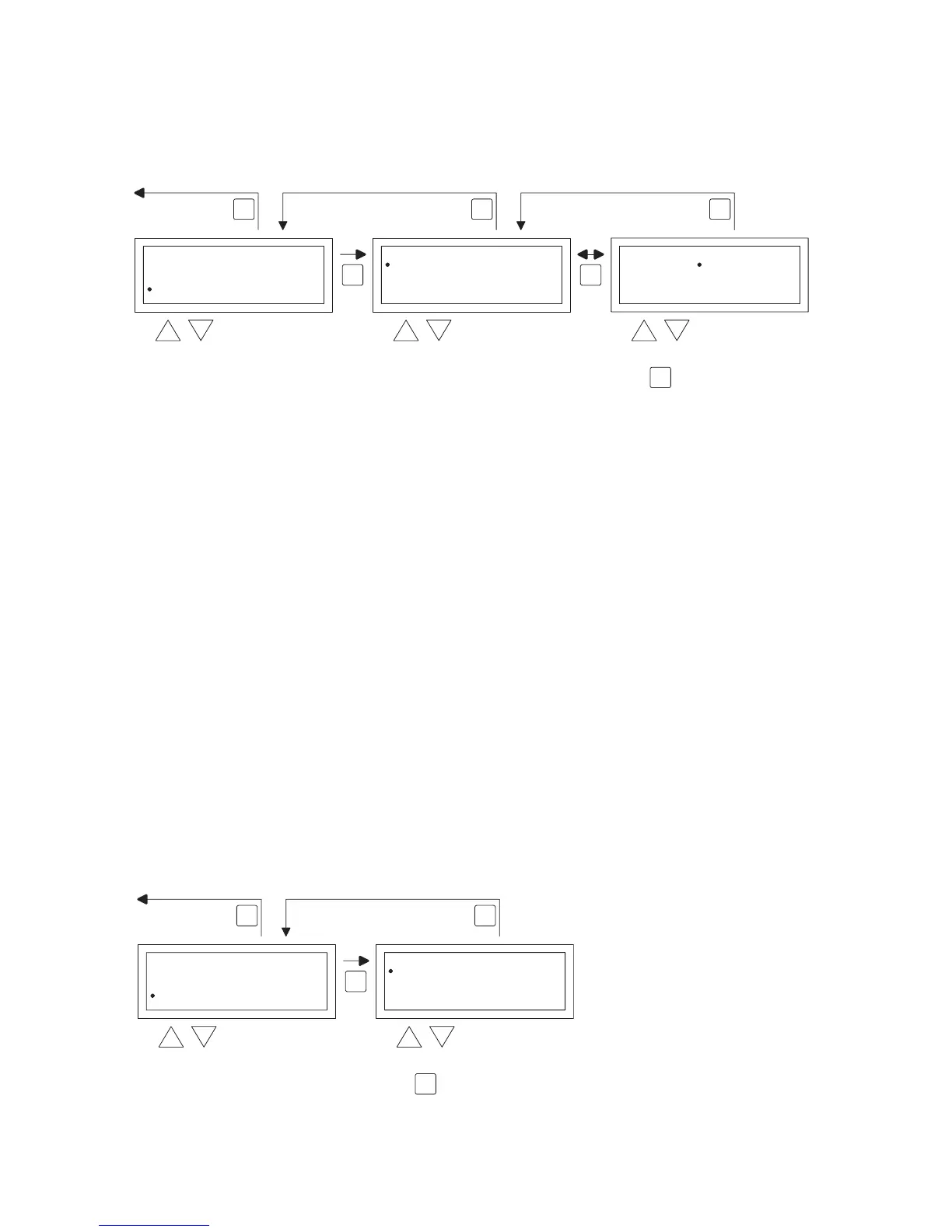
You can change this following the image below:
•
Now with the and button, select Calibrate Thermostat and then push the OK button
•
Only applicable when an external sensor is also used.
•
With the and button, select Sensor and then push the OK button
•
Only applicable when an external sensor is also used.
•
Now with the and button select the air heater (1 to 8) from where the external sensor
must be calibrated and then push the OK button.
•
With the and button, select Deviation and then push the OK button
•
With the and button set the desired value and conrm this with the OK button.
•
When you have nished with the changes you leave the menu item by pressing the ESC button
and you go back to the settings menu.
•
Now select another item to change or to go back to the user menu by pushing the ESC but-
ton. Push the ESC button again to go back to the main display.
5.12 Settings menu: Change language
If you want to change the chosen language you can change this by going to the settings menu and
changing the language.
To change the chosen language you follow the image below.
OK OK
ESC ESCESC
select select modify
Language
2x
OK
to next digit
Calibrate
Deviation
Sensor
0.0 K
Room Control
Calibrate
Deviation
Sensor
0.0 K
Room Control
back to main screen
Settings
Calibrate
Fan high/low
Burner high/low
Select Temperature sensor
OK
ESCESC
back to main screen
select select
Settings
Select Temperature sensor
Calibrate
Language
Fan high/low
Summer/wintertime
2x
Language
Nederlands
Deutsch
Français
English
English
OK
conrm selection


 To Next Page
 Loading...