EN
23
6.0 Messages and Malfunctions
6.1 Message
⦻
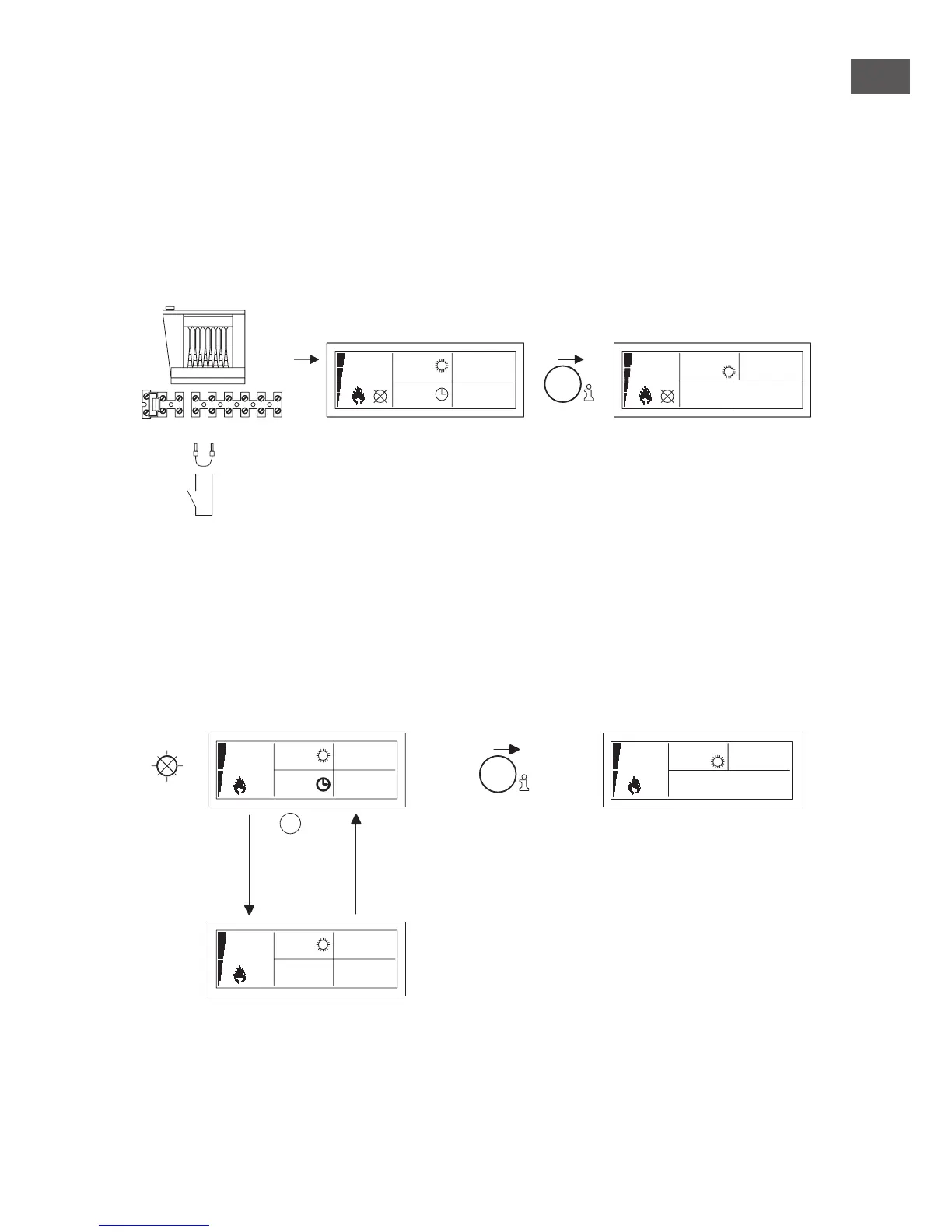
When the Message
⦻
is shown in the display it means that one of the connected air heaters is
blocked. The cause of which is that the connection or external contact between the clips 1 and 2
is not present. By pressing the blue info button, it can be seen which of the connected air heaters
caused this Message.
When the contact or connection has been reset the Message will disappear and the air heater
concerned will function normally again.
6.2 Malfunction Messages
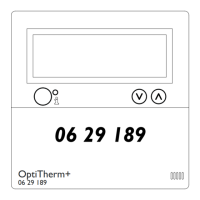
In the case of a Malfunction of the air heater the red light on the OptiTherm will light up. By
pushing the blue info button it can be seen which Malfunction and which air heater that concerns.
The ‘Error’ Message is also shown on the screen with a Malfunction code and the Message text
below. In the upper left of the screen you can see which air hater than concerns. By pressing the
blue info button once more the current Message of each air heater can be seen.
See the table below for the correct Malfunction Message. The Malfunction code indicates the na-
ture of the Malfunction.
With the Reset button, the Malfunction can be rectied after which the Message will disappear
and the main screen is shown again on the display.
15.0
10:00
01-03-2011
18.0 °C
00:15
18.0 °C
HEATER
1
Operating
Hours15.0 °C
1 2 3 4 5 6L1 N PE
through reports
heater 1 t/m 8 then
back to main screen
Red LED is lit!
through reports
heater 1 t/m 8 then
back to main screen
Reset malfunctions
RESET
18.0 °C
LIVE AND NEUTRAL REVERSED
HEATER
1
Operating
Hours15.0 °C
Error :65
18.0 °C
01-03-2011
09:00
0.51
18.0 °C
01-03-2011
09:00
0.51
RESET
± 10sec.


 To Next Page
 Loading...