22
5.18 Recover factory settings
When you execute this function all settings in the OptiTherm are reset to the factory settings
§2.2. This function can be executed at any time.
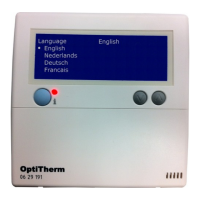
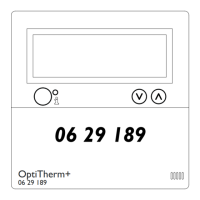
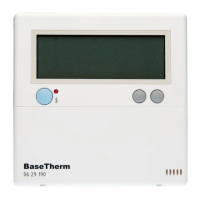
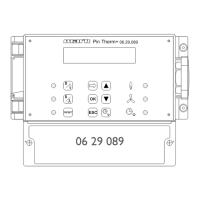
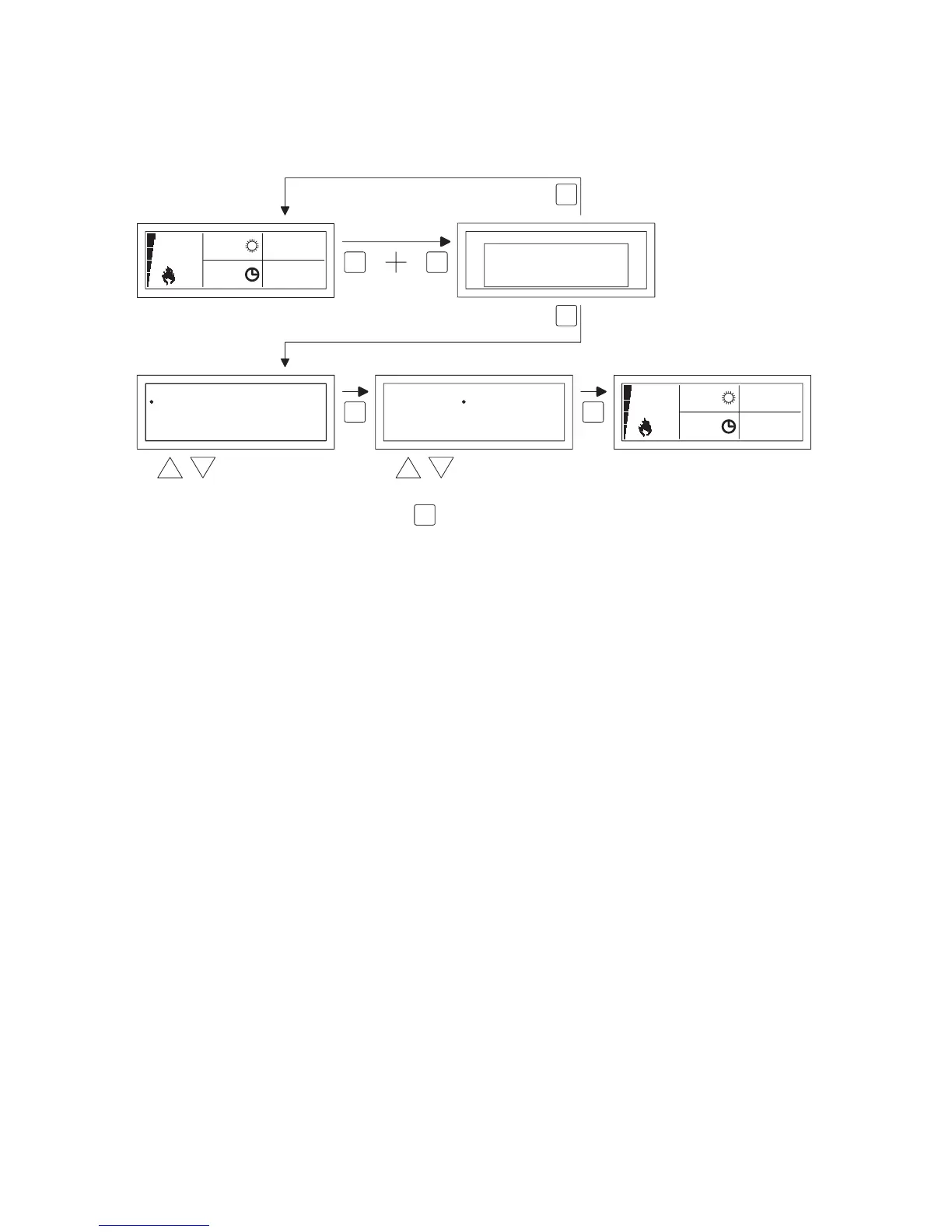
Follow the image below to execute this function.
•
Keep pushing the ESC button and the OK button simultaneously for +/- 12 seconds until the
text ‘Factory Settings’ is displayed on the screen.
•
Only applicable when you wish to recover the factory settings
To execute, press the OK button. The factory values are recovered and the language, date and
time must be entered again. For this, also see §3.5 First Initial Operation
•
Only applicable when you do not wish to recover the factory settings
Press the ESC button to quit the function again.
The main display is shown again and the factory values are not reset.
OK
select
to next digit
OK
modify
Date/Time
Time
Date 01 -03 2011-
:08 00
18.0 °C
01-03-2011
09:00
0.51
Language
Nederlands
Deutsch
Français
English
English
18.0 °C
01-03-2011
09:00
0.51
ESC OK
Reset
RESTORE
FACTORY DEFAULT
OK-CONTINUE
ESC-BACK
ESC
OK
OK
±12sec.


 To Next Page
 Loading...