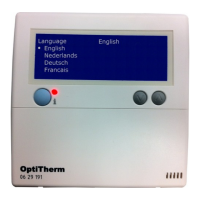
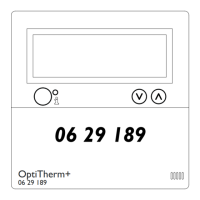
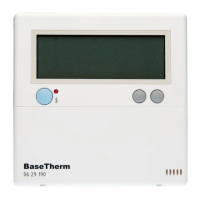
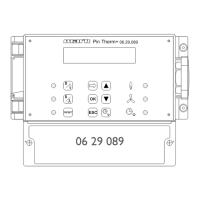
When you are ready with the installation and connection, you can start to operate the OptiTherm
and the air heater(s). For this, also consult the technical manual of the air heater.
3.5 First initial operation
•
Connect the electricity supply again once the mounting and installation of the OptiTherm and
air heaters has been completed. For this, also consult the technical manual of the air heaters.
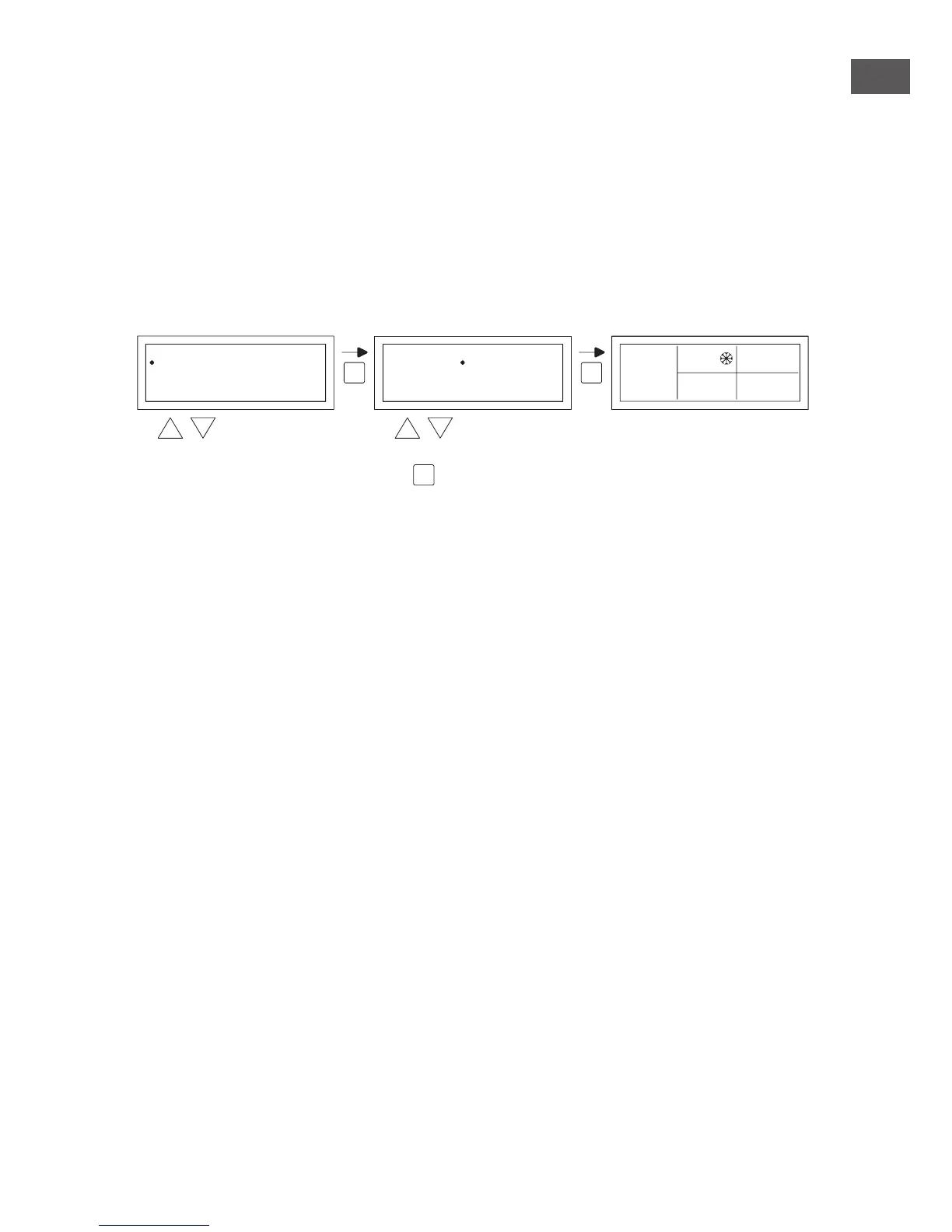
After you have connected the electricity supply the OptiTerm display will light up and ask you:
1. To select the correct language.
2. To enter the correct data and time.
For this, follow the image below:
•
Select with the and button, the desired language and conrm this with the OK button.
•
The display now automatically jumps to the date setting. Now change the day, month and year,
in that order with the and button. Conrm each entry with the OK button after which
the display automatically goes to the following entry. After you have changed the year, the dis-
play will automatically go to the time settings.
•
Now change the hours and minutes, in that order with the and button. Conrm each
entry with the OK button after which the display goes automatically to the following entry.
•
After the minutes are lled in the main screen will be shown on the display and the OptiTherm
is ready for use.
For further explanation see the sequence of this technical manual.
– For the operation and explanation of the display and the buttons, see §4.0 Operation.
– For changing the settings see §5.0.
– For the Messages and Malfunctions see §6.0.
7
EN
OK
modify
OK
OK
to next digit
Language
Nederlands
Deutsch
Français
English
English
Date/Time
Date
Time
--201101 03
08:00
5.0 °C
01-03-2011
08:30
0.21
modify


 To Next Page
 Loading...