14
5.5 User menu: call settings menu
In the settings menu you can make more extensive setting changes such as, among other things,
the date/time, the maximum duration of the Overtime timer, the language and the pin code.
To enter the settings menu:
•
With the and button, you select the menu-item settings and then push the OK button
You are now in the menu settings and can now select various settings to change.
The setting which you can
change are:
- Date/Time
- Overtime timer
- Ventilator high/low
- Burner high/low
- Selection temperature sensor
- Calibrate thermostat
- Language
- Summer / winter time
- Info
- Pin code
- Service menu
5.6 Settings menu: Change date/time
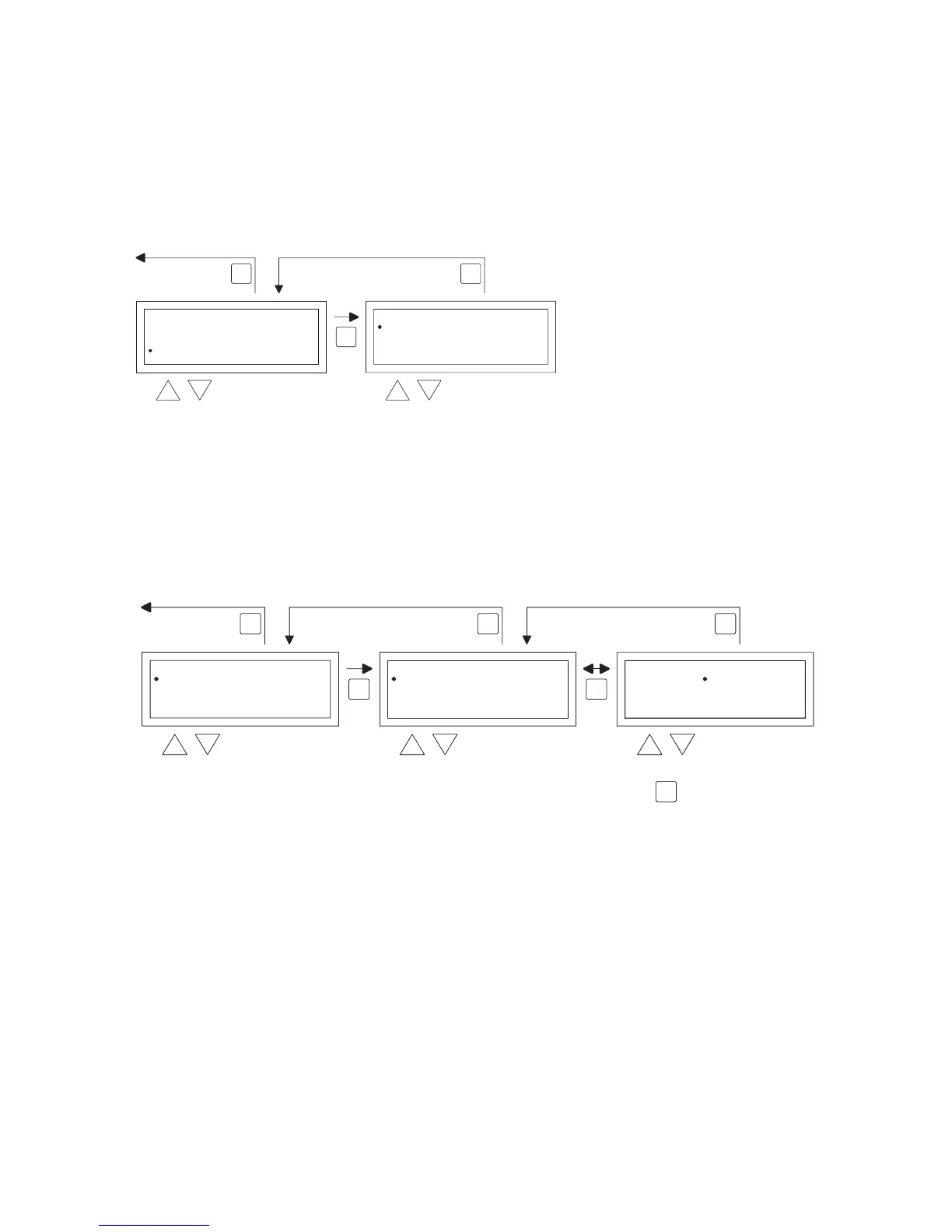
To adjust the date/time you follow the images below.
•
With the and button, select the menu-item Date/time in the menu settings and then push
the OK button.
•
Now select the date by pushing the OK button.
•
Change the date with the and button and conrm each input with the OK button after
which the display automatically goes to the next entry. After you have changed the year, the
display will automatically go back to the Date.
•
Now with the and button, select Time
•
Now with the and button, select Time and then push the OK button. With the and
button change the hours and minutes and conrm each entry with the OK button, after which
the display automatically goes to the next entry. After you conrm the last entry you automati-
cally go back to the Time.
User Menu
Clock Program
Special day
Settings
Temperature
OK
ESCESC
selec


 To Next Page
 Loading...