OP32 – Installation manual
5.2 Changing the receiver cable output position
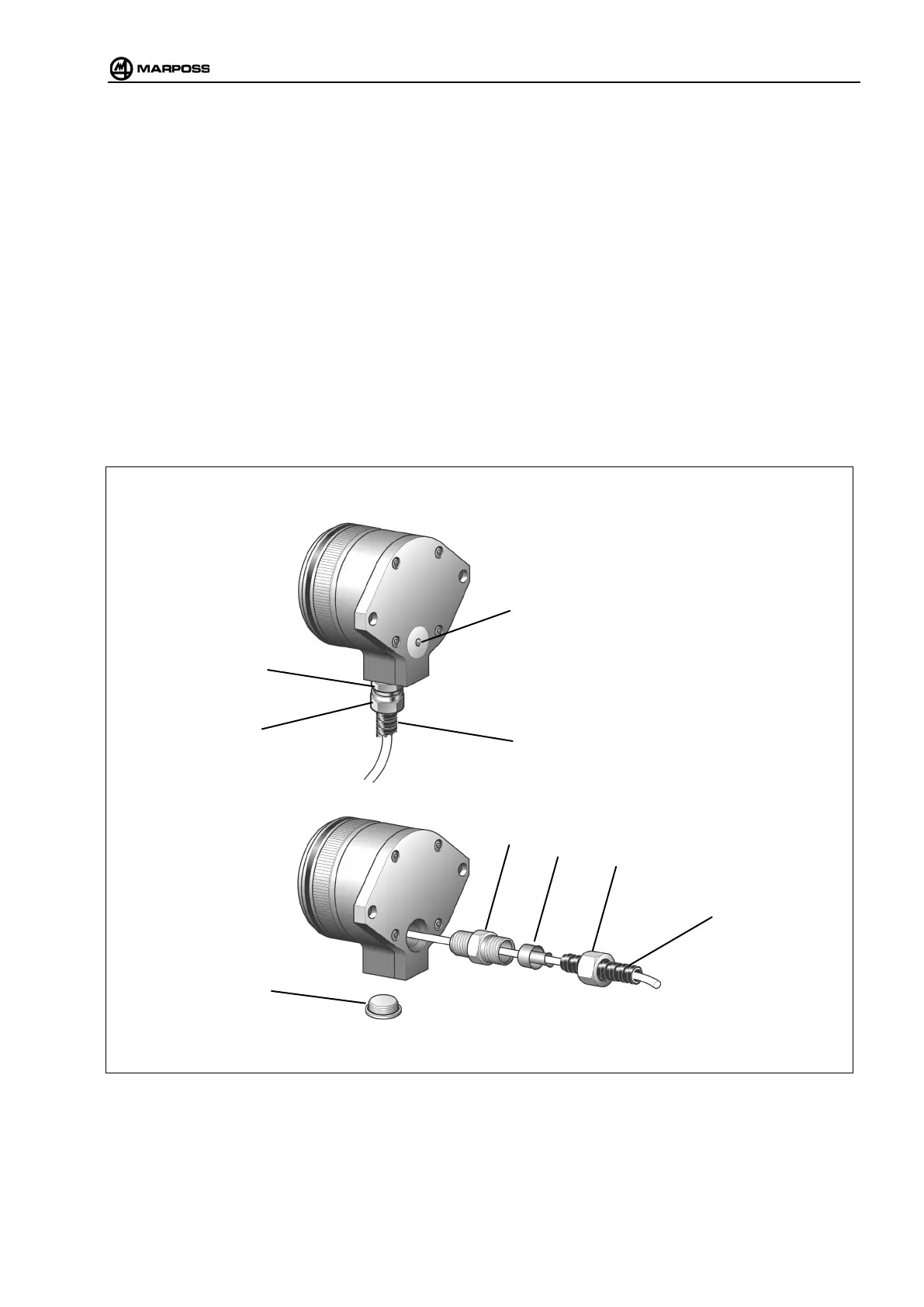
The receiver is normally supplied with a side output cable. To use the receiver with a rear output cable:
• Undo the cable clamp (A).
• Disconnect the cable from the receiver (see “Connecting the receiver”).
• Unscrew the sealing cap (B).
• Screw the cable clamp (A), with cable, into the new position and connect the receiver.
• Screw the sealing cap into the free position.
5.3 Inserting the “anaconda” cable protection sheath
• Unscrew (C).
• Insert the sheath (D) and screw it to the collet (E).
• While holding the cable clamp (A) still, lock the sheath in position using the nut (C).
Figure 5-2. Changing the receiver cable output position



 To Next Page