EasyManua.ls Logo

Martin MAC One - Compact Direct DMX Mode Overview

Martin MAC One
76 pages
Print Icon
To Next Page IconTo Next Page
To Previous Page IconTo Previous Page
Loading...
46 Martin
®
MAC One User Manual Rev. B
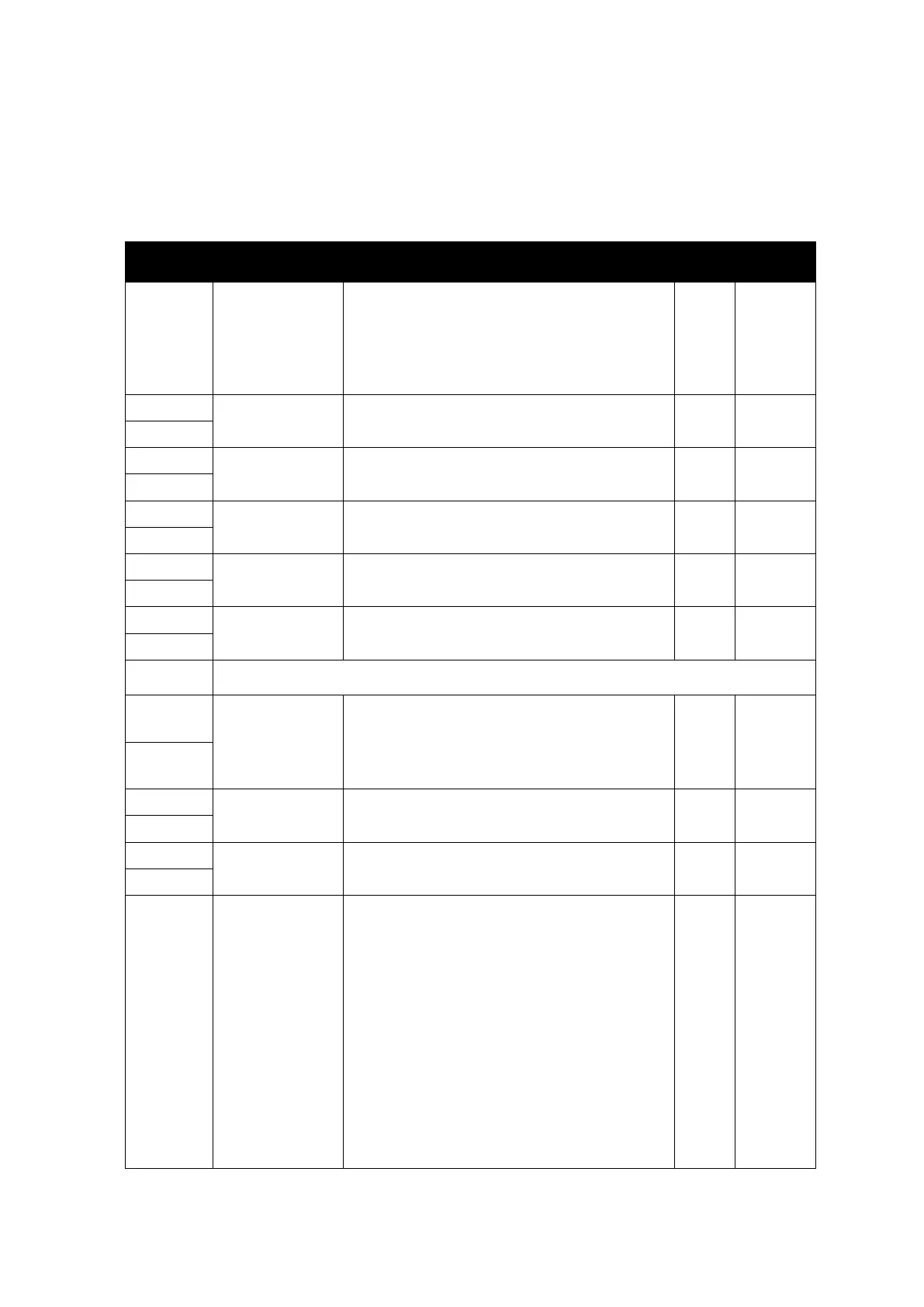
Compact Direct DMX Mode
20 DMX channels
In Compact Direct mode, the Backlight LEDs follow colors and intensity from the Beam LED (unless
disabled via the Control/Settings channel).
Channel
DMX Value
Function
Fade
type
Default
value
1
0–19
20–49
50–200
201–210
211–255
Beam strobe/shutter
Shutter closed
Shutter open
Strobe slow → fast
Shutter open
Random strobe slow → fast
Snap
30
2
0–65535
Beam dimmer
Closed → Open
Fade
0
3
4
0–65535
Beam Red
Intensity 0 → 100%
Fade
65535
5
6
0–65535
Beam Green
Intensity 0 → 100%
Fade
65535
7
8
0–65535
Beam Blue
Intensity 0 → 100%
Fade
65535
9
10
0–65535
Beam Lime
Intensity 0 → 100%
Fade
65535
11
12
No function
13
0–51400
51401–57825
57826–59110
59111–65535
Zoom
Narrow → wide
Pulse forward fast → slow
Zoom stops at current position
Pulse backward reverse slow → fast
Fade
25700
14
15
0–65535
Pan
Left → right
Fade
32768
16
17
0–65535
Tilt
Forward → backward
Fade
32768
18
19
0–9
10–14
15–16
17
18
19–22
23
24
25
26
27
28
29
Fixture control / settings
Exit calibration function (if active) and return
to normal control
Reset fixture – 5 sec.
No function
Reset Beam only – 5 sec.
Reset pan and tilt only – 5 sec.
No function
Linear dimmer curve – 1 sec.
Square law dimmer curve (default) – 1 sec.
Inverse square law dimmer curve – 1 sec.
S-Curve dimmer curve – 1 sec.
Pan and tilt speed = Standard – 1 sec.
Pan and tilt speed = Fast (default) – 1 sec.
Pan and tilt speed = Smooth – 1 sec.

Snap
0

Table of Contents