40 P3-100 user manual
Operation
Viewing live system information and the system log
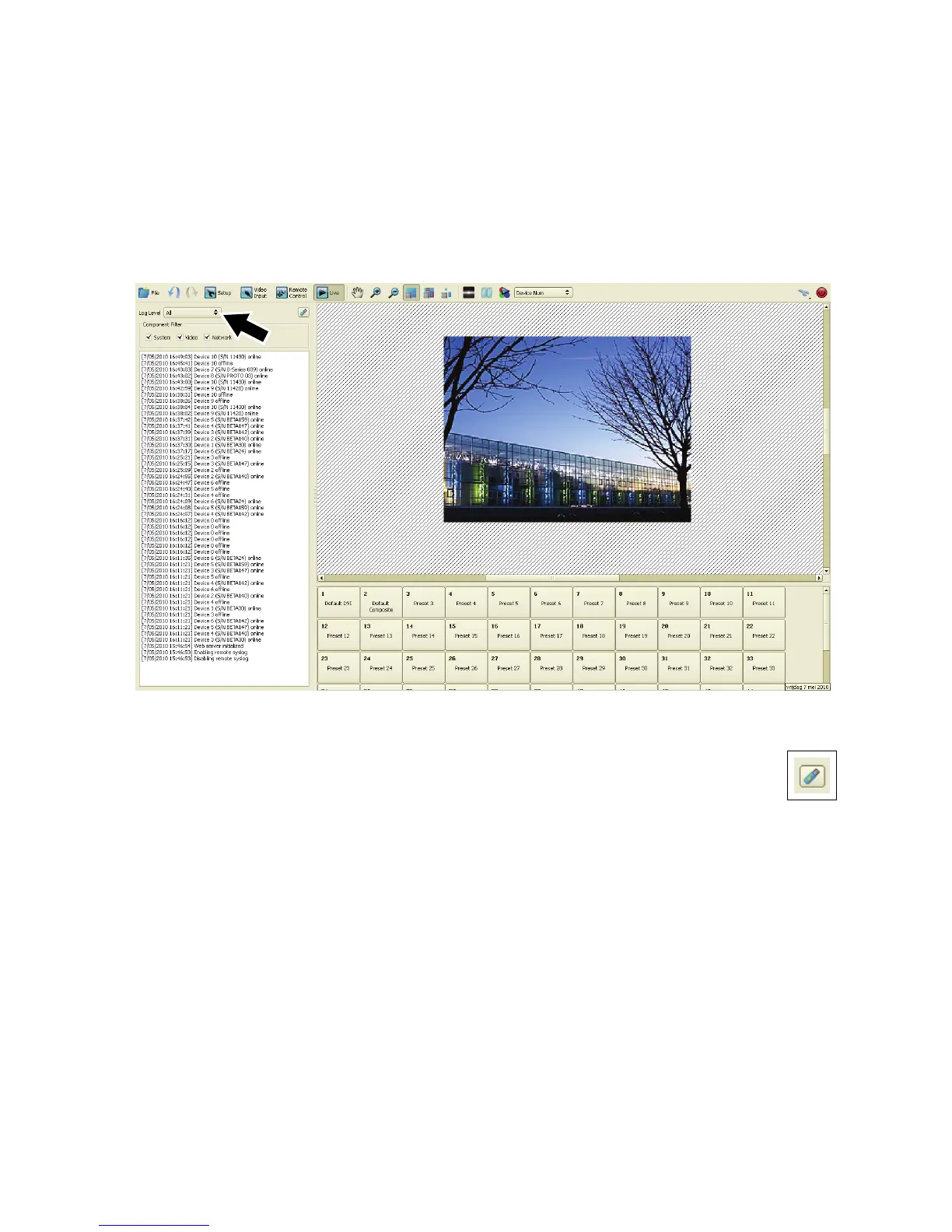
1. See Figure 39. Open the Live view and select All under Log Level (arrowed). The P3-100 keeps a
running log of system events that can be useful during troubleshooting.
2. The log can be saved to a USB memory device using the USB button.
3. See Figure 40. The toolbar in the Live view features the same video view mode selection buttons as the
toolbar in the Video Input view. You can choose from the following options:
Figure 39: Live window













 To Next Page