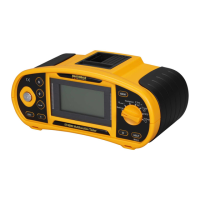
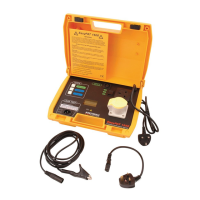
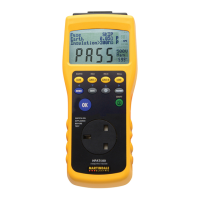
Martindale ET4000 / ET4500 Instrument description
18
4.2.6 Help screens
HELP
Opens help screen.
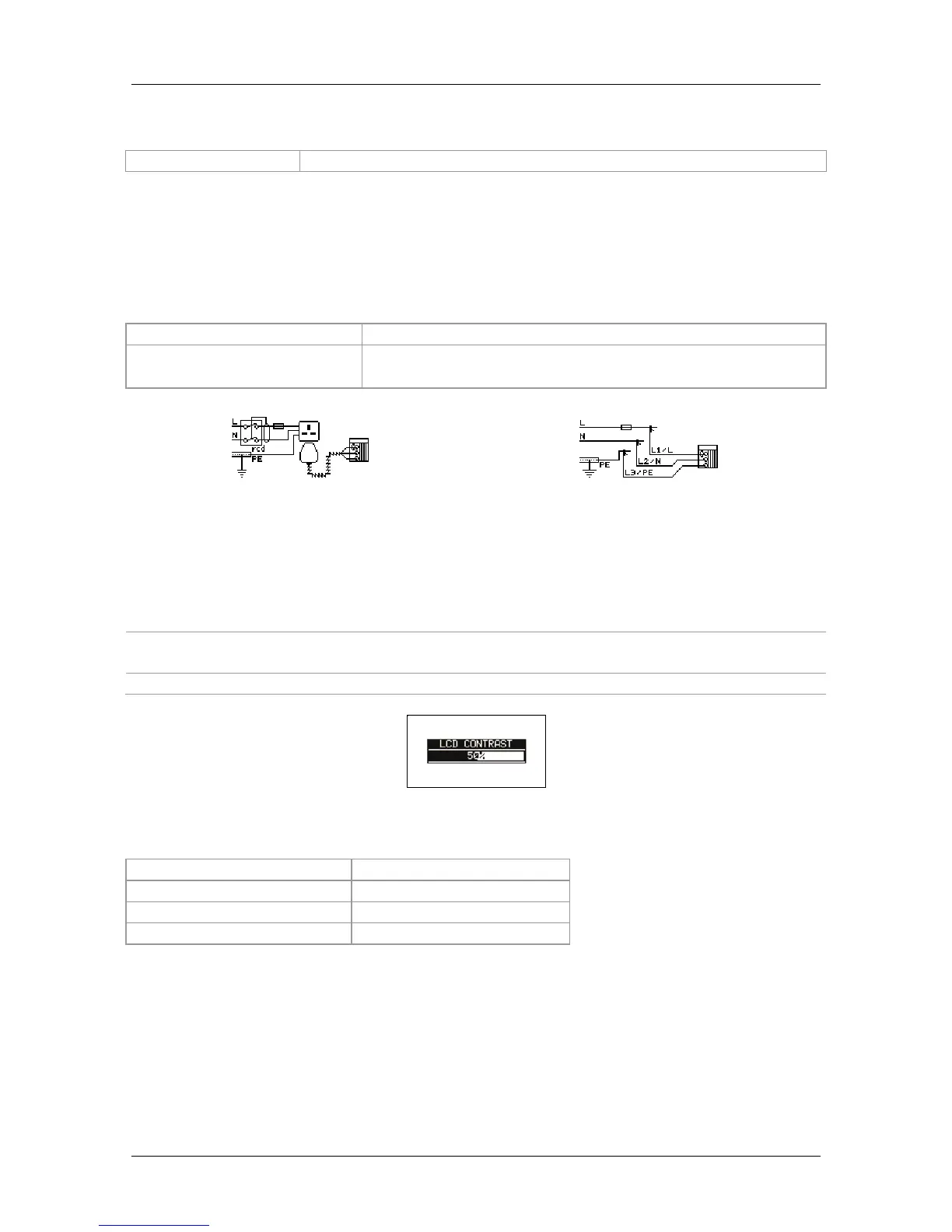
Help menus are available in all functions. The Help menu contains schematic diagrams
illustrating how to correctly connect the instrument to an electrical installation. After
selecting the measurement you want to perform, press the HELP key in order to view
the associated Help menu.
Keys in help menu:
UP / DOWN
Selects next / previous help screen.
ESC / HELP /
Function selector switch
Exits help menu.
Figure 4.4: Examples of help screens
4.2.7 Backlight and contrast adjustments
The BACKLIGHT key is used to adjust the backlight and contrast.
Click
Toggles backlight intensity level.
Keep pressed for 1 s
Locks high intensity backlight level until power is turned off or the
key is pressed again.
Keep pressed for 2 s Bargraph for LCD contrast adjustment is displayed.
Figure 4.5: Contrast adjustment menu
Keys for contrast adjustment:
DOWN
Reduces contrast.
UP
Increases contrast.
TEST
Saves contrast setting.
ESC
Exits without changes.



 To Next Page