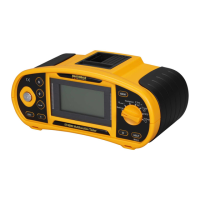
Martindale ET4000 / ET4500 Data handling
60
6.3 Saving test results
After the completion of a test the results and parameters are ready for saving ( icon
is displayed in the information field). By pressing the MEM key, the user can save the
results.
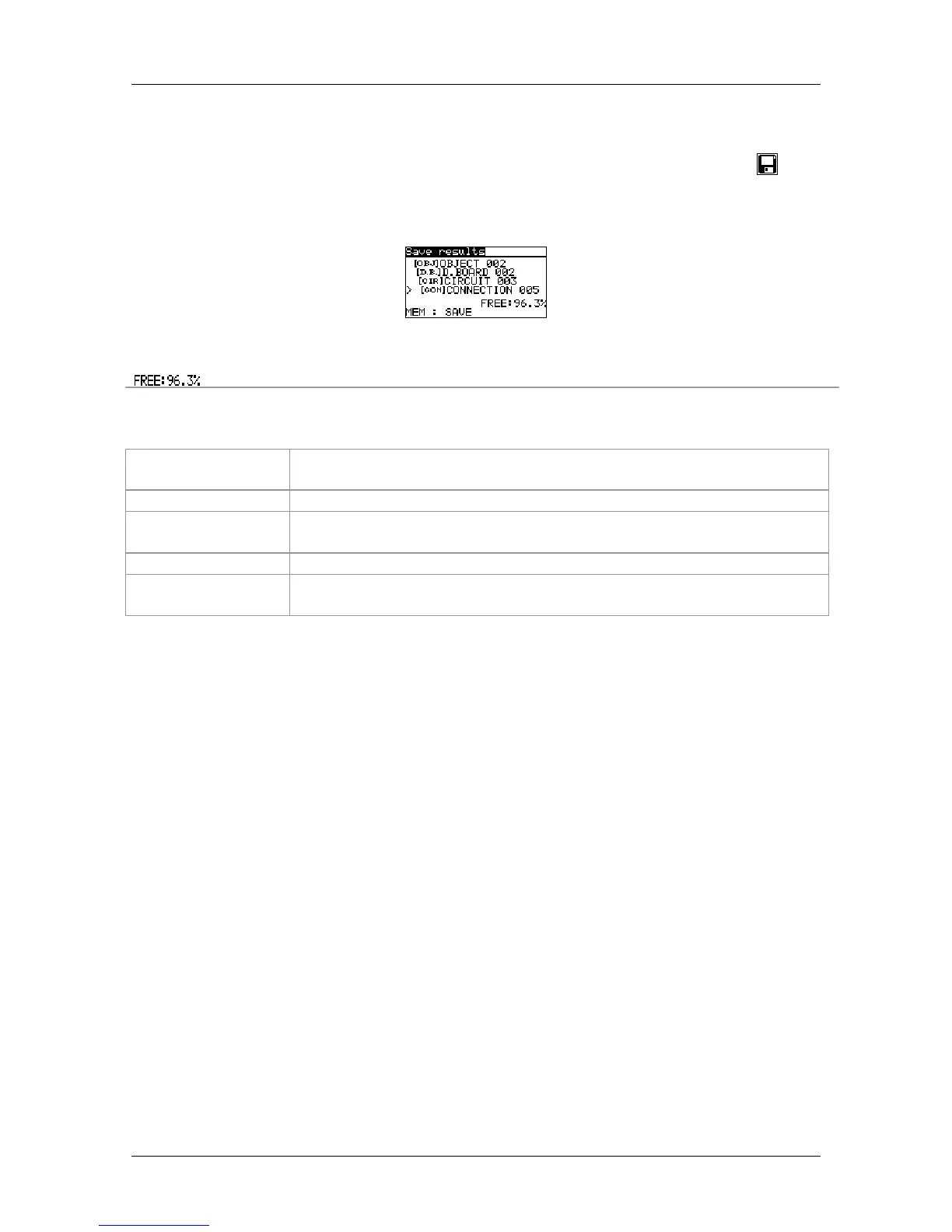
Figure 6.2: Save test menu
Memory available for storing results.
Function of Keys in save test menu - data structure field
TAB
Selects the location element (Object / Distribution board / Circuit /
Connection)
UP / DOWN
Selects number of selected location element (1 to 199)
MEM
Saves test results to the selected location and returns to the
measuring function.
ESC / TEST
Exits back to measuring function without saving.
Function selector
switch
Switches to other test / measuring function or settings menu
without saving.
Notes:
The instrument offers to save the result to the last selected location by default.
If the measurement is to be stored to the same location as the previous one just
press the MEM key twice.



 To Next Page