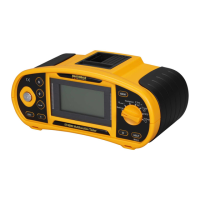
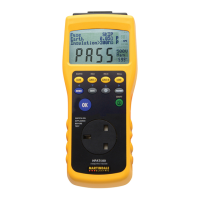
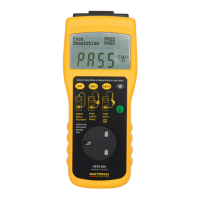
Martindale ET4000 / ET4500 Instrument description
19
4.3 Function selection
For selecting test/measurement function and entering the settings menu use the
FUNCTION SELECTOR SWITCH.
Function selector switch and keys:
Function selector
switch
Selects test / measurement function, enters settings menu and
selects auto-test mode.
UP / DOWN
Selects sub-function in selected measurement function.
TAB
Selects the test parameter to be set or modified.
TEST
Runs selected test / measurement function.
MEM
Stores measured results / recalls stored results. (ET4500 only)
ESC
Exits back to main menu.
Keys in test parameter field:
UP / DOWN
Changes the selected parameter.
TAB
Selects the next measuring parameter.
Function selector
switch
Toggles between the main functions.
MEM
Stores measured results / recalls stored results. ( ET4500 only)
General rule regarding enabling parameters for evaluation of measurement / test result:
Parameter
OFF
No limit values, indication: _ _ _.
ON
Value(s) – results will be marked as PASS or FAIL in
accordance with selected limit.
See chapter 5



 To Next Page