Martindale ET4000 / ET4500 Measurements
37
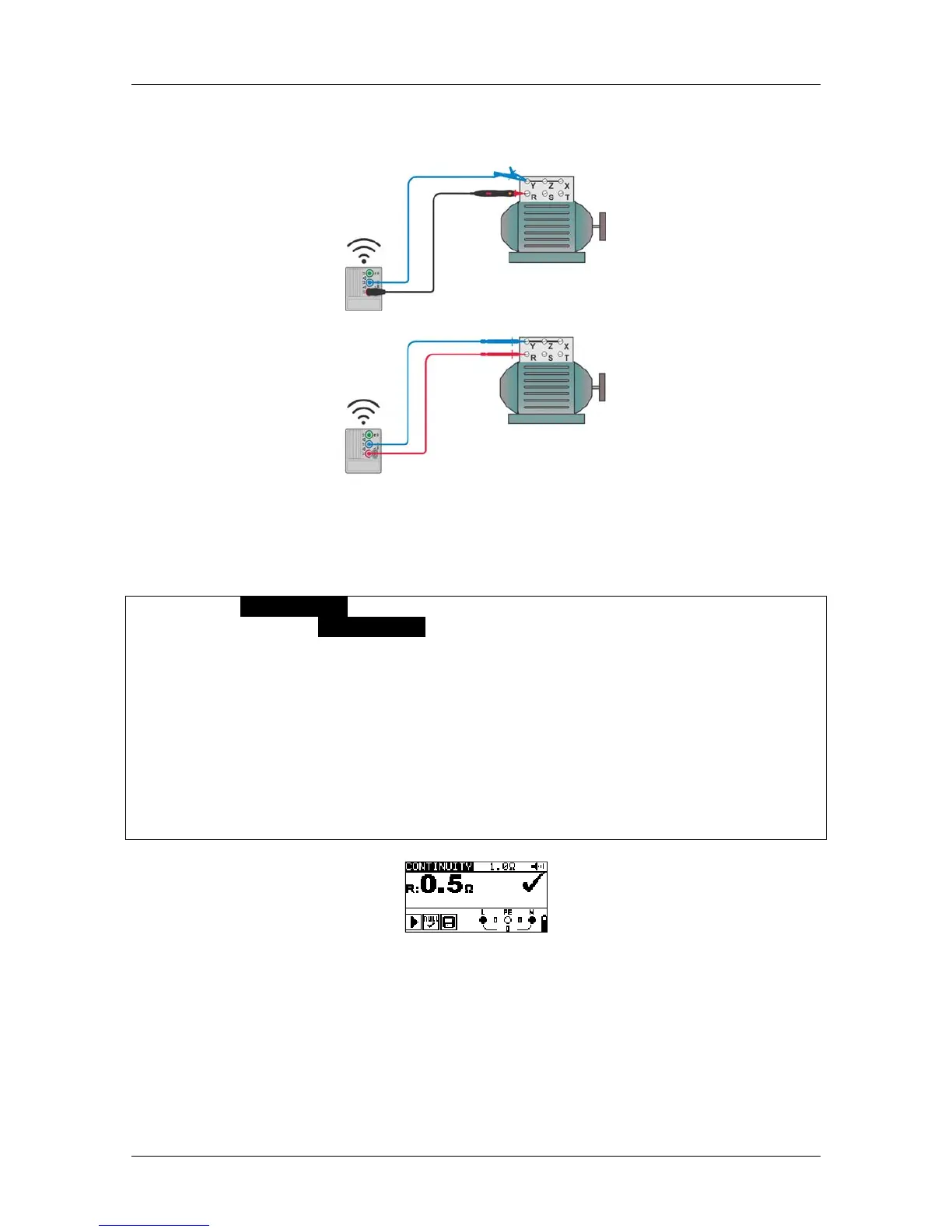
Test circuit for continuous resistance measurement
Figure 5.14: TL180 and test lead connections
Continuous resistance measurement procedure
Select CONTINUITY function using the function selector switch.
Set sub-function CONTINUITY with UP / DOWN keys.
Enable and set the limit (optional).
Connect the test leads to the instrument.
Null the test lead resistance if required (see section 5.3.4 Nulling of test lead
resistance).
Disconnect from the mains supply and discharge the item to be tested.
Connect the test leads to the item under test (see Figure 5.14: ).
Press the TEST key to begin the continuous measurement.
Press the TEST key to stop measurement.
After the measurement has finished store the result, if required, by pressing the
MEM key (ET4500 only).
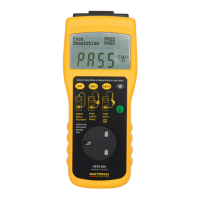
Figure 5.15: Example of continuous resistance measurement
Displayed result:
R.............. resistance



 To Next Page