26
Setting up and running the Instrument
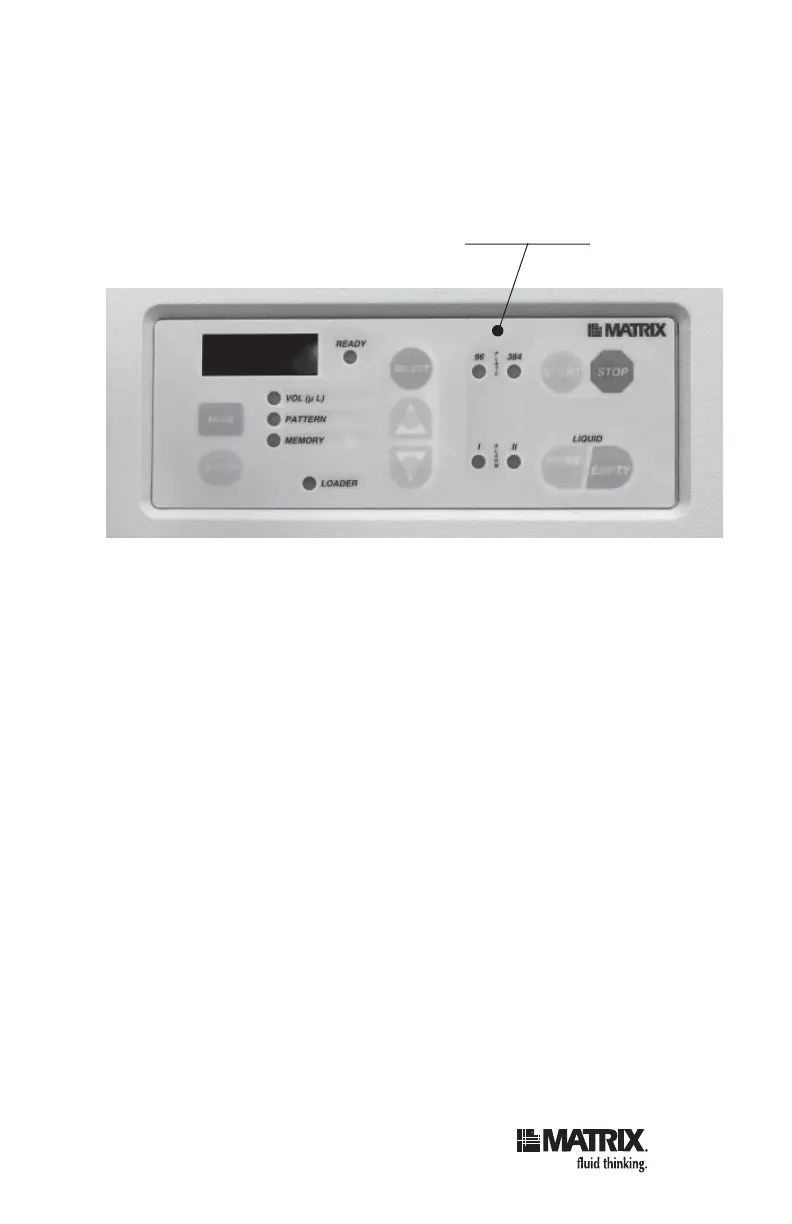
Verify that the plate type LED for your plate lights up on
the keypad. For 6, 12, 24, 48 or 96-well plates, make sure
the 96 LED is illuminated; for 384-well plates, make sure
the 384 LED is illuminated.
2. Set the dispense volume:
a. Press MODE. The VOL (μl) LED lights up.
b. Press the UP and DOWN arrows to increase or
decrease volume (the current volume appears in
the LED display).
Note: To increase the dispense volume in
increments of 200µl, press RESET.
3. Select the dispense pattern (which plate columns
are to be fi lled):
a. Press MODE. The PATTERN LED lights up.
The two leftmost digits in the display show the
column (for example, 01 for column 1). The third
display digit, on the right of the display, is 0 or 1.
A “0” indicates that this column is not selected
to dispense; a “1” indicates that this column is
selected to dispense.
Plate type LEDs



 To Next Page