53
Appendices
®
3. RS-232 ASCII Commands for Remote Device
Activation
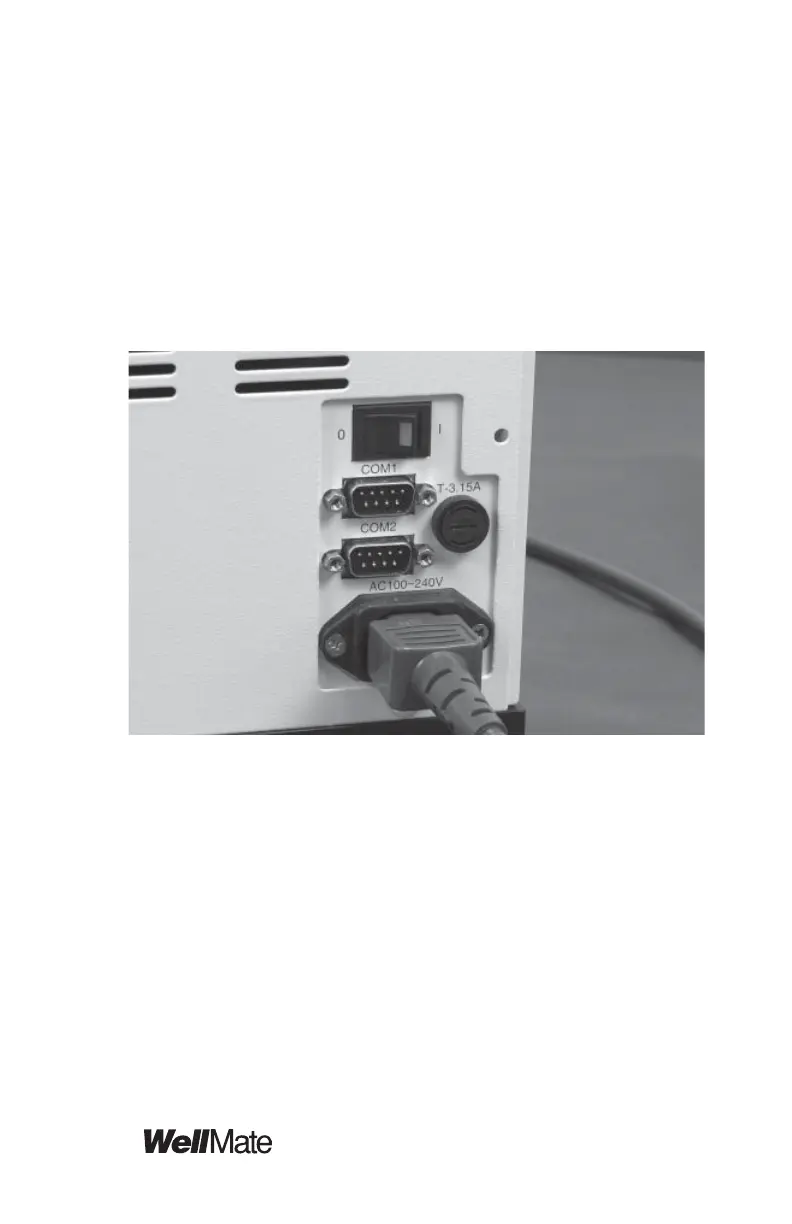
To send commands to the WellMate instrument from a
remote device, provide a Dsub-connector RS-232 cable
(to order from Matrix: use item number 501-30019) and
a Windows computer. Connect the cable from the COM
1 port on the back of the WellMate instrument to your
computer.
This section lists
• Serial port communication specifi cations
• RS-232 commands
• Communication error messages
• Sample RS-232 commands



 To Next Page