25
®
Setting up and running the Instrument
4. Press and hold the PRIME key until a continuous
fl ow moves through all the channel tubes. See page
38 for instructions on programming a timed prime.
Note: Prime new tube sets for 1 to 2 minutes with water
before using them for dispensing. This initial priming
helps to break in the new tube set and stretch out the
tubes where they contact the roller head.
2. Create, Load, and Save a Program in Memory
You can construct and save up to 18 programs (9 for 6- to
96-well plates and 9 for 384-well plates) that allow you to
easily adjust dispense volume and column use.
To program a dispense sequence to fi ll a plate, you will:
• Select a plate type (96 or 384).
• Set the dispense volume.
• Select columns (wells) to be fi lled in the dispense
operation.
• Load the program into memory and save it.
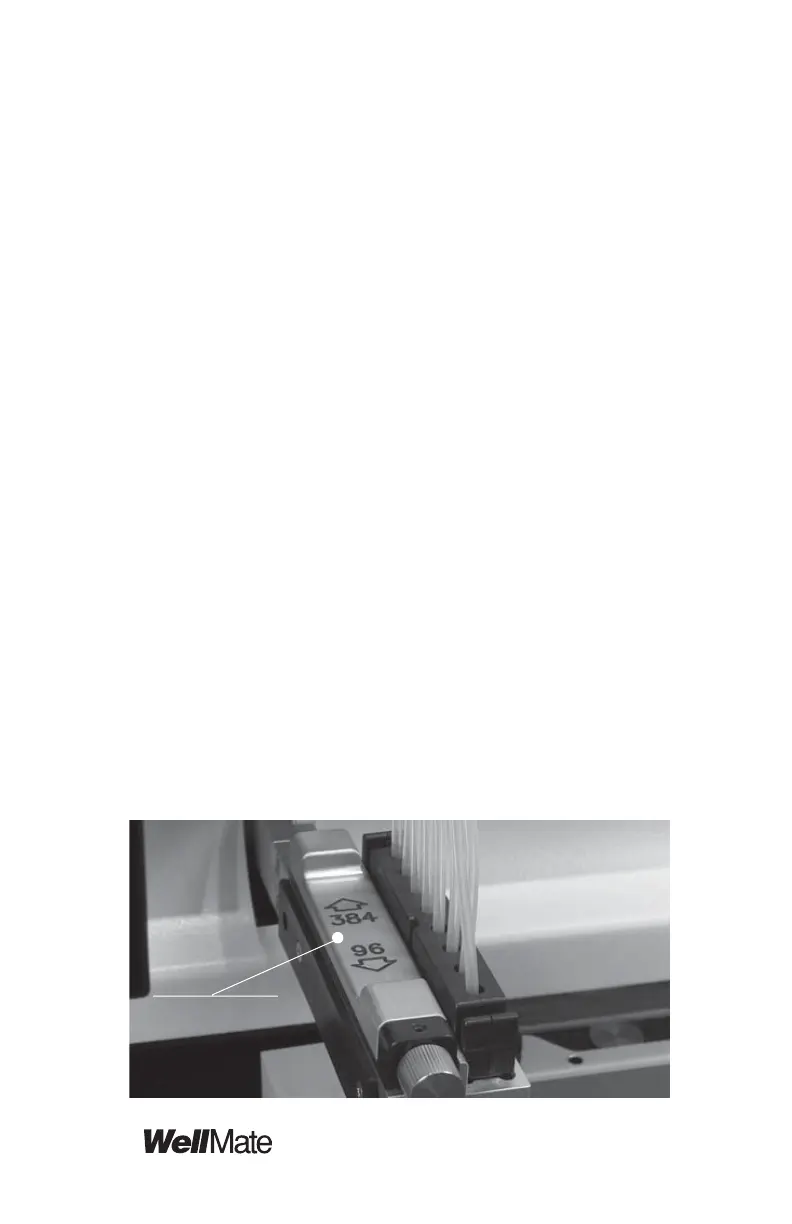
1. Select the plate type:
Set the plate type by moving the plate type slide to
accommodate the plate you will be using.
Move Plate
Type Slide in for
384 and out for
96-well



 To Next Page