32
Setting up and running the Instrument
Note: In addition to the Y-axis stage adjustment, you can
also use the Y-axis adjustment knob (see page 18 for
Y-axis arm adjustment).
g. When you have fi nished aligning the 96-well plate
under the nozzles, press the Reset button. The
stage shuttle will move to its home position under
the right stacker.
3. Align the 384-well plate.
a. Replace the 96-well plate with a 384-well plate.
Push in the dispense nozzle arm and verify
that the “384” indicator light on the WellMate is
illuminated.
b. Press the START button. The plate shuttle should
move until column 13, row set 1 of the plate is
under the dispense nozzle.
c. Press the UP or DOWN key to adjust the stage
position under the nozzles.
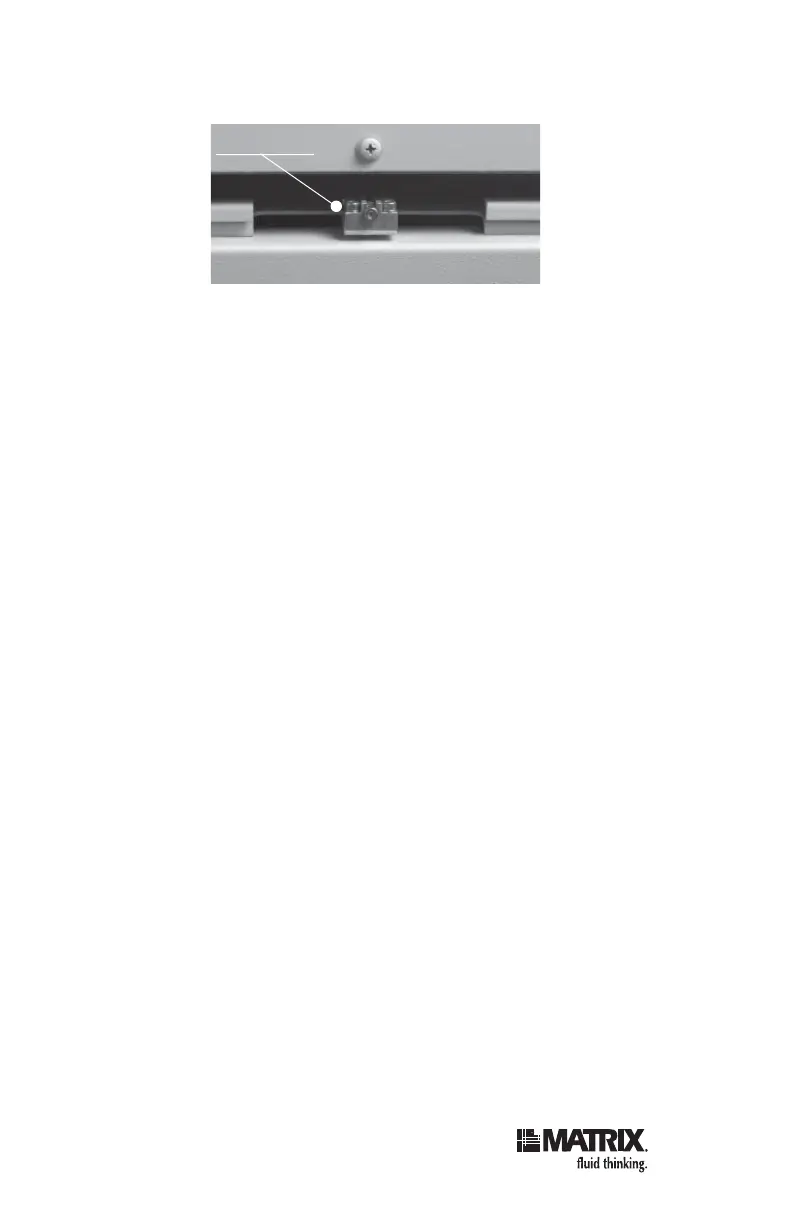
d. Align the Y-axis stage position with an Allen
wrench.
e. When you have fi nished aligning the 384-well
plate row set 1 under the nozzles, press the
RESET button. The plate shuttle should move
until column 13, row set 2 of the plate is under the
dispense nozzle.
f. Press the UP or DOWN key to adjust the stage
position under the nozzles.
Y-Axis Stage



 To Next Page