25
BepopPC EX Software Installation
Checktheremainingsheetlength.
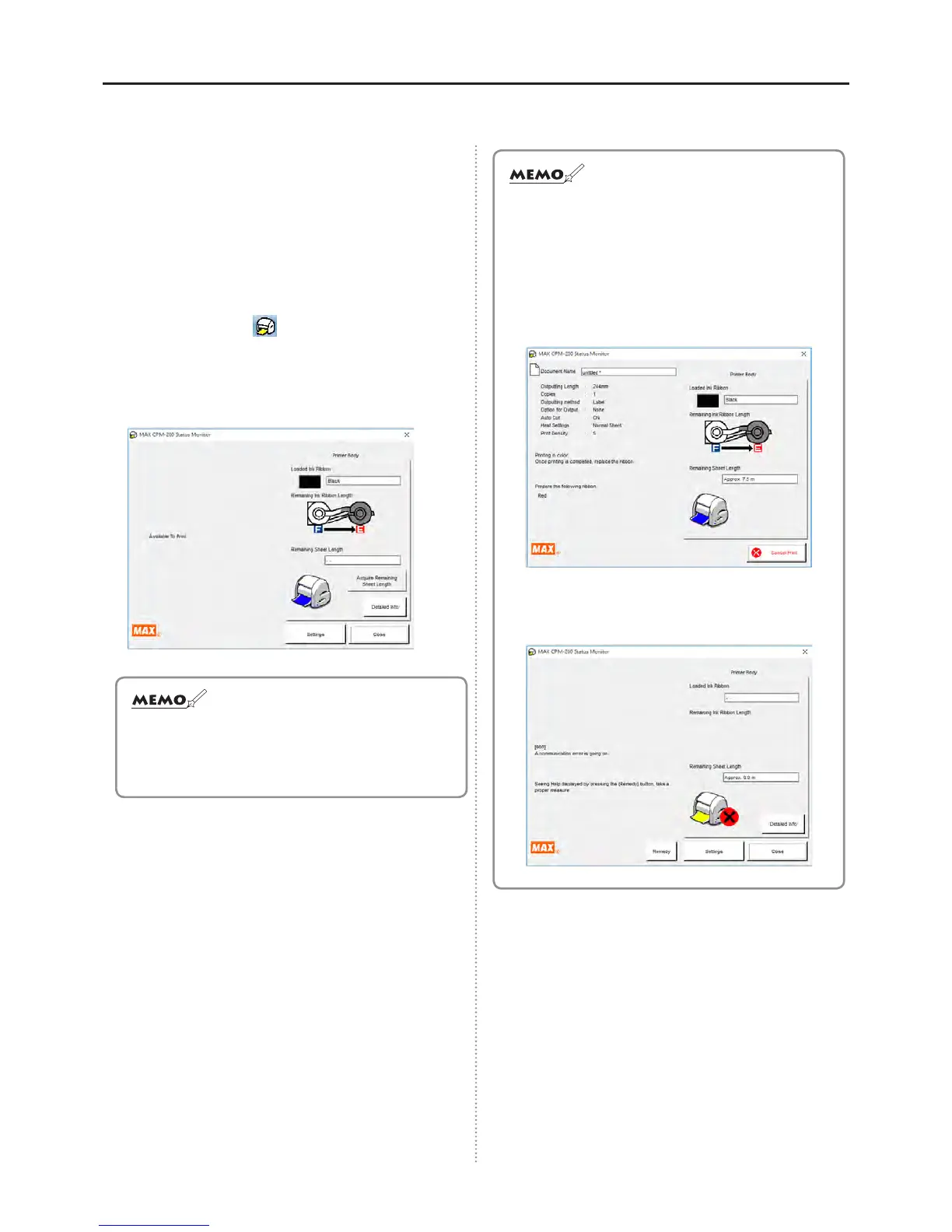
It is possible to check the remaining sheet length
in your CPM-200 by using the status Monitor. It is
convenient to use it to check the remaining sheet
length before printing.
1
In the Notication Area of your computer (click
upward chevron, bottom-right end) there will be a
status Monitor icon
.
2
Click on the “Test remaining length” button.
3
The remaining tape length will appear.
●Dependingontheamountofremainingtape,the
statusMonitorlengthandactuallengthmebeoff
by6~12inches.Alsotapethathasbeenremoved
fromtherollwillnotbemeasuredcorrectly.
AbouttheStatusMonitor
During the printing process, it is possible to check the
current condition of your printer and consumables. The
Status Monitor displays the printing progress, remaining
ink ribbon status, and ink color.
* The remaining ink ribbon length is approximate
information only and it may be different from the actual
length.
In the event of a printing error, the error code will be
displayed.
Open the “Troubleshooting” tab and follow the instructions.



 To Next Page