31
BepopPC EX Software Installation
Uninstallmethod
Howtouninstall“BepopPCEX”
To uninstall the BepopPC EX, please complete the following procedure.
1
Close any open programs and virus scan software.
2
Insert the included CD-ROM into the CD drive.
Click continue on the user account window.
3
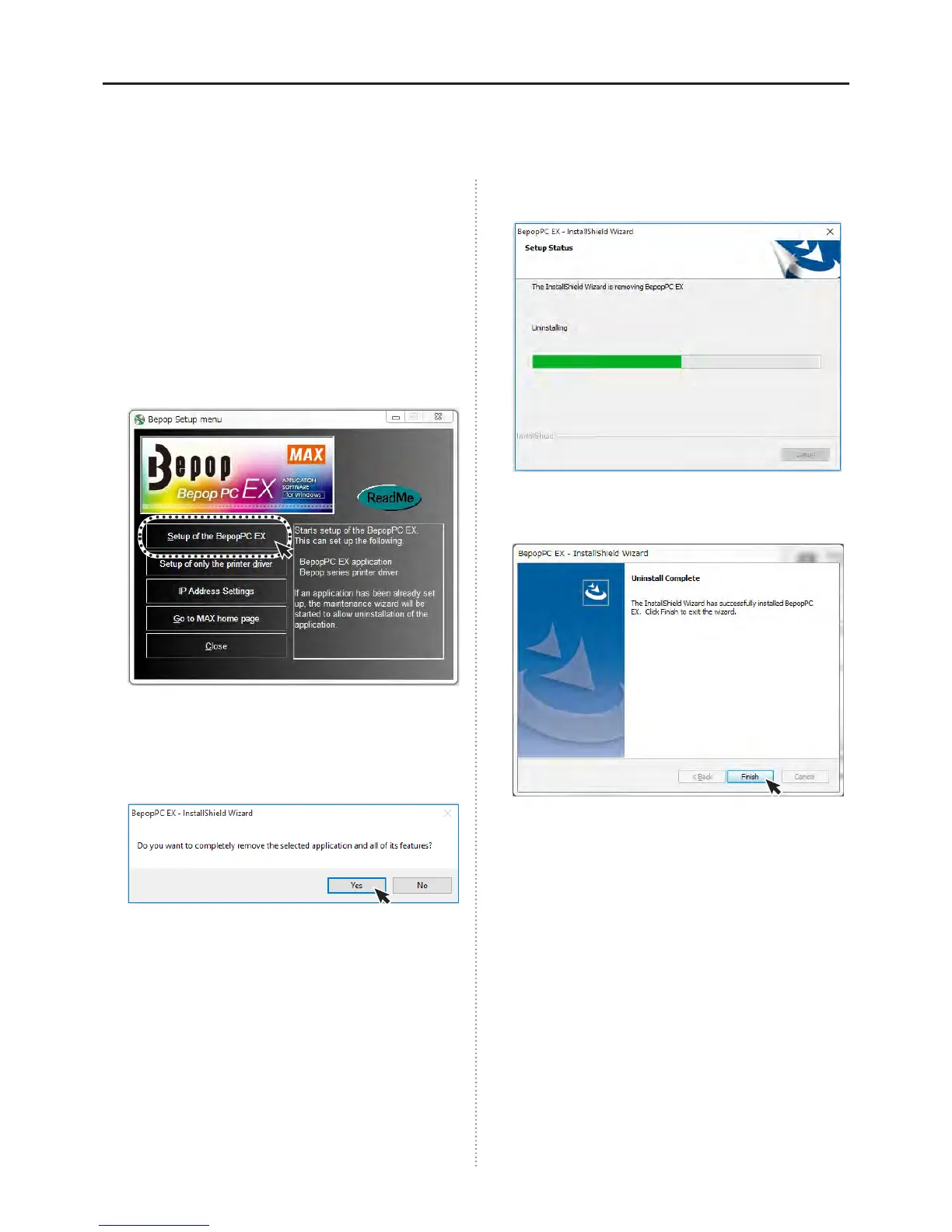
The BepopPC EX setup menu will automatically
open. Click on the “Setup of the BepopPC EX”
button.
4
Click “Yes”.
(
Computers using Windows 7/Vista will display the following
message.)
5
The uninstall process will begin.
6
When nished click on the “Finish” button.
* Max custom fonts will also be deleted when software is
uninstalled.



 To Next Page