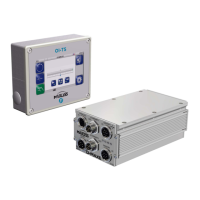
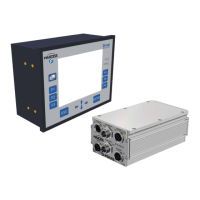
DP-20 WEB GUIDE CONTROLLER USER MANUAL
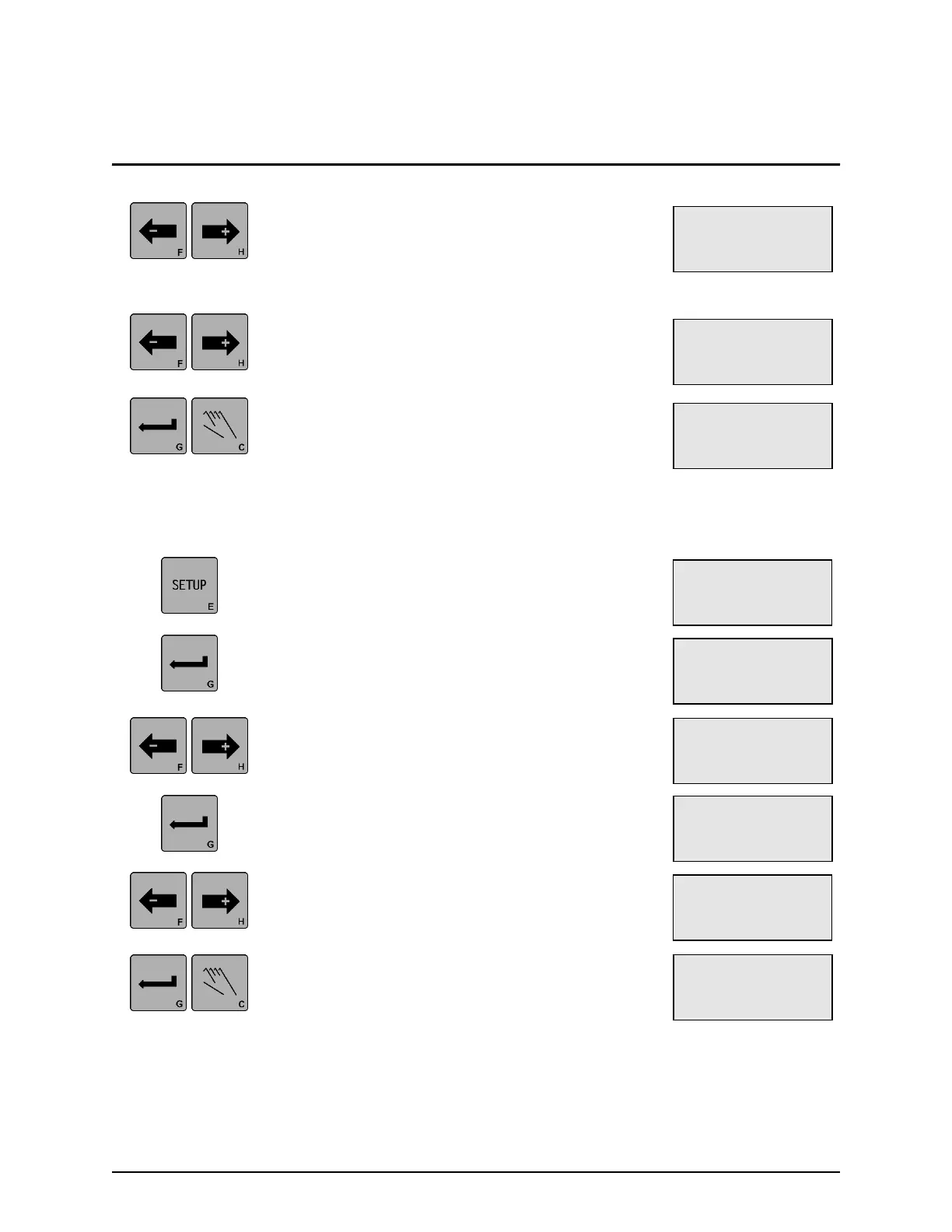
5. Use the ARROW keys to adjust the Gain value
to the desired level as indicated on line 4. If an
ARROW key is held down, the speed of the Gain
change increases. The change is effective
immediately, but not stored.
6. If desired, press both of the ARROW keys
simultaneously to reset the Servo-Center Gain
to 5.0% as indicated on line 4.
7. Press the ENTER key to store the change or
press the MANUAL key to abort the change. The
system will exit the setup menus, and return to
the Operator Level.
3X.1.7, Servo-Center Polarity
1. Press the SETUP key to enter the Setup Menus.
The SELECT MENU screen will be displayed.
2. Press the ENTER key to enter the BASIC
Menus. The GAIN menu will be displayed.
3. Use the ARROW keys to scroll until ~ƒ
POLARITY is displayed on line 3.
4. Press the ENTER key to allow adjustment of the
Servo-Center Polarity. The current Polarity
setting will begin flashing on line 4.
5. Use the ARROW keys to adjust the Servo-
Center Polarity to the desired setting as
indicated on line 4.
6. Press the ENTER key to store the change or
press the MANUAL key to abort the change. The
system will exit the setup menus, and return to
the Operator Level.
× 3A.1.6.1
SETUP (SC)
~ƒ GAIN
ããÜÜÜÜÜÜÜÜ 8.0%
× 3A.1.7.1
SETUP (MAN)
~ƒ POLARITY
-
× 3A.1.7.1
SETUP (MAN)
~ƒ POLARITY
+
× 3A.1.1
SETUP (MAN)
GAIN
ãÜÜÜÜÜÜÜÜÜ 10.0%
× 3A.1.7
SETUP (MAN)
~ƒ POLARITY
-
× 3A.1
SETUP (MAN)
SELECT MENU
BASIC
× 3A.1.6.1
SETUP (SC)
~ƒ GAIN
ãÜÜÜÜÜÜÜÜÜ 5.0%


 To Next Page
 Loading...