Section 5 – Troubleshooting
Rev. 2.0 04/16 30 H6630EM-LIT
5-7 Communications Module
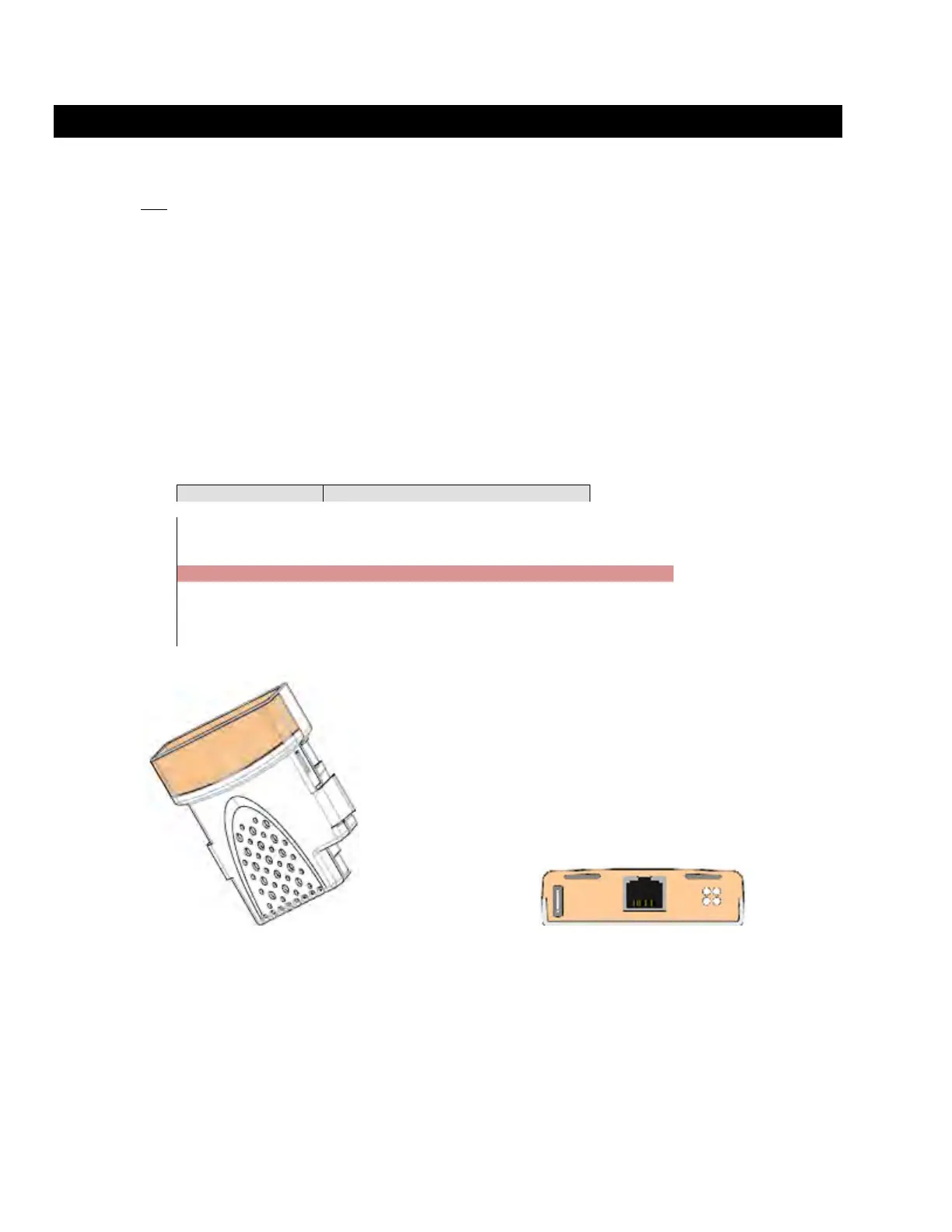
The Ethernet module resides in the top slot of the controller. The module is simply an interface,
with the parameters that control the module residing in the controller. Unlike the keypad, the
module is not hot swappable. Power must be removed from the drive prior to insertion or
removal. Squeeze the outer tabs and pull to remove.
Changing, Verifying, or Setting up an H6630 Controller IP Address
The top slot modules are controlled by the 16.xx range of parameters. The IP address is
contained in the 16.10 through 16.13 parameters while the subnet mask is in the 16.14 through
16.17 parameters.
Using the keypad, scroll through the menu 16 parameters and verify the drivers IP address is
set correct.
The following structure shows an example of the controller IP address 192.168.1.69.
Figure 7 Controller Ethernet Module


 To Next Page