42
Operating
Press any button to select an input port on the remote control or press the
INPUT button on the control panel. A dialog box to select the input signal for
the main area will be displayed. Choose a signal using the ▲/▼ buttons. To
change the signal in the sub area, switch temporarily across to the main area
with the ◄/► buttons.
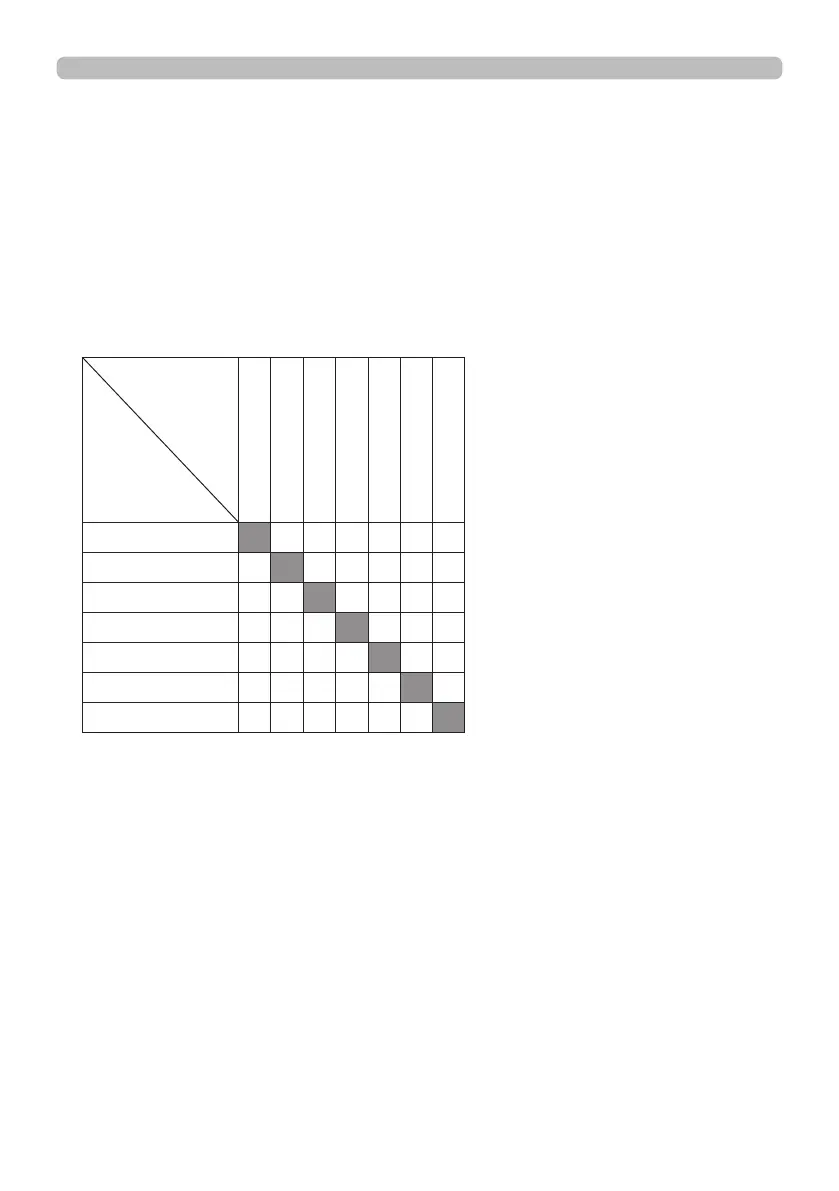
Displaying the same signal on the both areas is not allowed. Refer to the table
for details on available input signal combinations. Any combinations marked
with "X" cannot be selected.
Changing the picture input signal
Sub area
Main area
HDMI 1
HDMI 2
COMPUTER IN 1
COMPUTER IN 2
HDBaseT
SDI
DVI-D
HDMI 1
O O O X O X
HDMI 2
O X X O X O
COMPUTER IN 1
O X X O X O
COMPUTER IN 2
O X X O X O
HDBaseT
X O O O O X
SDI
O X X X O O
DVI-D
X O O O X O
PbyP (Picture by Picture) / PinP(Picture in Picture) (continued)
(continued on next page)















 To Next Page