99
Maxtor Central Axis Admin User Guide
Checking System Status
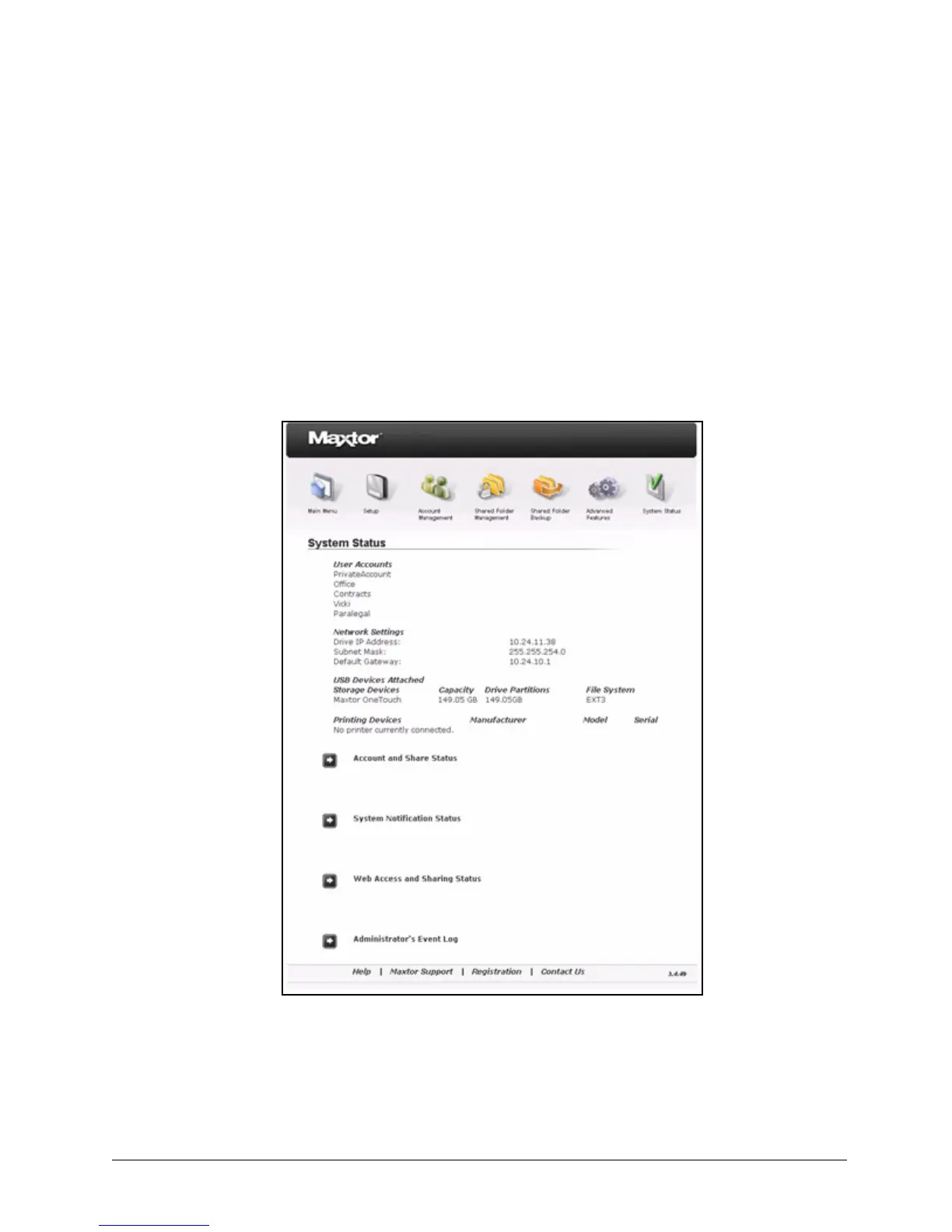
The System Status page provides complete information about the status of your Central
Axis.
To open the System Status page,
• Click System Status in the Main Menu or click the System Status icon at the top
of the Central Axis admin web page.
The System Status page opens:
Figure 150: System Status



 To Next Page