Deleting a Backup Set 37
Maxtor Central Axis Admin User Guide
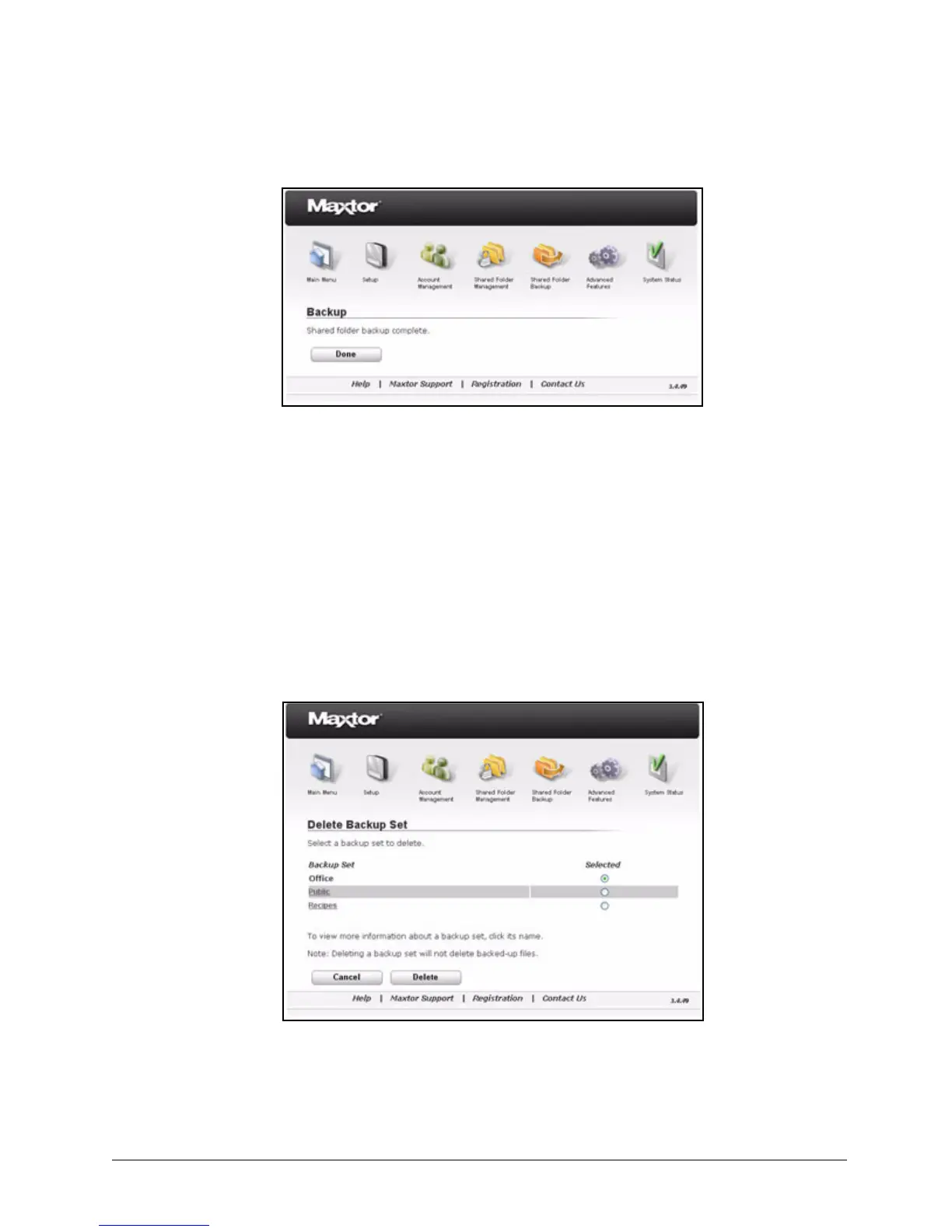
Step 6: Click Done to return to the Shared Folder Backup page.
Step 7: If you wish, repeat these steps to create other backup sets.
Deleting a Backup Set
To delete a backup set,
Step 1. On the Shared Folder Backup page, click Delete Backup Set.
The Delete Backup Set page opens:
Step 2: If you wish, click a backup set to review its contents before deleting it.
Step 3: Select the backup set to be deleted.
Figure 53: Backup Complete
Figure 54: Delete Backup Set



 To Next Page