Managing System Maintenance 61
Maxtor Central Axis Admin User Guide
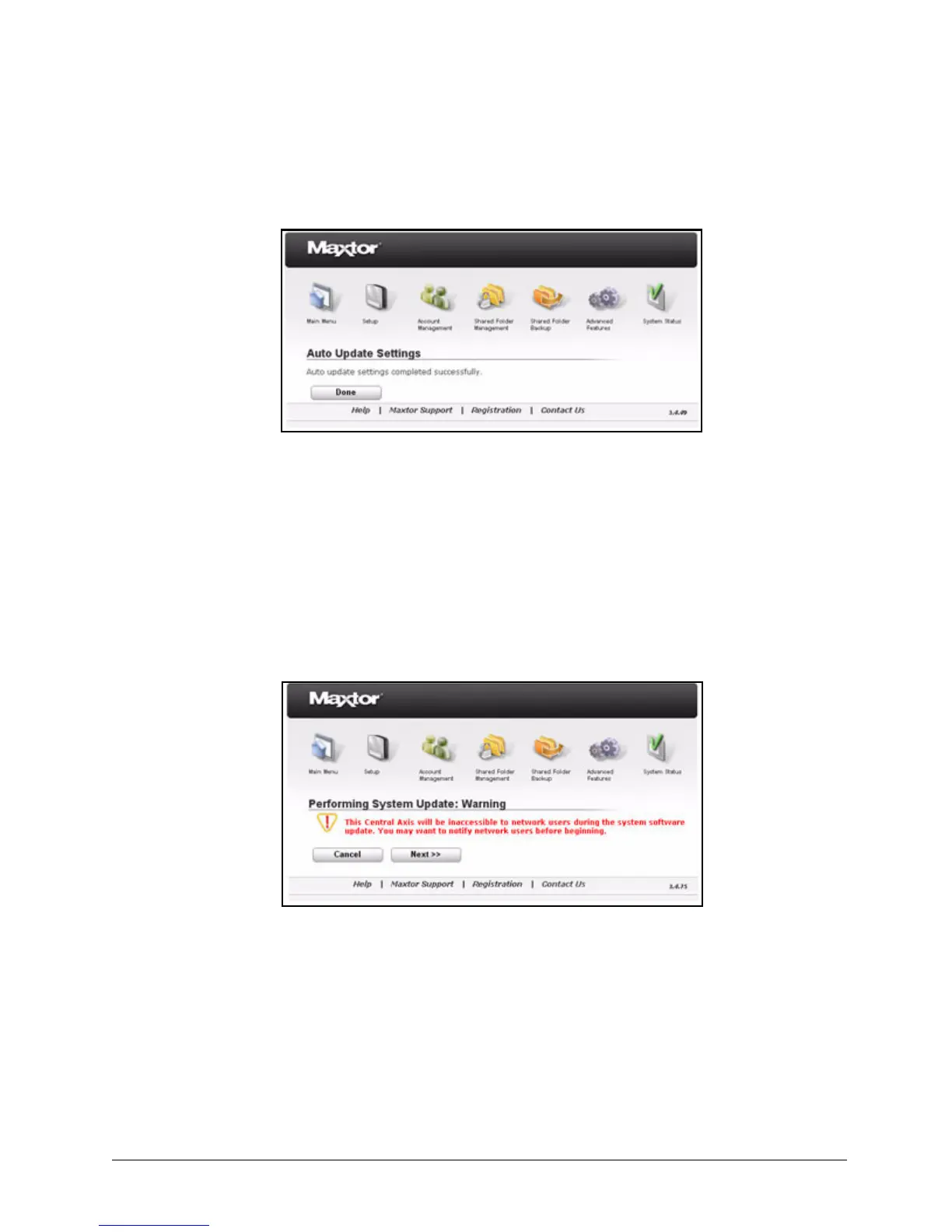
A System Software Update Settings window confirms that your update selection
has been saved:
Updating the System Software Manually
If you don’t want to update the system software automatically, you can update manually by
downloading the software from the Maxtor Central Axis Support website.
To manually update your system software,
Step 1. On the System Update page, click Manual Install.
The System Update Warning page opens:
Step 2: Click Next.
The Manual System Update page opens:
Figure 91: System Update Setting Saved
Figure 92: System Update Warning



 To Next Page