Managing Digital Content 23
Maxtor Central Axis Admin User Guide
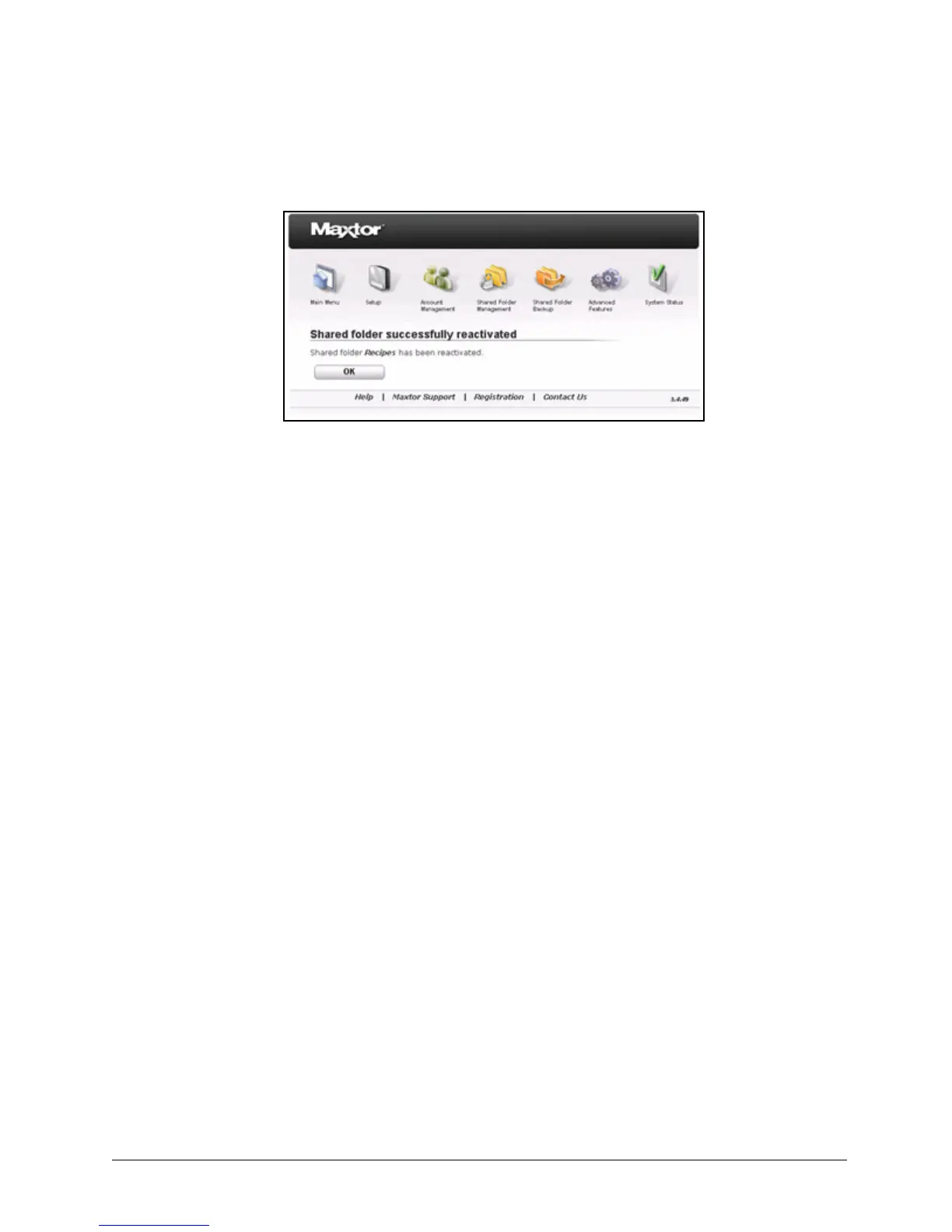
Step 4: Click OK to return to the Shared Folder Management page.
Managing Digital Content
Media Server allows you to use your Maxtor Central Axis with any UPnP-enabled audio/
video player to play back digital photos, music, and videos on networked home
entertainment systems. You can export your favorite music and video playlists.
Media Server recognizes files in Our Photos, Our Music, Our Movies, My Photos, My
Music, My Movies, and My Multimedia folders.
Enabling and Disabling Media Server
To enable or disable Media Server,
Step 1. On the Shared Folder Management page, click Manage Digital Content.
The Manage Digital Content page opens:
Figure 31: Confirm Shared Folder Access Reactivation



 To Next Page