Using External USB Drives 30
Maxtor Central Axis Admin User Guide
• Connect an external USB drive to one of the USB ports on the back of your Central
Axis.
Formatting an External USB Drive
Before you can back up folders stored on your Central Axis to an external USB drive, the
external drive must be formatted correctly.
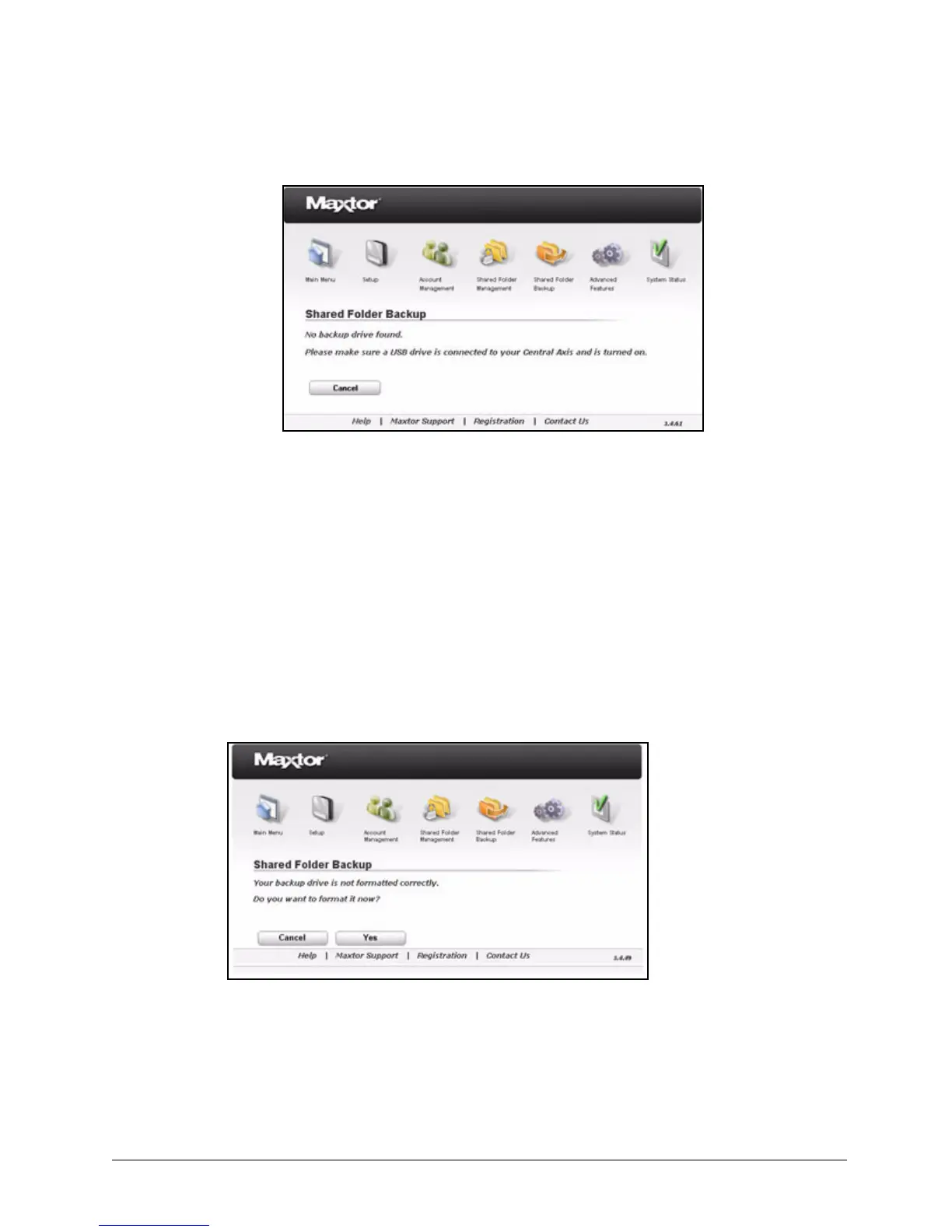
If the drive is not formatted correctly, you see this message when you click Shared Folder
Backup in the Main Menu or click the Shared Folder Backup icon at the top of the Central
Axis admin web page:
To format the drive,
Step 1. Click Yes.
You’re asked to select the drive to format:
Figure 41: No Backup Drive
Figure 42: Backup Drive Not Formatted Correctly



 To Next Page