Managing System Maintenance 51
Maxtor Central Axis Admin User Guide
Managing System Maintenance
Use the System Maintenance option in Advanced Features to manage your Central Axis
power settings, run disk utilities and diagnostics, and update your Central Axis system
software.
Managing Power Settings
To save power, your Central Axis can automatically be placed in sleep mode after it’s been
inactive for a designated amount of time.
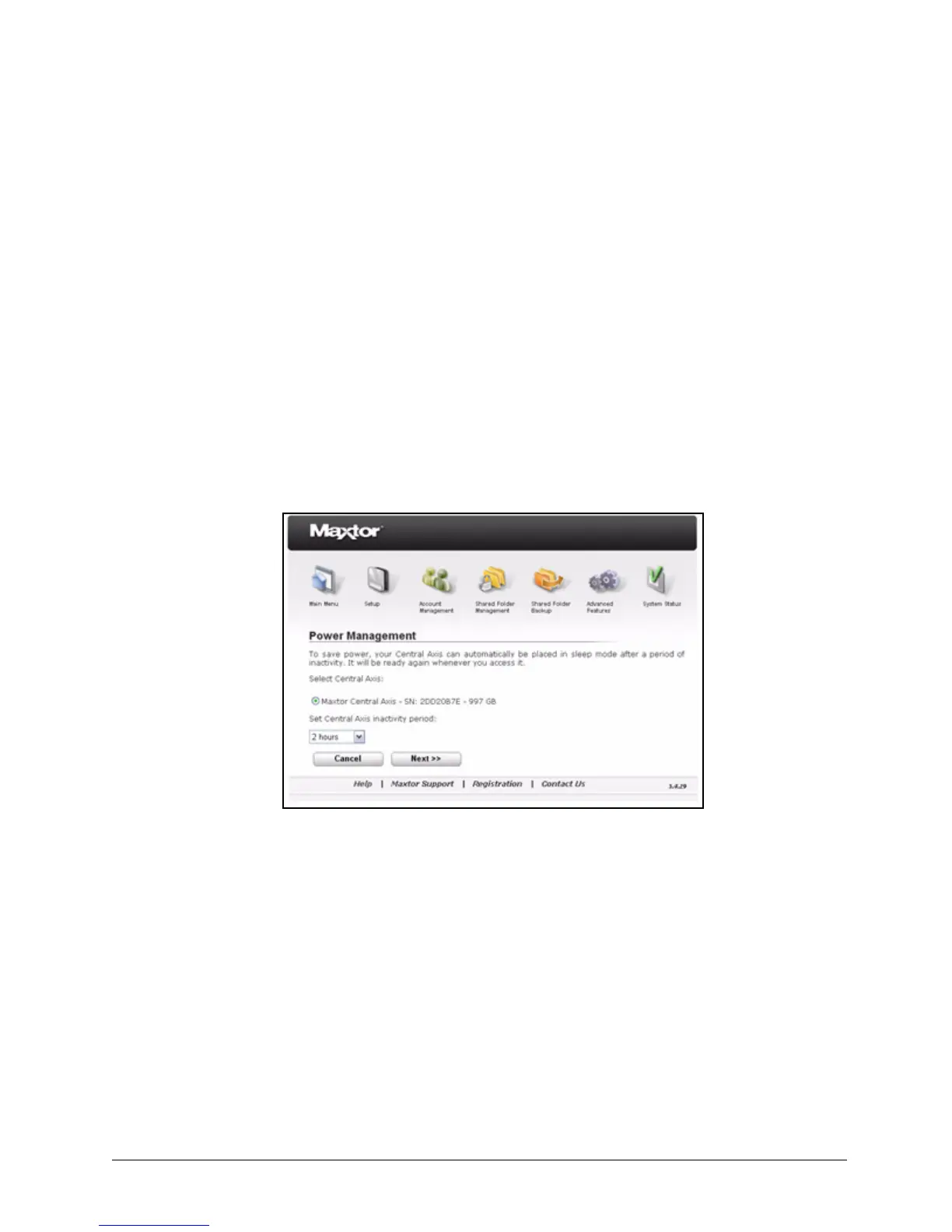
To manage your power settings,
Step 1. Click Power Management on the Advanced Features page.
The Power Management page opens:
Step 2: Select the Central Axis and enter the mount of time it should be inactive before
being placed in sleep mode.
Step 3: Click Next.
A message confirms your power management settings:
Figure 75: Power Management



 To Next Page