System Status Links 107
Maxtor Central Axis Admin User Guide
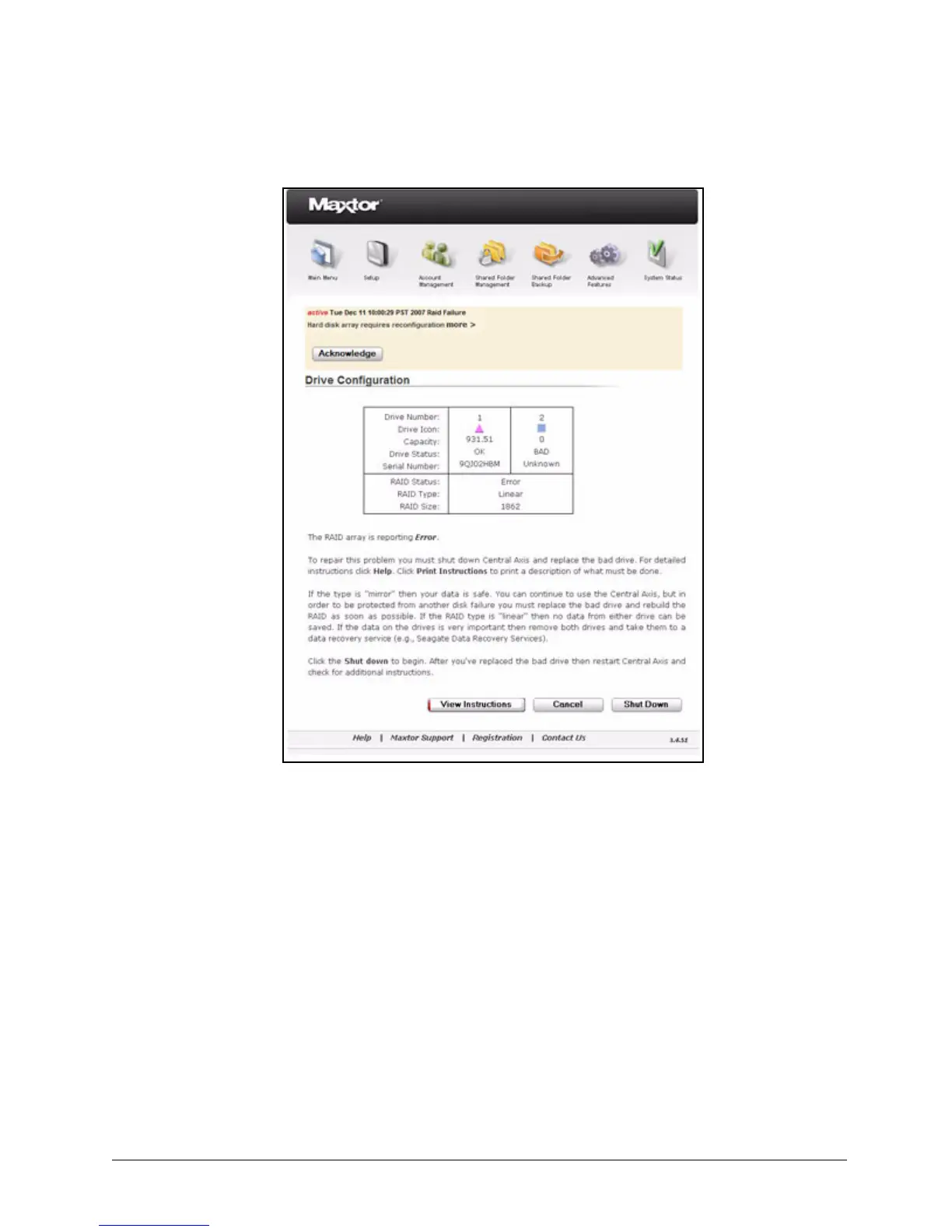
Step 4: Proceed with the update or the remedy to the drive configuration error.
The notification clears itself once the issue it has reported has been resolved.
Checking Web Access and Sharing Status
Web Access and Sharing status lists the folders on your Central Axis enabled for Web
Access and Sharing and lists those with whom the folders have been shared, what degree
of access has been granted, and who has shared the folders.
To view Web Access and Sharing status,
Step 1. Click Web Access and Sharing Status on the System Status page.
The System Status: Web Access and Sharing page opens:
Figure 160: Drive Configuration



 To Next Page