Configuring Drives (Dual Drive Units Only) 82
Maxtor Central Axis Admin User Guide
Replacing a Drive
To replace a failed drive,
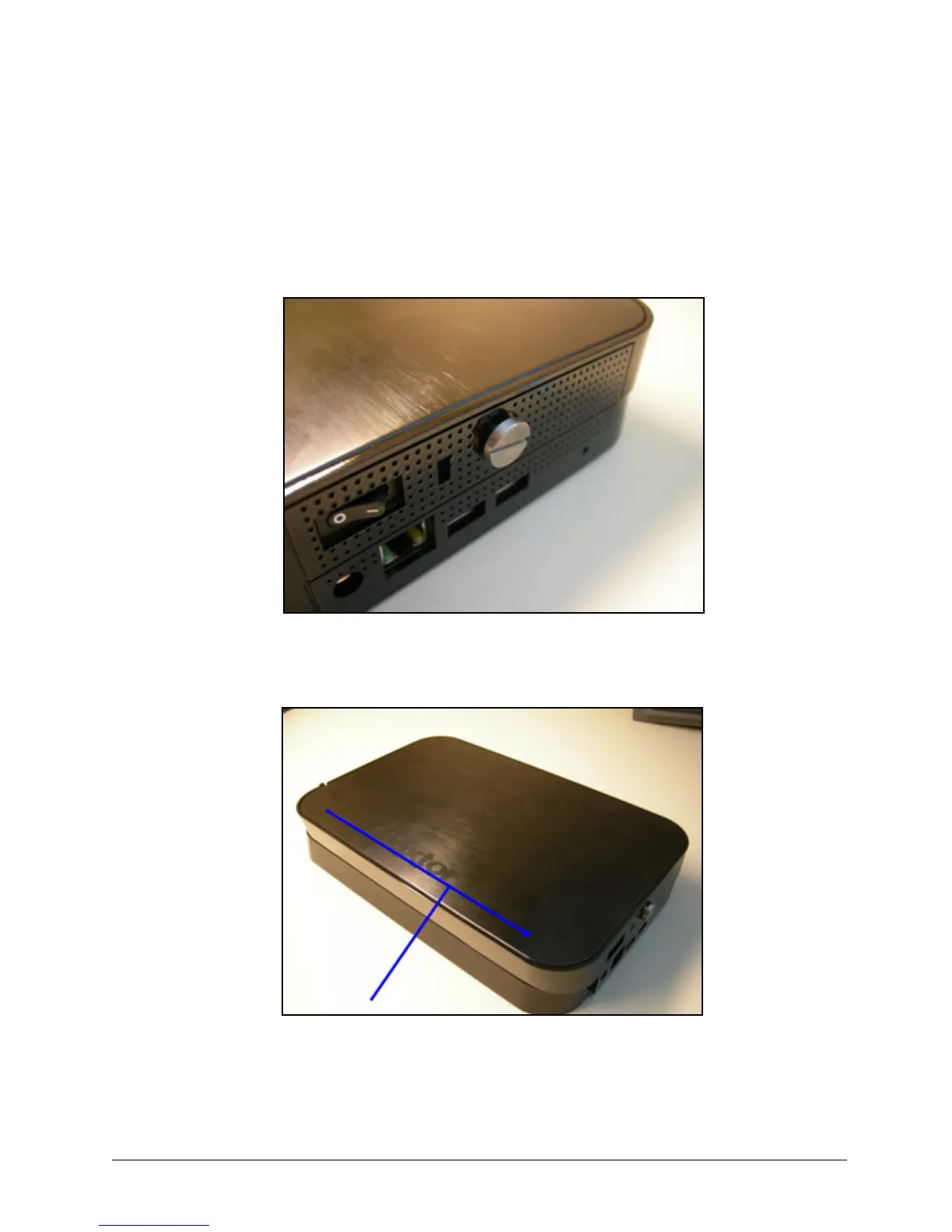
Step 1. Loosen the cover fastener so the cover can be removed. The screw will not come
completely out of the unit.
Step 2: Slide the cover so that the screw pulls out to disengage it from the bottom:
Step 3: Lift off the cover and set it aside:
Figure 124: Cover Fastener
Figure 125: Unit Cover



 To Next Page