Setting USB Configurations 63
Maxtor Central Axis Admin User Guide
Step 7: Click Done to return to the System Update page.
Setting USB Configurations
Use the USB Configurations link in Advanced Features to format USB drives connected
to your Central Axis, manage printer support, and safely remove USB devices.
Formatting a USB Drive
To format a USB drive connected to your Central Axis,
Step 1. Click USB Configurations on the Advanced Features page.
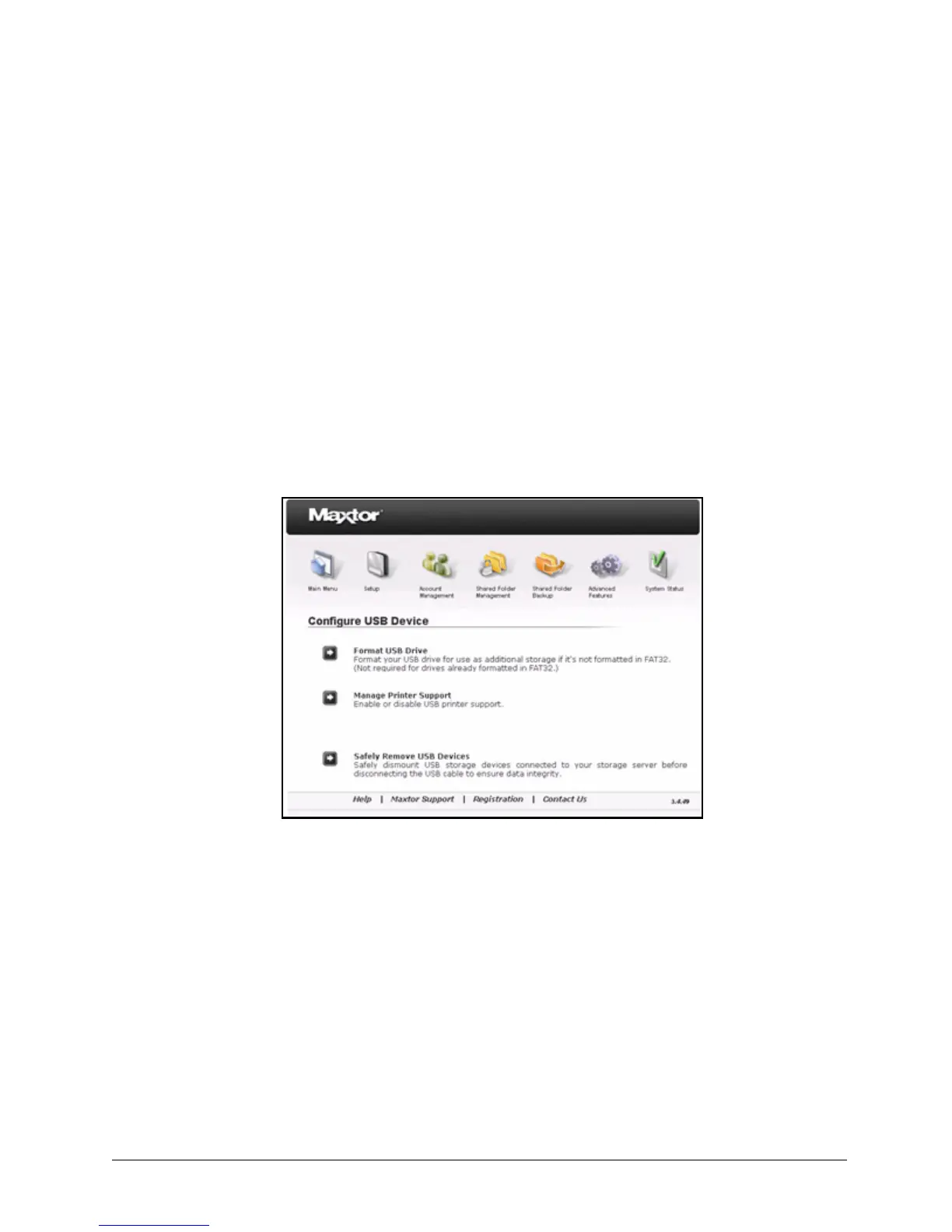
The Configure USB Device page opens:
Step 2: Click Format USB Drive.
The Format USB Drive page opens:
Figure 95: Configure USB Device



 To Next Page