Configuring Drives (Dual Drive Units Only) 92
Maxtor Central Axis Admin User Guide
Linear Configuration
If your failed drive was in linear mode, all data stored on your Central Axis was lost. The
Drive Configuration page you see now offers you the choice of selecting the format to use
to rebuild the new drive:
• Linear Mode: Both drives are used as a single large drive; provides more storage
space but no data protection.
• Mirror Mode (Recommended): A copy of all data is kept on each drive; provides
less storage space but much better data protection.
The choice is yours, but since you’ve just lost all your data, you might want to consider
switching from linear to mirror mode.
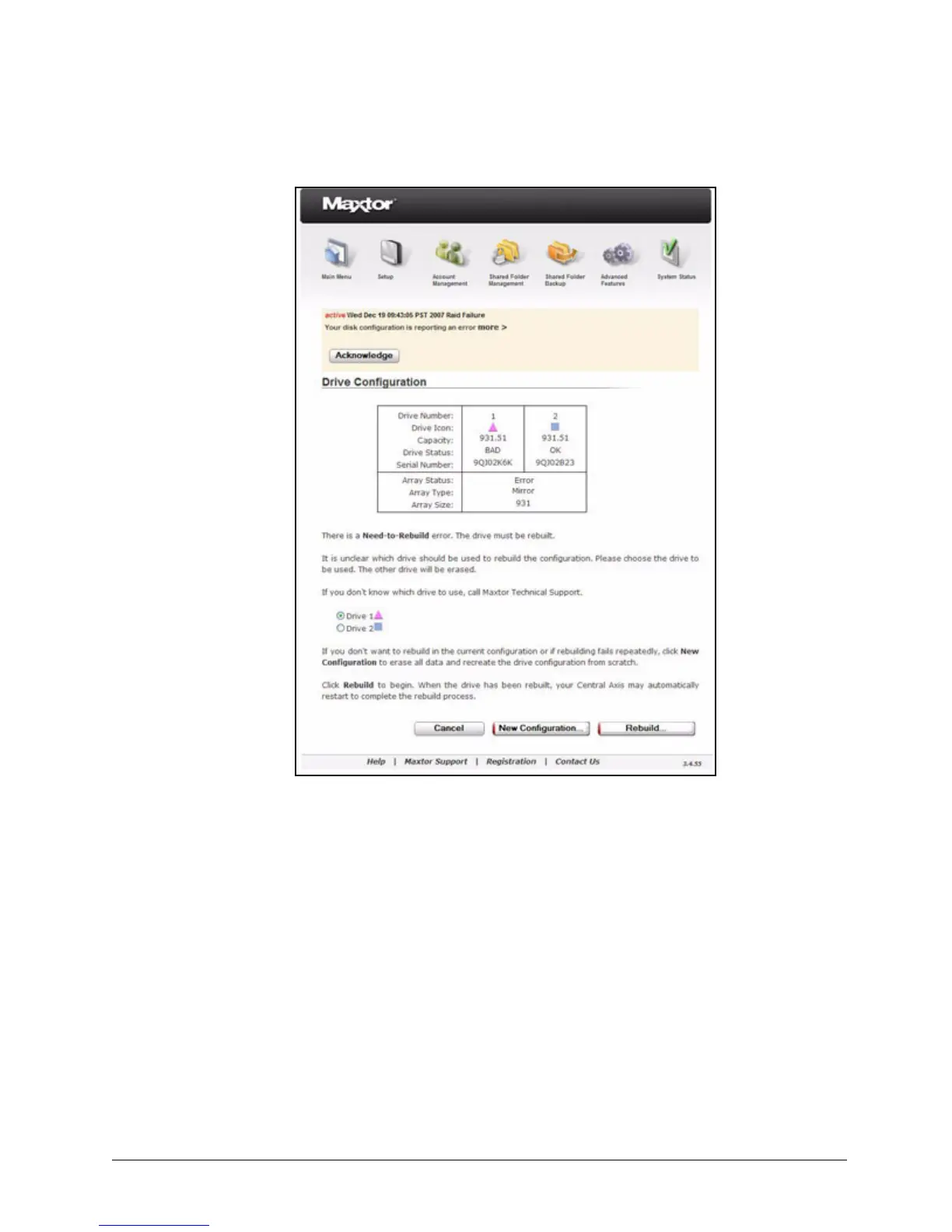
Figure 141: Drive Configuration Unclear



 To Next Page