System Status Links 102
Maxtor Central Axis Admin User Guide
Checking System Notification Status
A System Notification provides information about the status of your drive configuration and
the availability of an update for the Central Axis system software and allows you to manage
the notifications:
System notifications appear in three places:
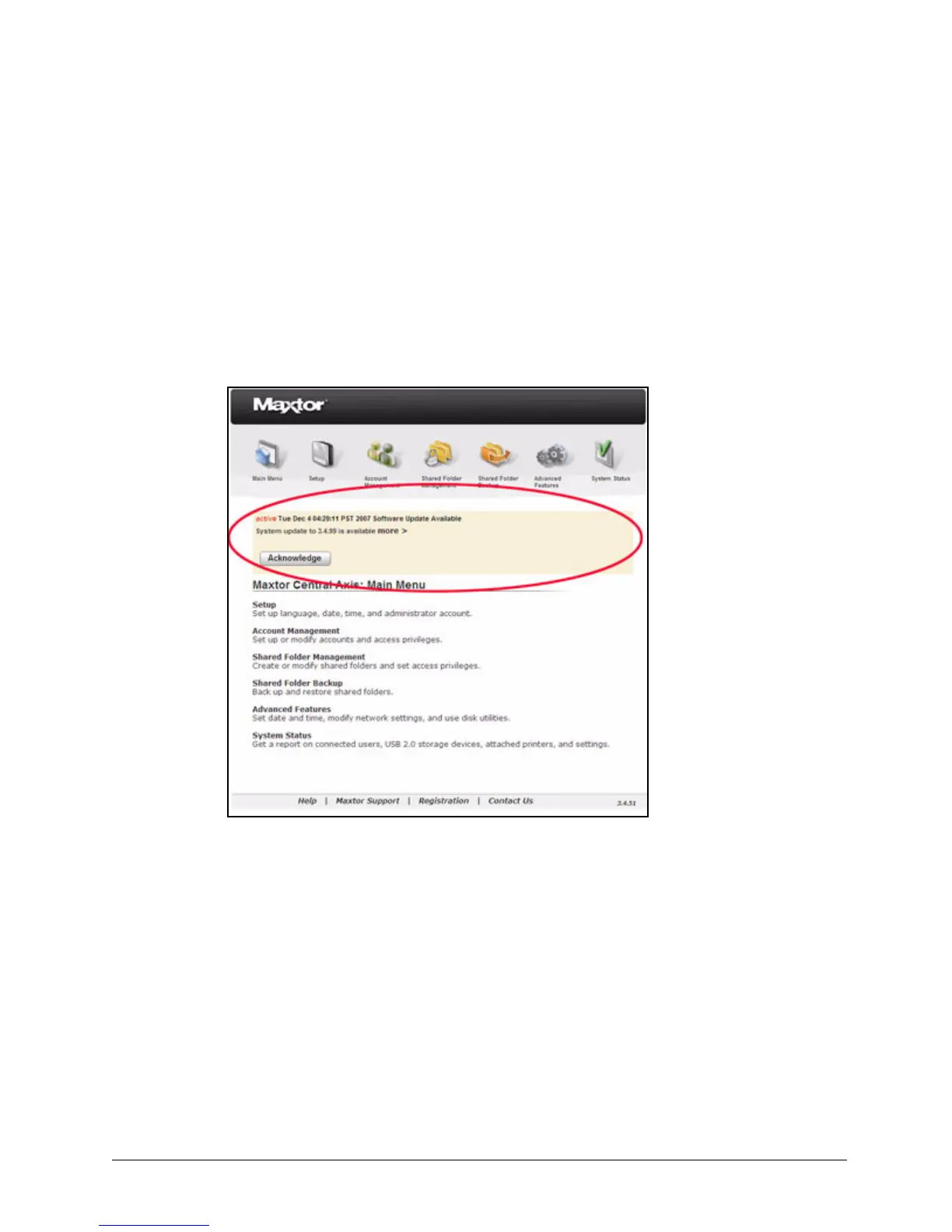
1. At the top of every Central Axis admin web page until the condition that caused the
notification is cleared or acknowledged:
2. On the System Status Notifications page:
Figure 152: Update Available Notification



 To Next Page