Setting USB Configurations 68
Maxtor Central Axis Admin User Guide
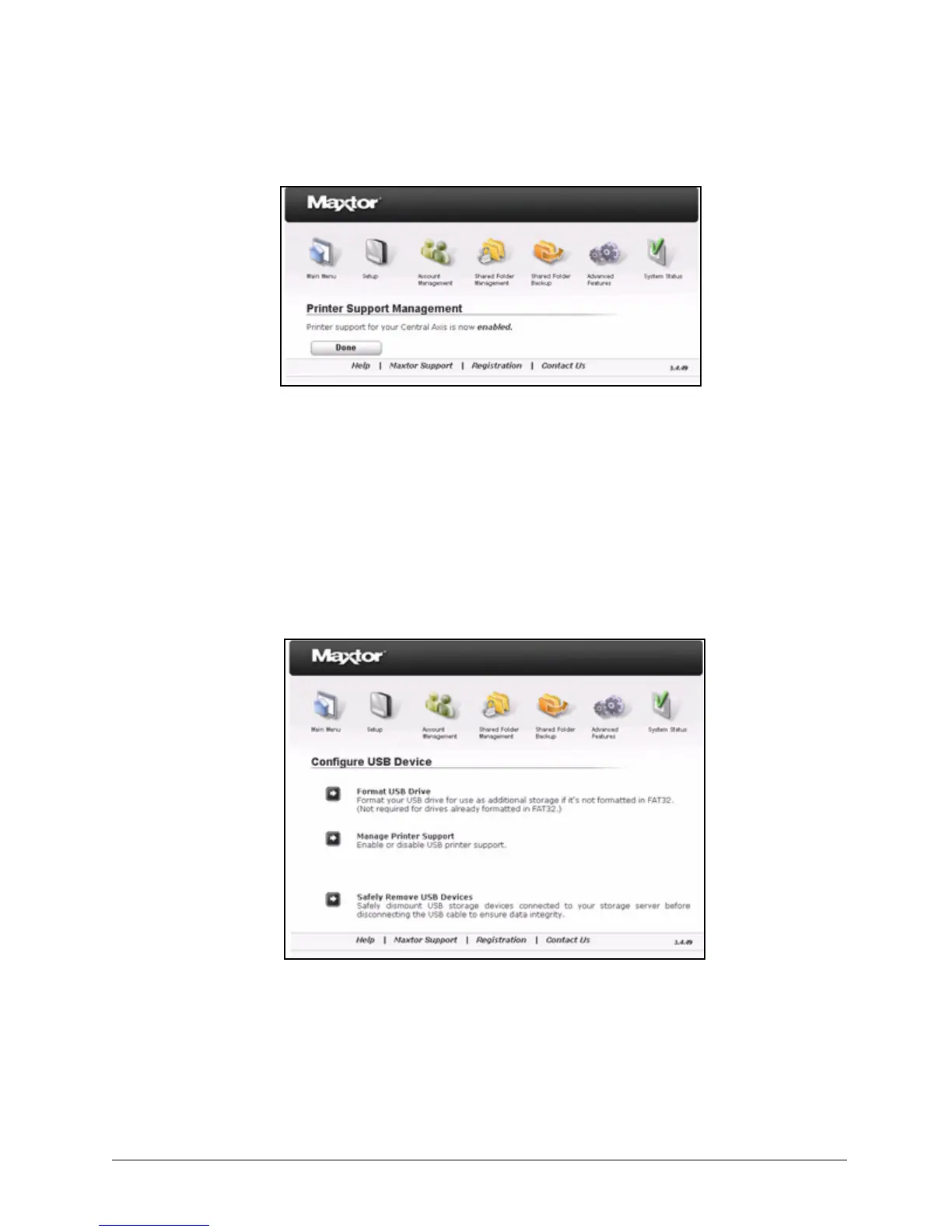
Step 4: Click Done to return to the Configure USB Device page.
Safely Removing Devices
To safely remove USB devices connected to your Central Axis,
Step 1. Click USB Configurations on the Advanced Features page.
The Configure USB Device page opens:
Step 2: Click Safely Remove USB Devices.
The Unplug USB Storage Device page opens:
Figure 104: Printer Support Confirmation
Figure 105: Configure USB Device



 To Next Page