Restoring Backed Up Folders 40
Maxtor Central Axis Admin User Guide
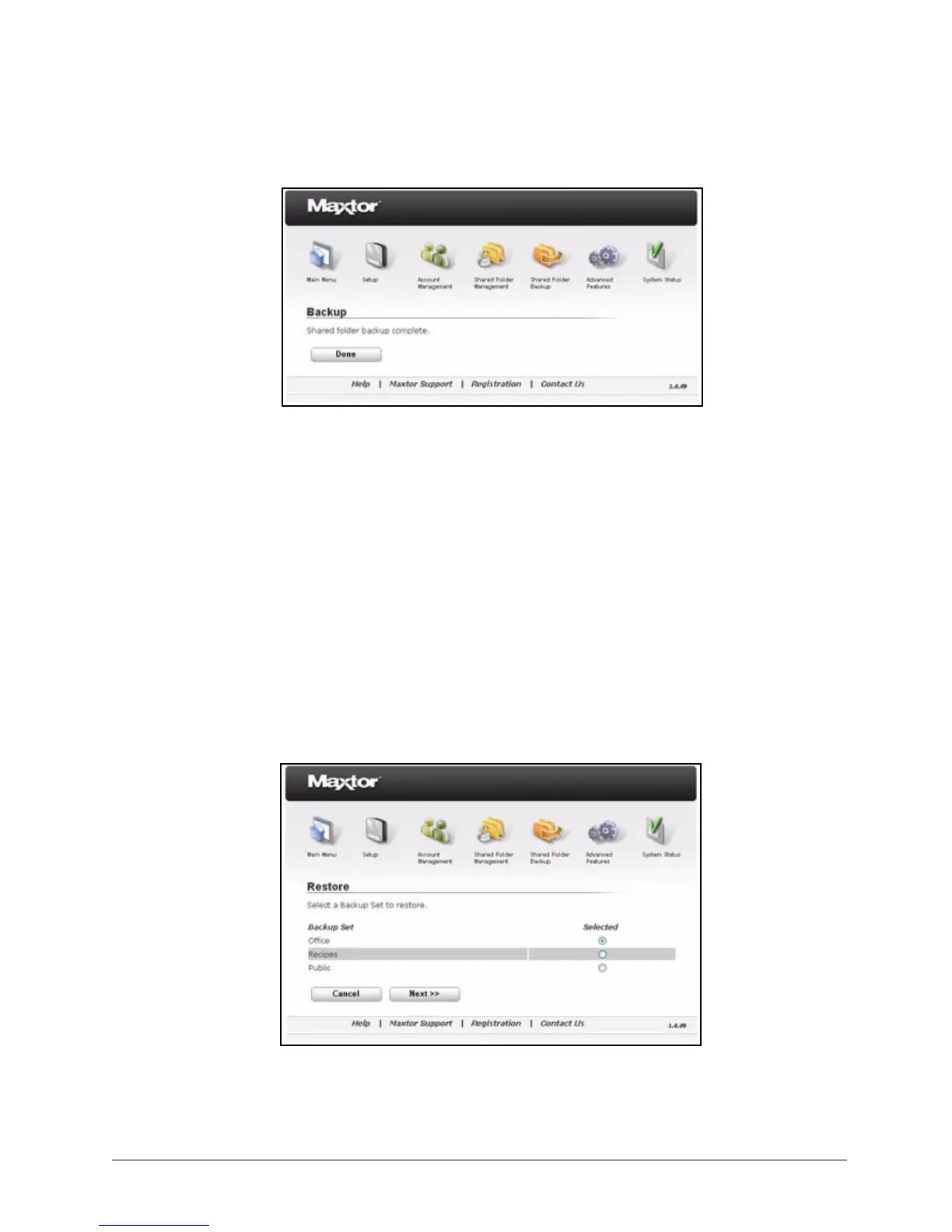
Step 4: Click Done to return to the Shared Folder Backup page.
Restoring Backed Up Folders
When you create a backup set, you select the number of months over which you want to
store historical versions of the folders in the backup set. When you restore backed up
folders, you can choose both the version to be restored and the location at which to restore
it.
To restore the folders in a backup set,
Step 1. On the Shared Folder Backup page, click Restore.
The Restore page opens:
Step 2: Select the backup set to restore and click Next.
Figure 59: Backup Complete
Figure 60: Restore I



 To Next Page