Creating a Backup Set 33
Maxtor Central Axis Admin User Guide
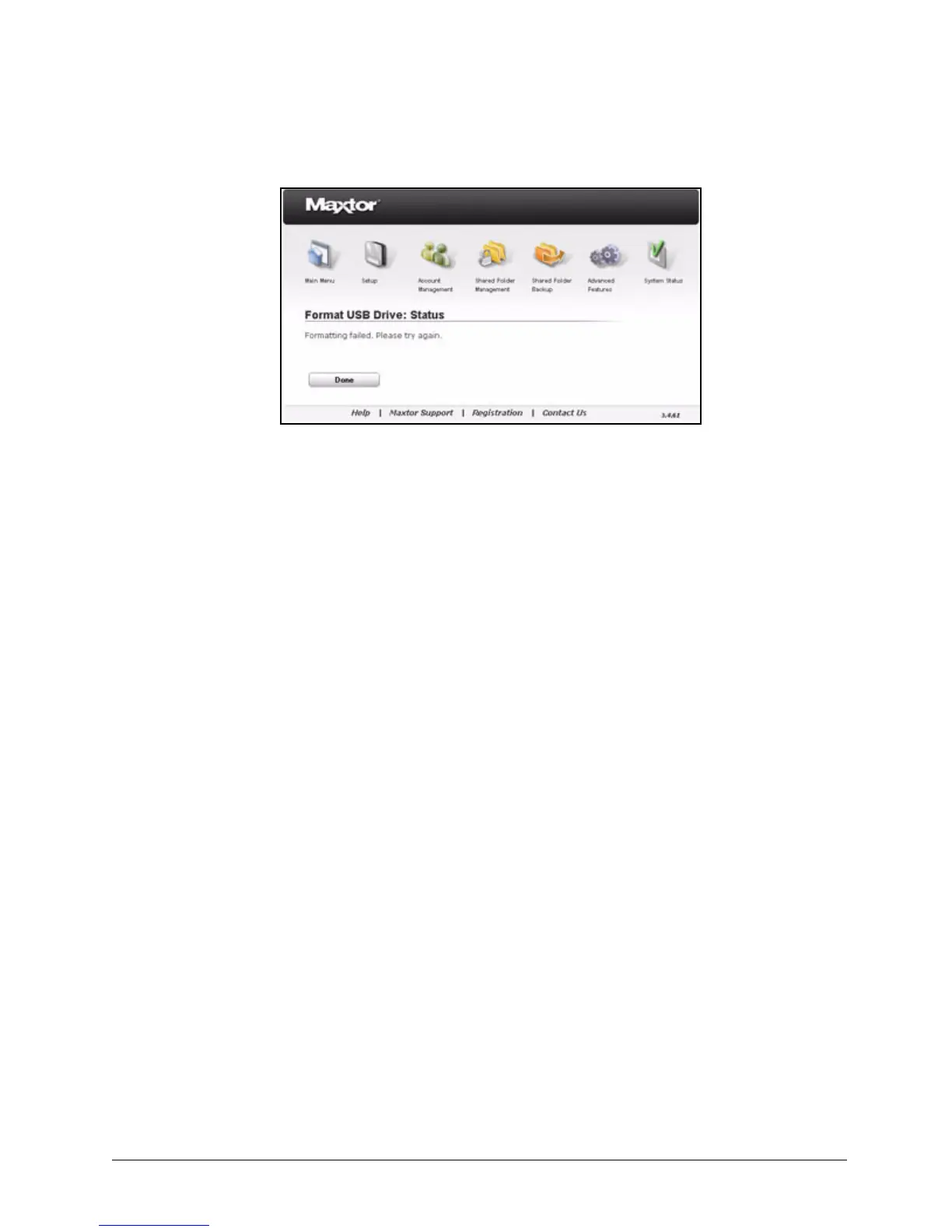
Step 5: Click Done to return to the Shared Folder Backup page and try to format the drive
again.
If the format fails repeatedly, try another USB drive or contact Support.
Creating a Backup Set
To create a backup set,
Step 1. Click Shared Folder Backup in the Main Menu or click the Shared Folder
Backup icon at the top of the Central Axis admin web page.
The Shared Folder Backup page opens:
Figure 47: USB Formatting Unsuccessful



 To Next Page