System Status Links 108
Maxtor Central Axis Admin User Guide
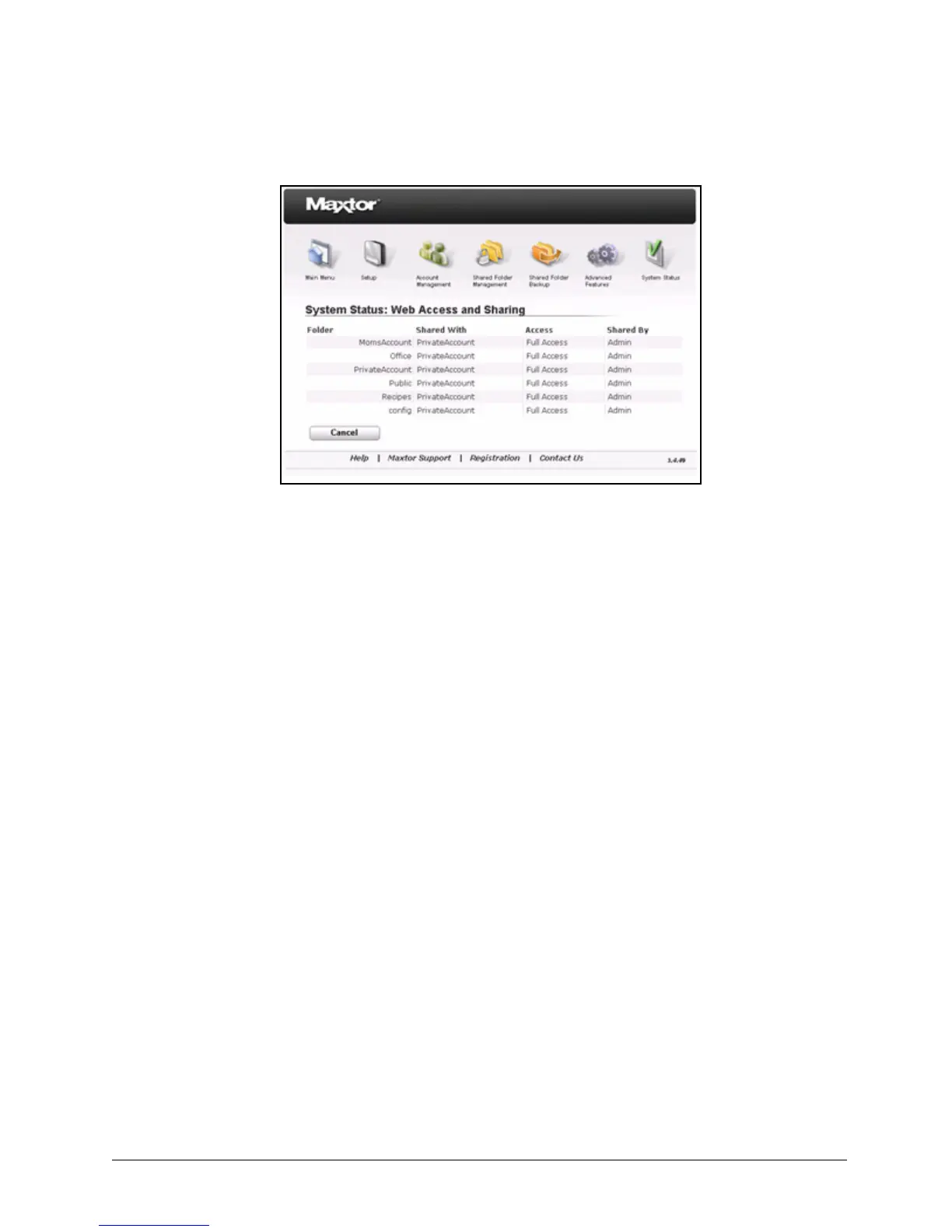
Folder: Each folder on your Central Axis enabled for Web Access and Sharing.
Shared With: Users with whom a folder has been shared.
Access: The degree of access to a folder granted to a user.
Shared By: The Central Axis user who has shared a folder.
Step 2: Click Cancel to return to the System Status page.
Checking the Administrator's Event Log
The Administrator’s Event Log lists the details of activity related to Web Access & Sharing
and automatic system updates on the Central Axis.
To view the Administrator’s event log,
Step 1. Click Administrator’s Event Log on the System Status page.
The System Status: Administrator’s Event Log page opens:
Figure 161: System Status: Web Access and Sharing



 To Next Page