Reading the LED Status Indicators 109
Maxtor Central Axis Admin User Guide
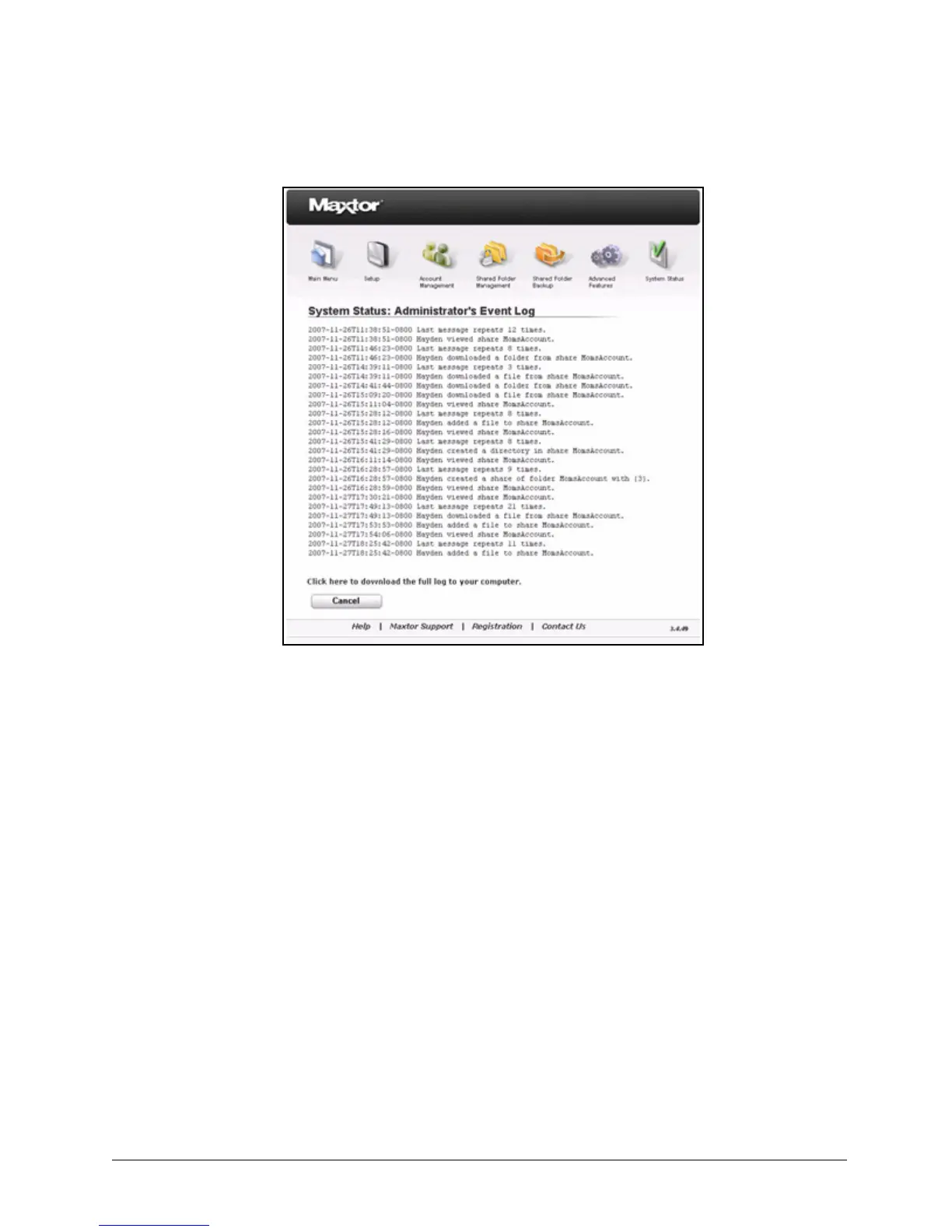
Listed by date and time is all recent activity on the Central Axis by all users.
Step 2: To download the log to your computer, click Click here to download the full log
to your computer.
Step 3: Click Cancel to return to the System Status page.
Reading the LED Status Indicators
Information about your system status is provided by the LED status indicators on the front
and rear of your device.
Maxtor Central Axis
The Central Axis LED status indicators inform you about the status of the device:
Figure 162: System Status: Administrator’s Event Log



 To Next Page