Managing System Maintenance 62
Maxtor Central Axis Admin User Guide
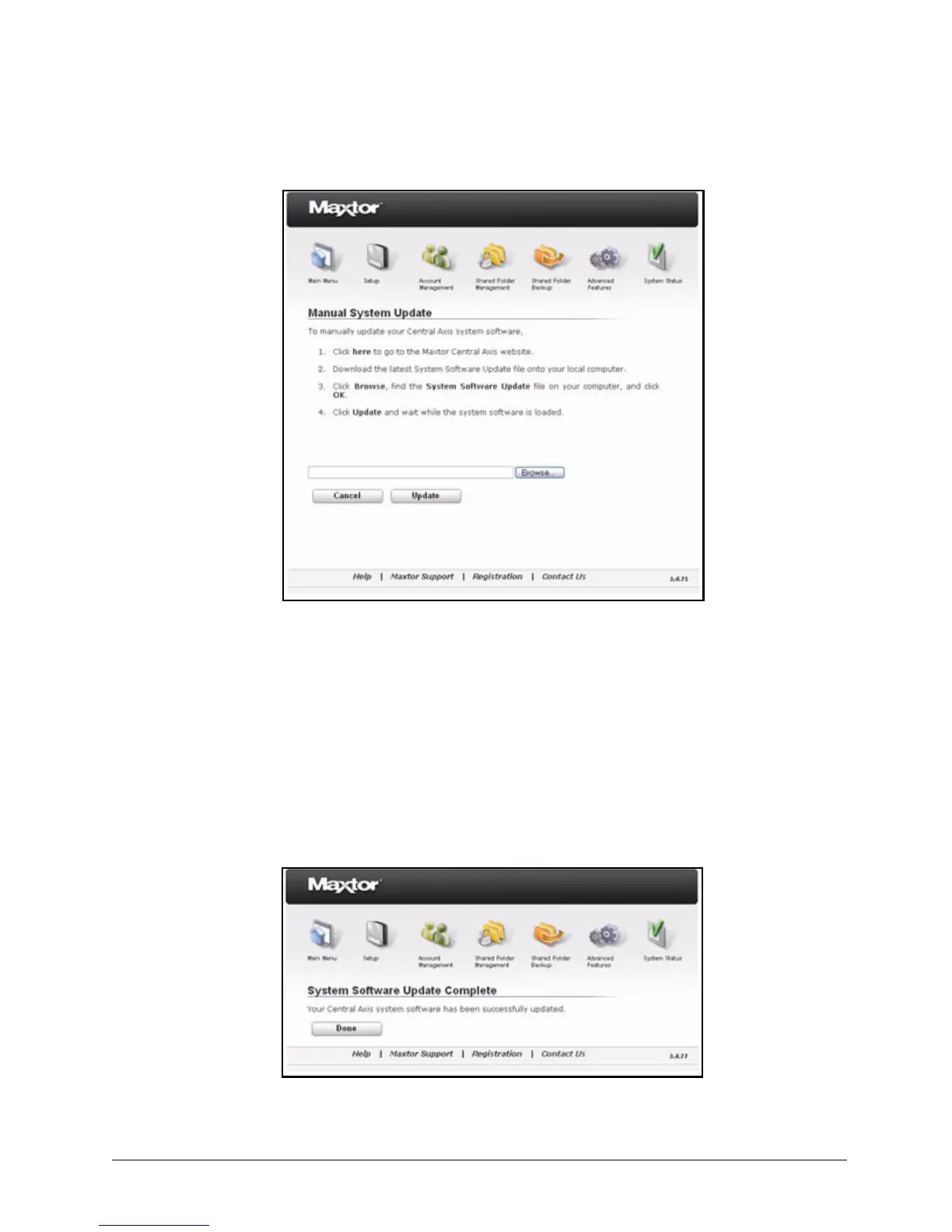
Step 3: Click 1. Click here to the Maxtor Central Axis Support website.
The Central Axis Support website opens.
Step 4: On the website, download the most recent Central Axis system software file.
Step 5: On the Manual System Update page on your desktop, click Browse to open the
downloaded Central Axis system software.
Step 6: Click Update.
When the update is complete, a message confirms that the system has been
updated successfully:
Figure 93: Manual System Update
Figure 94: System Update Successful



 To Next Page